Product Videos from the Photos You Already Have
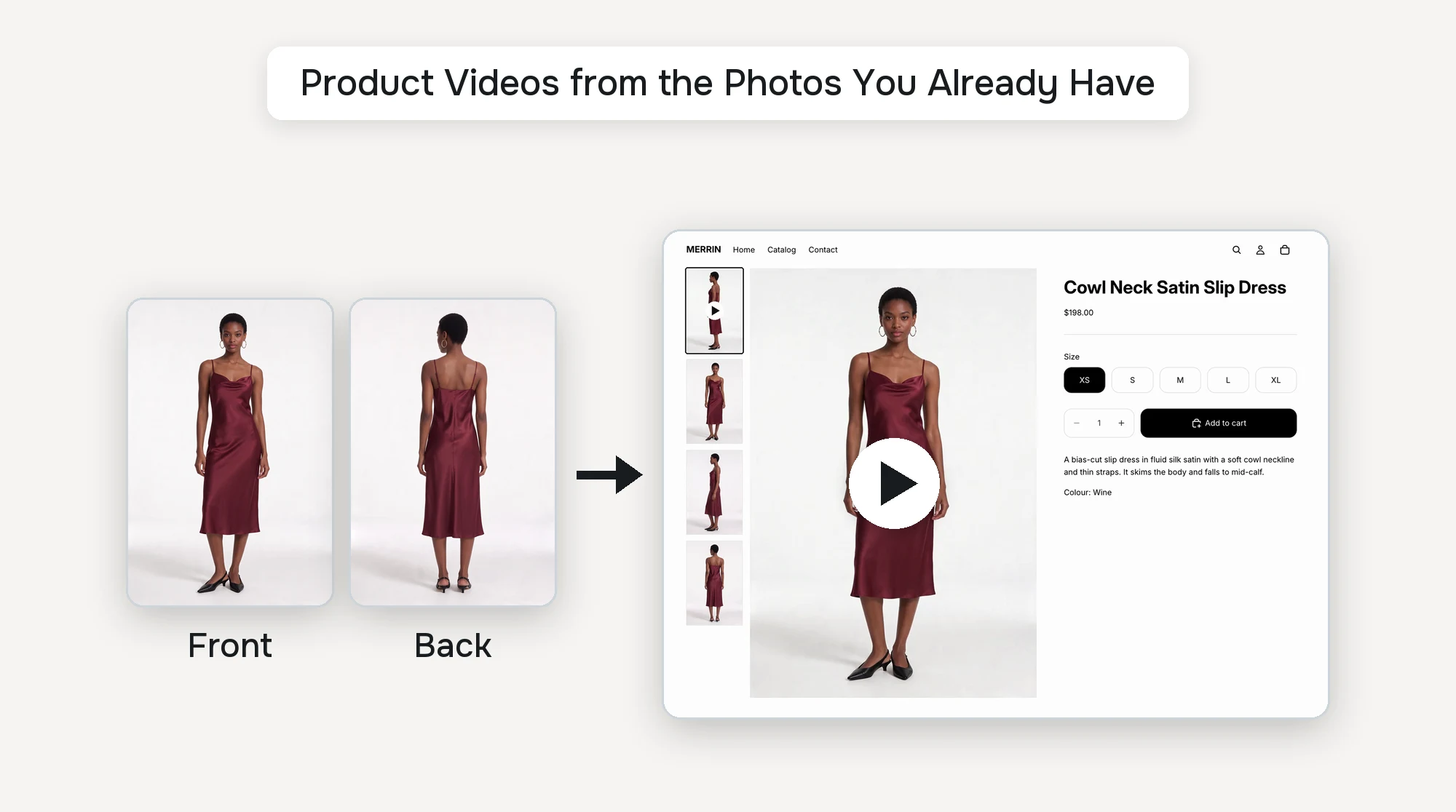
I added a video to every product in my Shopify store, made from the photos already on each page.
 Tony Assi3 min read
Hi, I'm Tony. I'm a photographer and the Creative Engineer at FASHN. Before this I spent years in content and marketing for fashion brands.
I added a video to every product in my Shopify store with one message. Each video is made from the photos already on the product page. Here's how it works, and why I wish I'd had it years ago.
Why Product Videos Matter
A photo shows what a dress looks like. A video shows how it moves. Shoppers can't touch your clothes online, so a video is the closest they get to seeing the fabric fall and the satin catch the light. When I was a merchandiser, it mattered most for sequins and flowing dresses, where the movement is what sells.
At the brand where I spent four and a half years, every product had a video. Our studio had a video station right next to the photo station, and every outfit was filmed before it was photographed. With up to 140 products a week, that meant up to 140 videos a week.
My smaller brands never had product videos. We wanted them, but there was no way to keep up without a second station and a video team.
The Hardest Part Was the Color
The video and the photos had to look like the same dress. We lit both stations the same way and checked each one with a light meter and a spectrometer.
It still wasn't enough. After every shoot I gave the video team one photo of each product to match, and grading the video to that photo took most of their editing time. The model never stops moving, so the color never stops changing.
As the merchandiser I was the last check. Videos still went live with the wrong color all the time, and each one went back to the video team to fix.
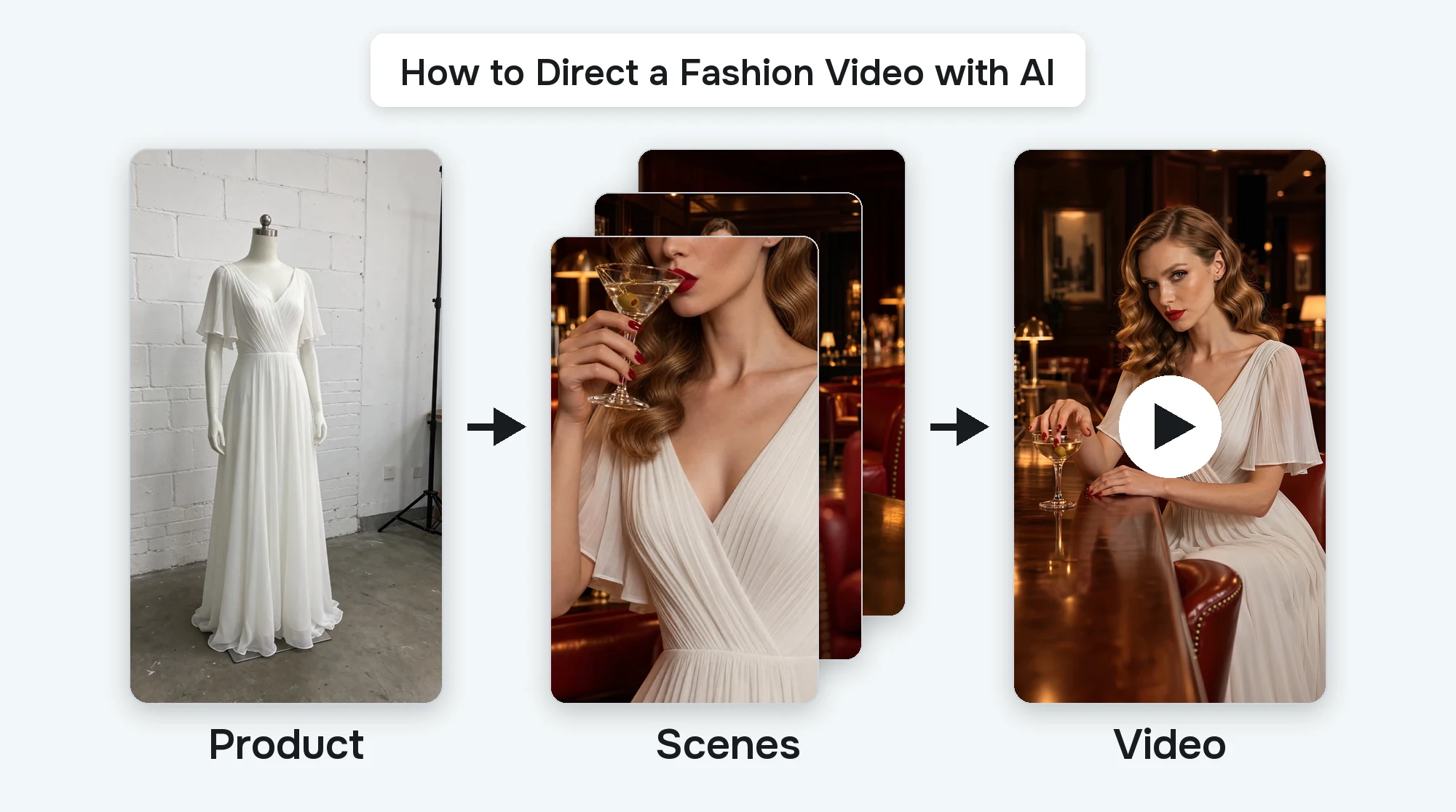
With the FASHN Agent, the video starts on your front photo and ends on your back photo. The first and last frames are your photos, and the dress matches them from start to finish.
Adding a Video to One Product
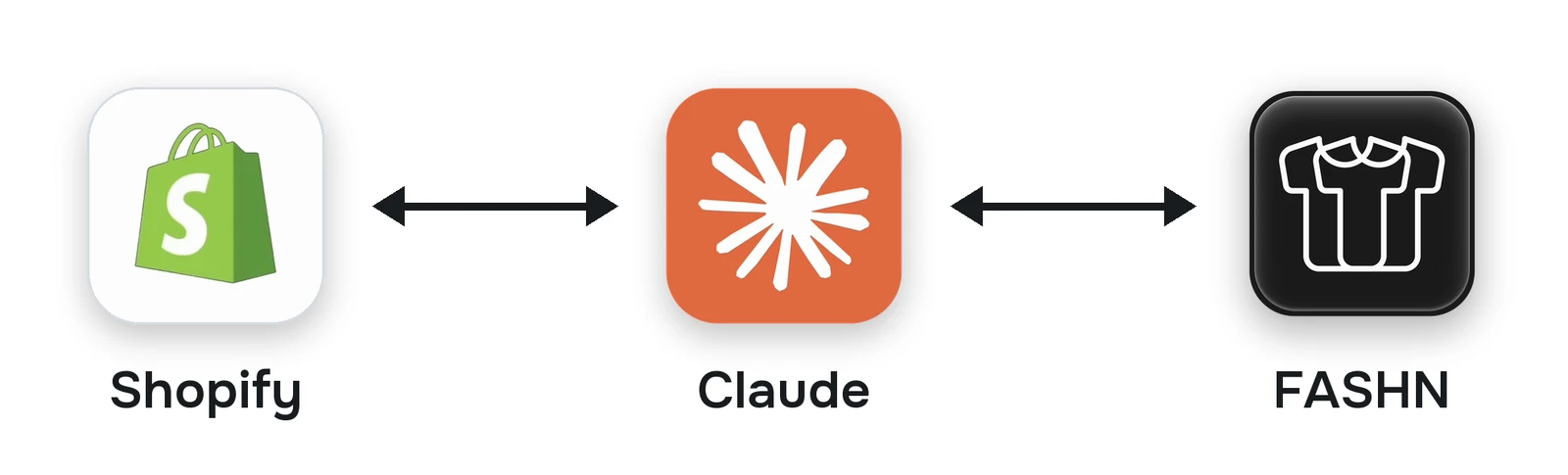
I started with one dress in my store. I opened Claude Code, the Code tab in the Claude desktop app, and pasted this with the product page link:
Read https://docs.fashn.ai/recipes/shopify-product-video.md and follow it to make a product video for [your product page link]
That link is a recipe, a short text file that tells Claude Code every step. The first time, Claude asked for my FASHN API key and helped me connect it to my Shopify store. Then it took the front and back photos from the product page and checked them with me. The FASHN Agent made the video, and Claude asked if it should add it to the page. I said yes, and there it was.
To do this on your store, you need Claude Code and a product page with a front and back photo on a model. You also need a paid Shopify plan, because trial stores can't upload videos.
Your Whole Store
Once the first video looked right, I did the rest of the store. In the same conversation I told Claude:
Make a video for every product in my store
Claude checked the photos for every product with me and made one test video first, since videos use more credits than photos. Once I approved it, Claude made the rest and put each one on its product page. That used to take a second station and a whole video team.
Where to Start
Start with one product. If you like the video, do the rest of your store in the same conversation. Every step is on the recipe page in our docs.
Try FASHN free. If you have questions, leave a comment on the video. I read every one.
About the Author
Tony Assi is the Creative Engineer at FASHN. Before FASHN he spent years in content and marketing for fashion brands. He holds an MFA in Digital Art and New Media, where his thesis was on fashion and AI.

Written by
Tony Assi