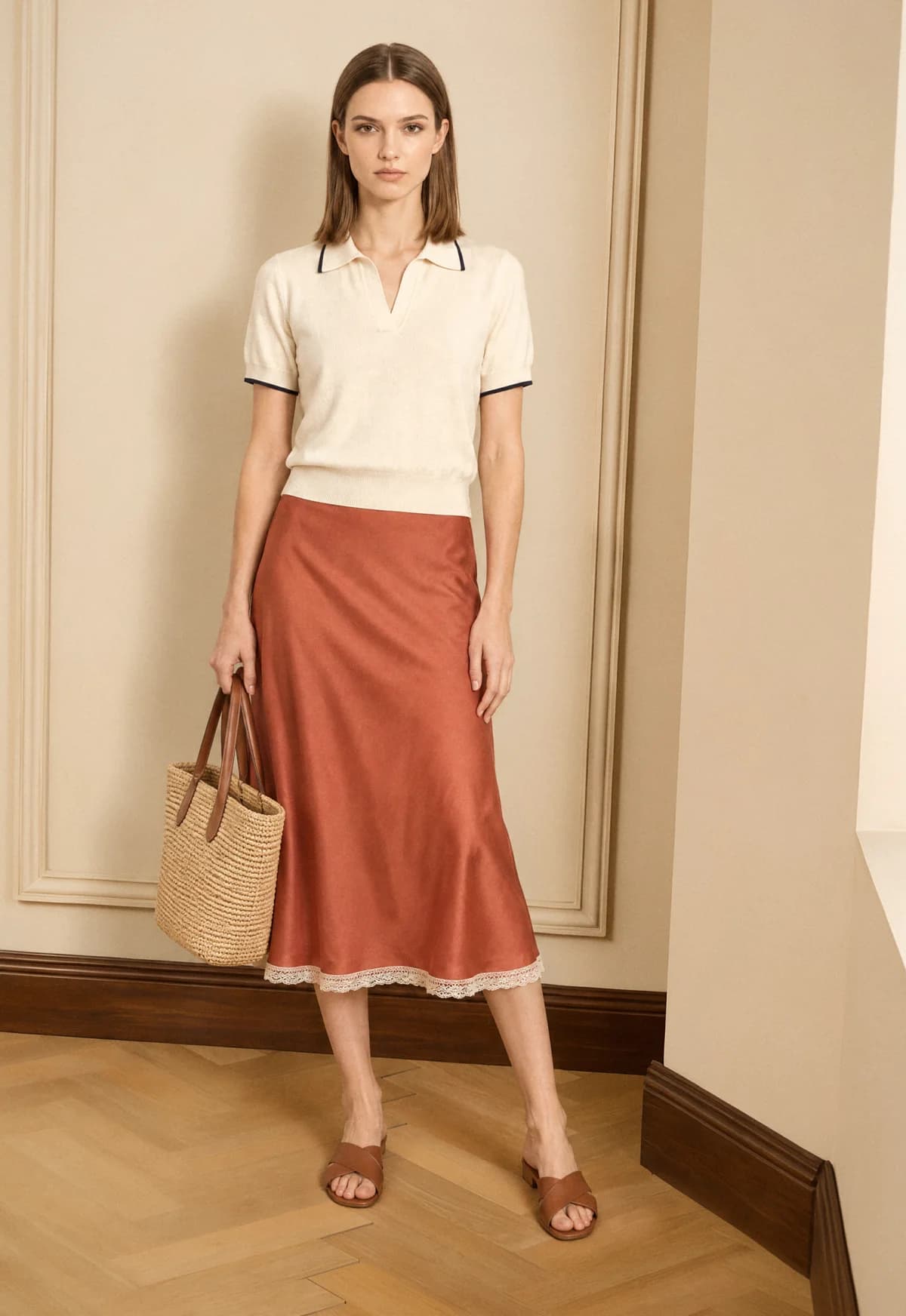
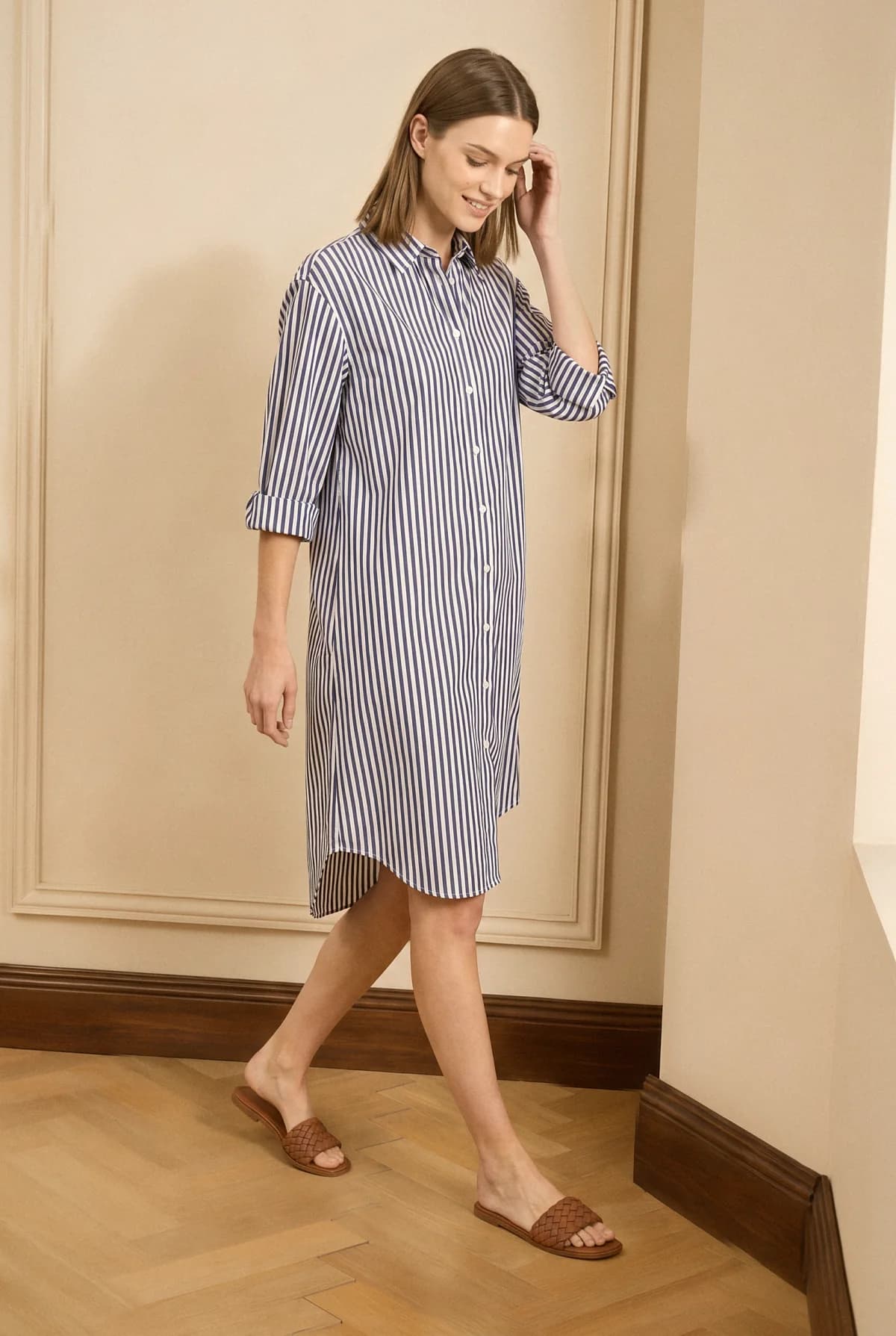
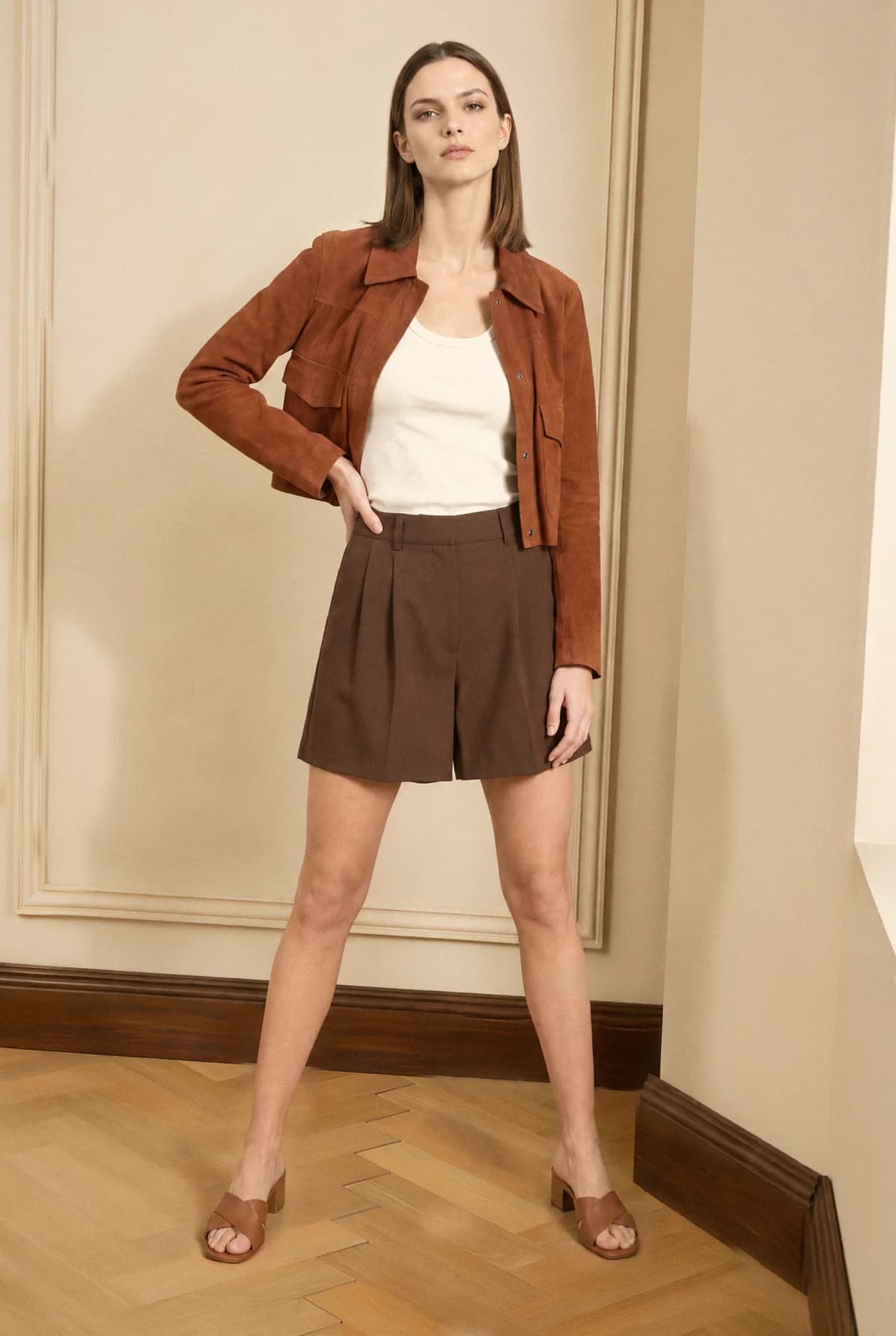
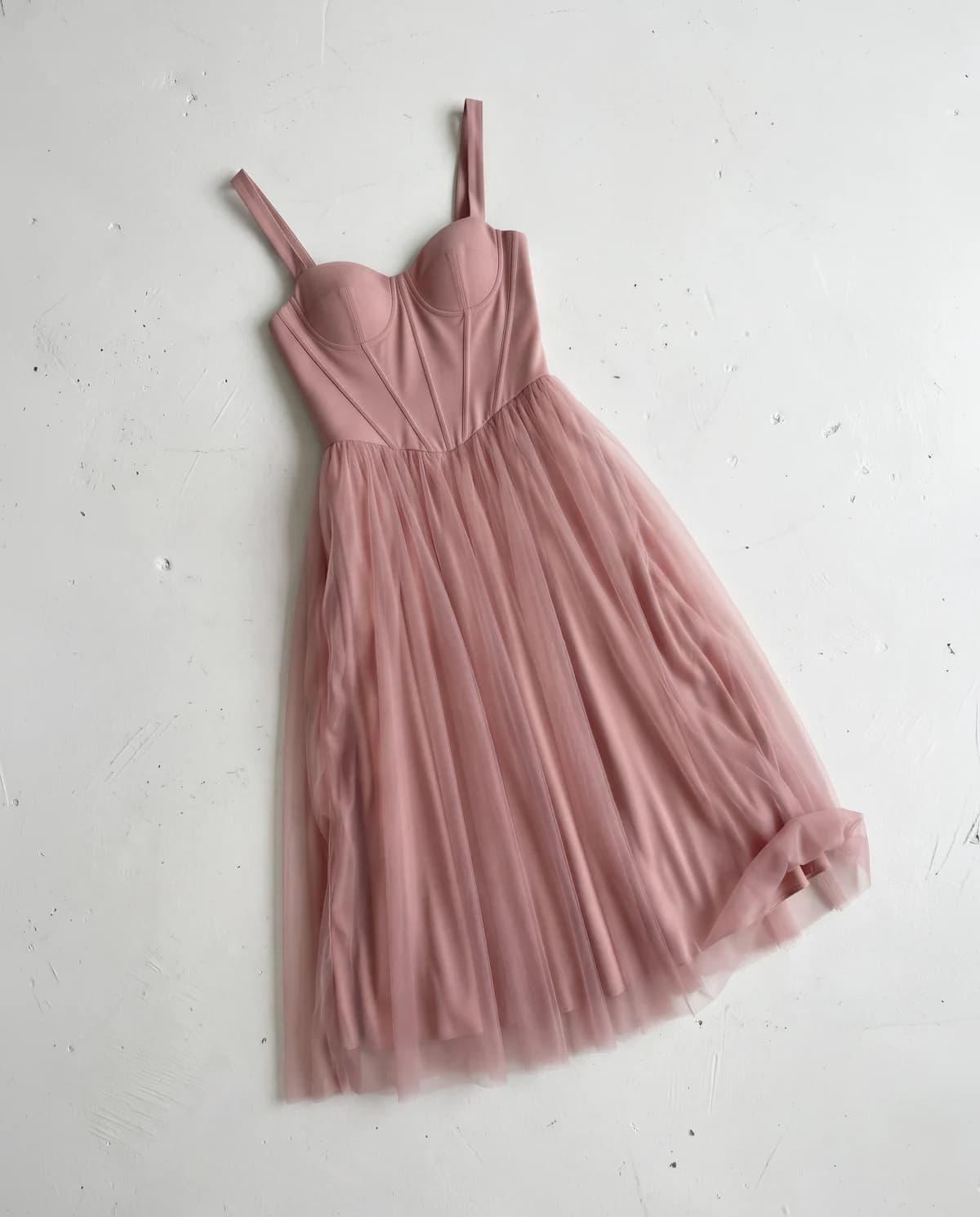
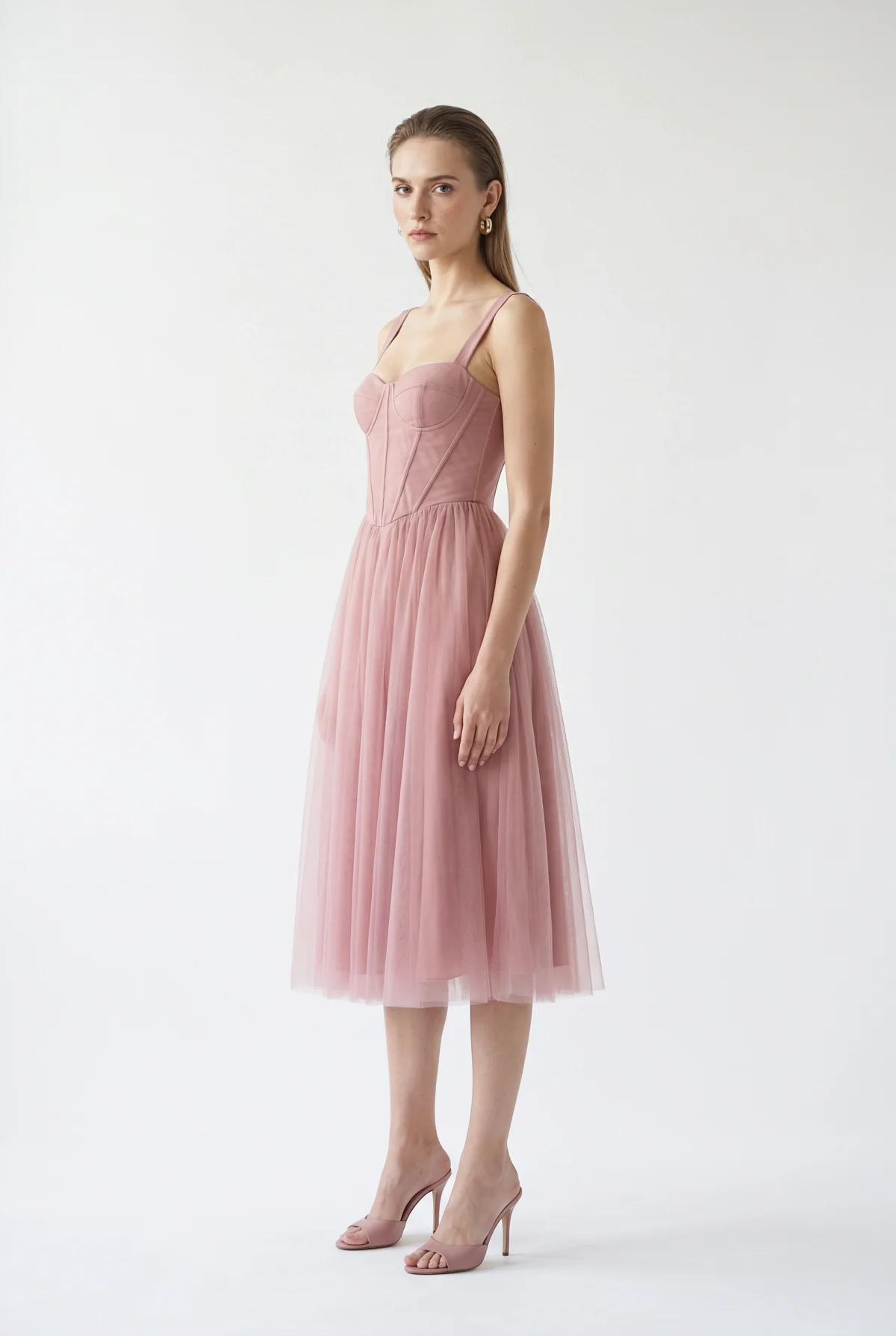
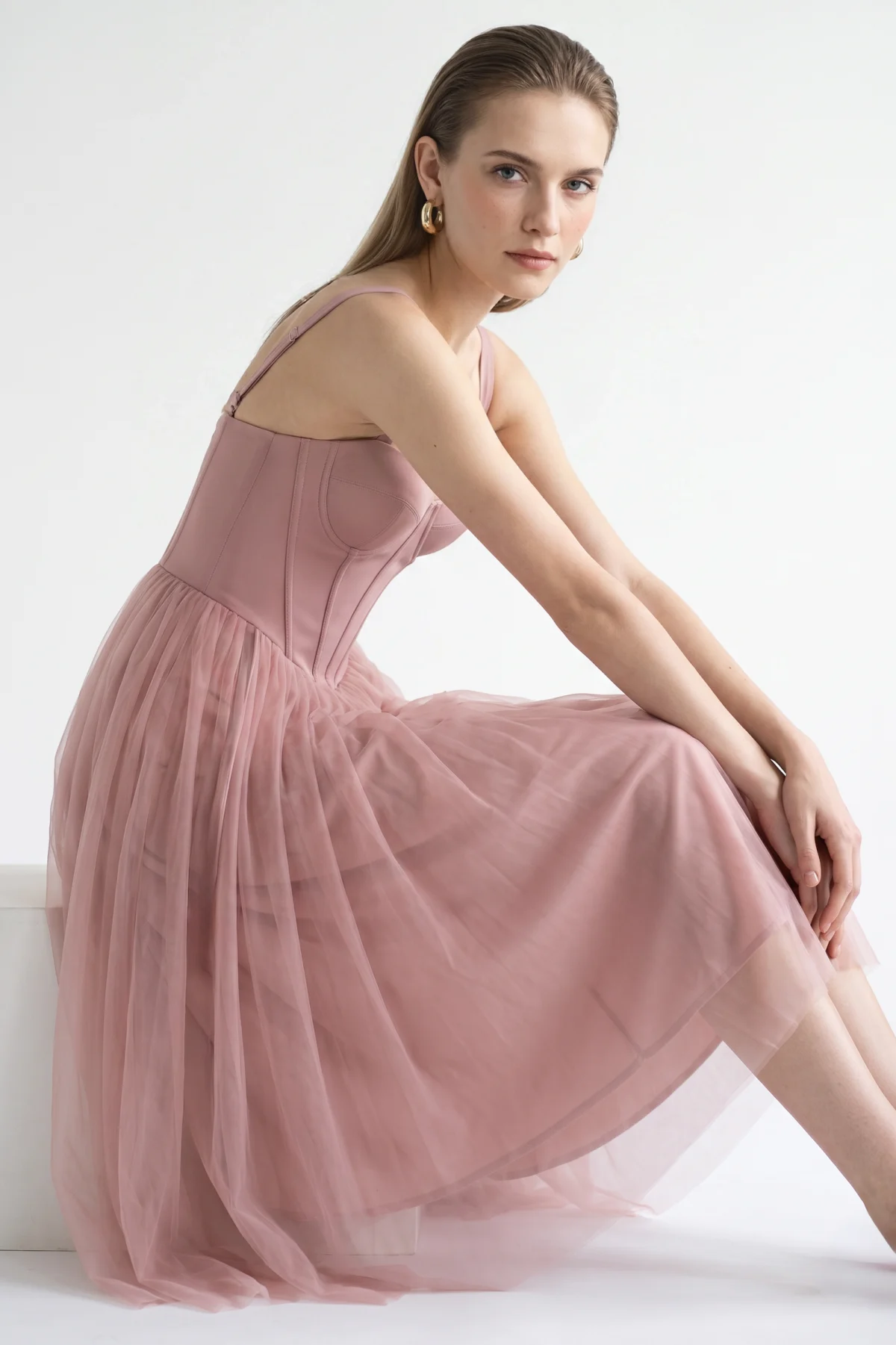
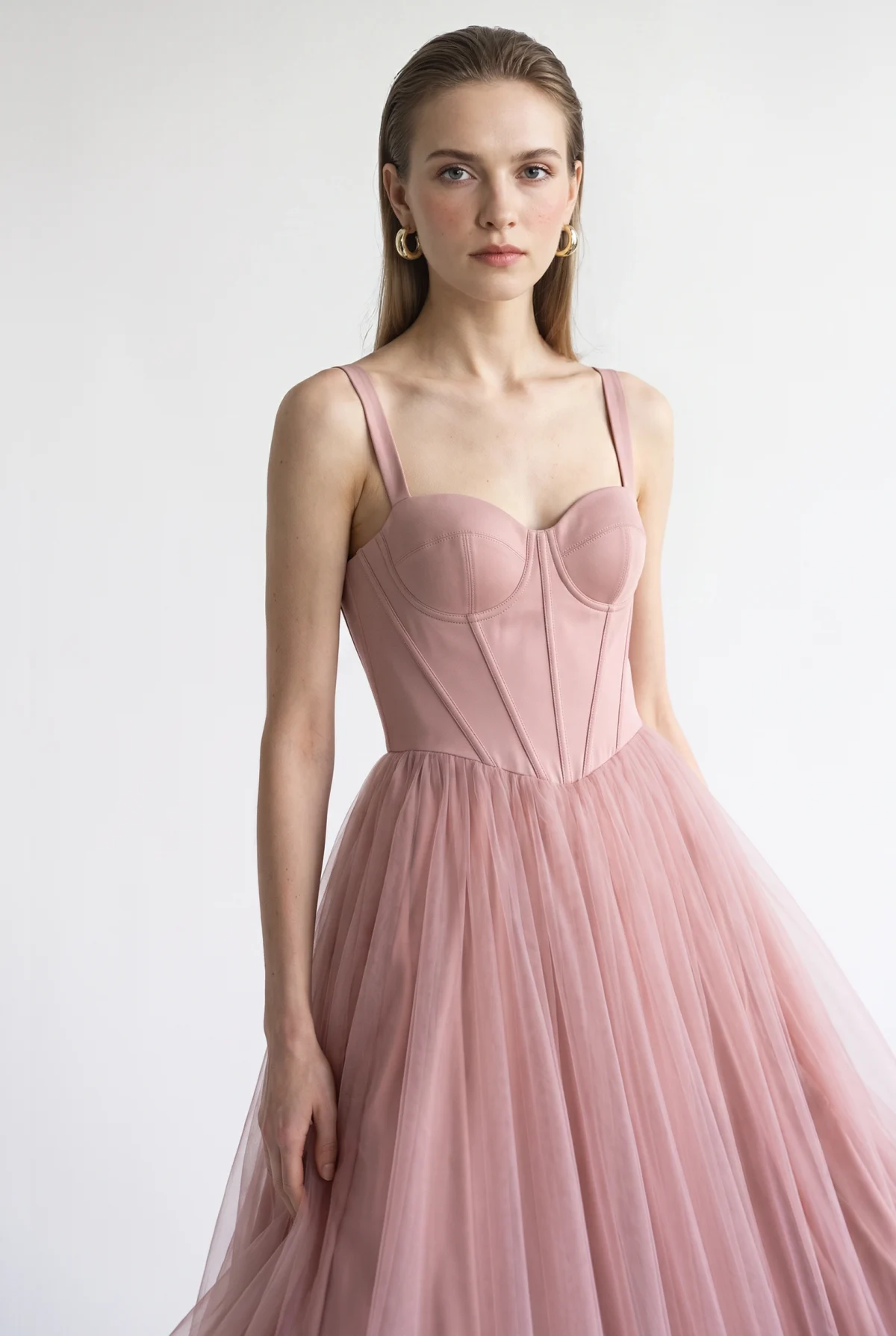
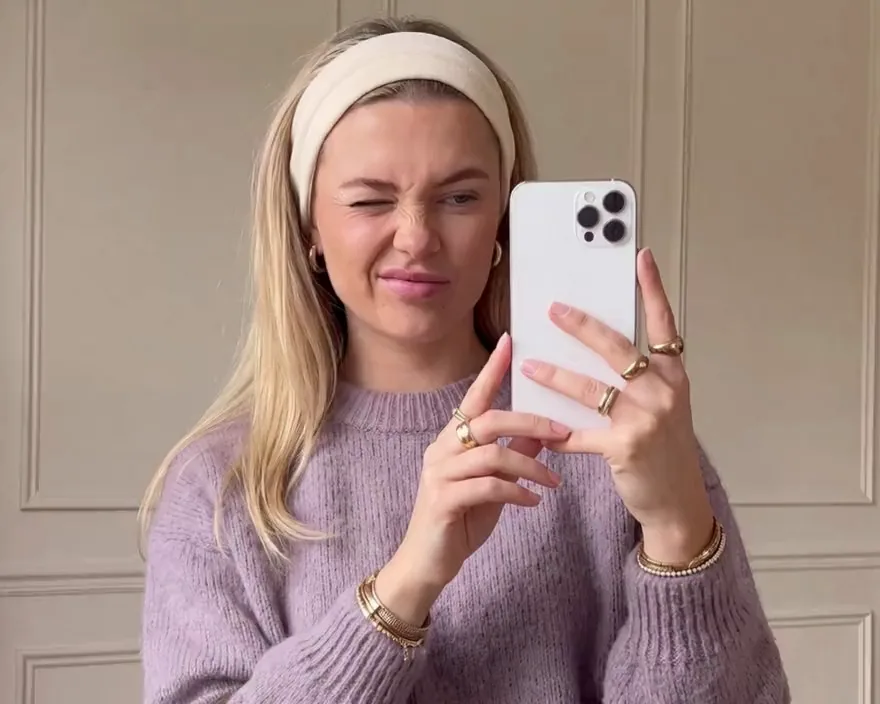
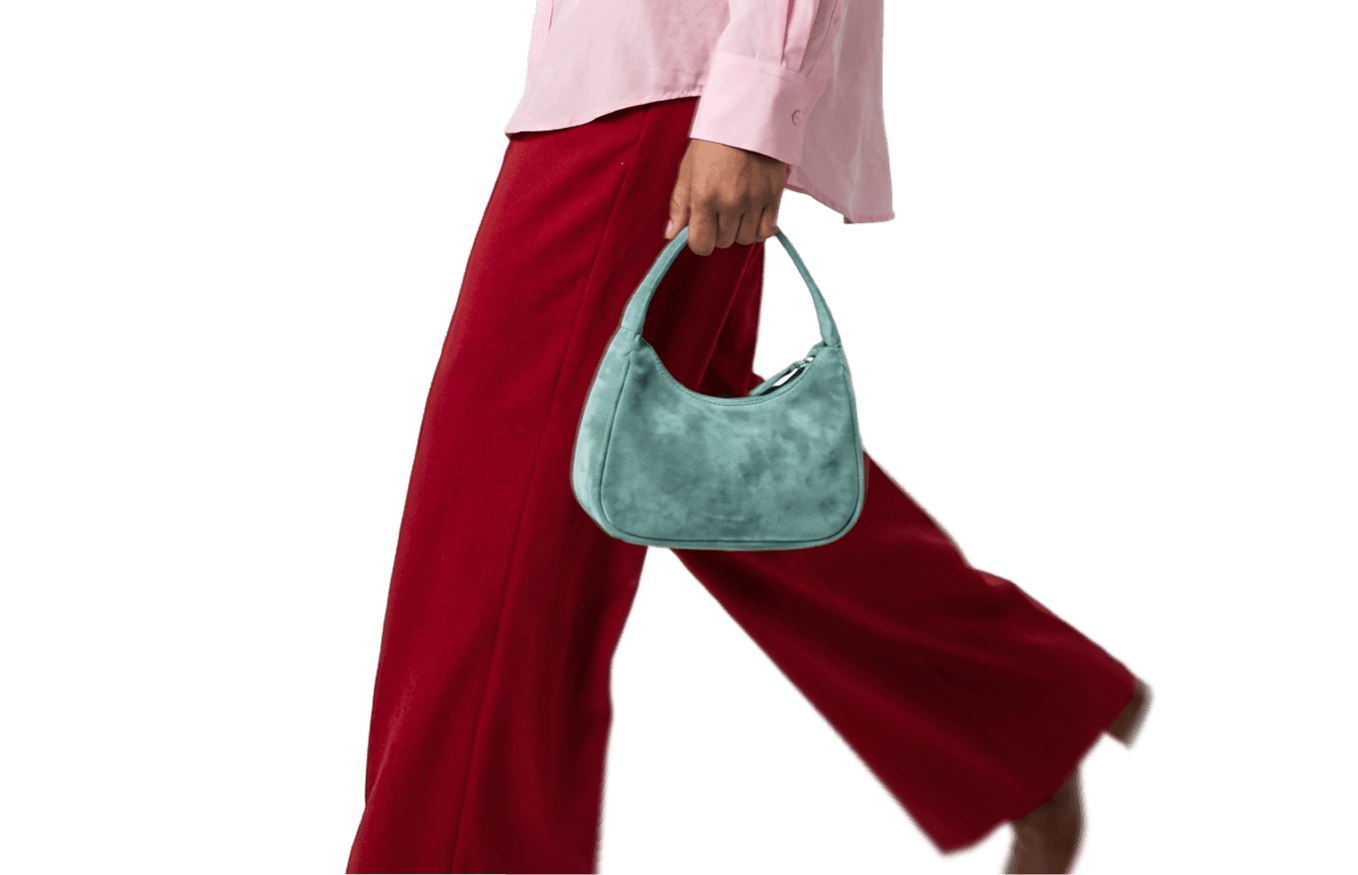
Send a prompt and up to 6 photos from Claude Code, Codex, or your own app. The FASHN Agent plans every step, from try-on to model swaps, edits, and upscaling, and returns finished fashion images.
Works with Claude Code, Codex, Cursor, and any agent or app that can send an HTTP request.
One API callLook 1 of 4
POST /v1/agent/images
"prompt": "Make a 4-look lookbook from these photos"
// 6 photos in, 4 looks out
Inputs
1
2
3
4
1
2
3
4
Outputs
Trusted by fashion and AI companies
How the FASHN Agent API works
Your agent is the producer and the FASHN Agent is the photographer. Your agent sends the brief, and the FASHN Agent makes the images and keeps the model, location, and light consistent.
01
Get your API key
Buy credits in the API dashboard and create a key.
02
Send a prompt and your photos
Describe what you want in plain language and attach up to 6 images, from any language or straight from your coding agent.
03
Get every image back
The FASHN Agent picks the steps and returns every image it made, in the response, by polling, or by webhook.
Ask in plain language. The FASHN Agent picks the right tools, runs them in order, and adds no steps you didn't ask for.
Try-on and product to model
Dress a model in your products, or turn flat-lay and ghost mannequin shots into on-model photos.
AI models and model swap
Create a fashion model from a prompt or a face photo, or change the model while the outfit stays the same.
Poses, angles, and backgrounds
Change the pose, camera angle, styling, or location of any image.
Packshots and cutouts
Make clean packshots, transparent images, and background removals for product pages.
Up to 4K, in any shape
Choose a resolution up to 4K and an aspect ratio from 9:16 to 21:9, or upscale images you already have.
Several images per request
Ask for three angles or a four-look lookbook, and get every image back from one request.
Your coding agent
Codex
FASHNAIAgent API
> Read https://docs.fashn.ai/api-reference/agent-images.md, then make three on-model photos of ./dress.jpg
Also works with Gemini CLI, GitHub Copilot, and any agent that can call an API.
Coding agents
Use FASHN from Claude Code, Codex, and Cursor
Your coding agent finds your photos, sends the brief, and saves the finished images to your folder. Start from a recipe, a short text file of instructions, and you don't need to write any code.
Any agent can also read the Agent API docs as Markdown and make images from your prompt. To build virtual try-on into your own app, install the FASHN skill for Claude Code, Codex, Cursor, Gemini CLI, GitHub Copilot, and more.
Consistent shoots
A full lookbook from one call
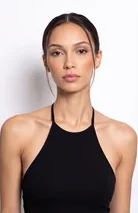
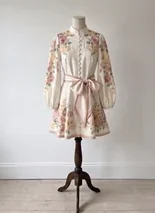
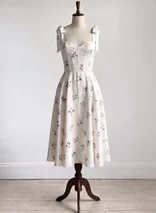
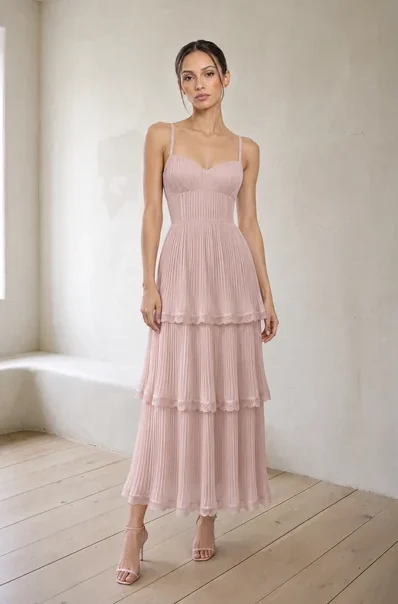
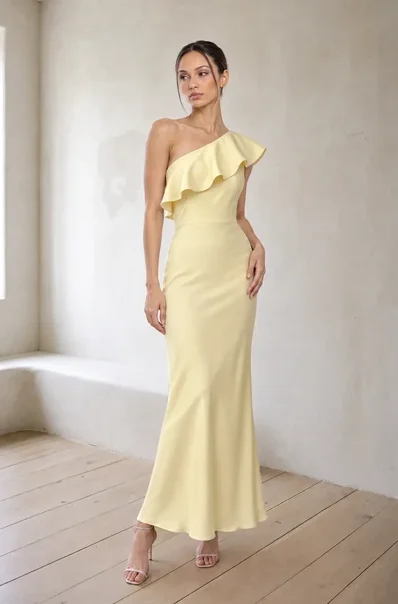
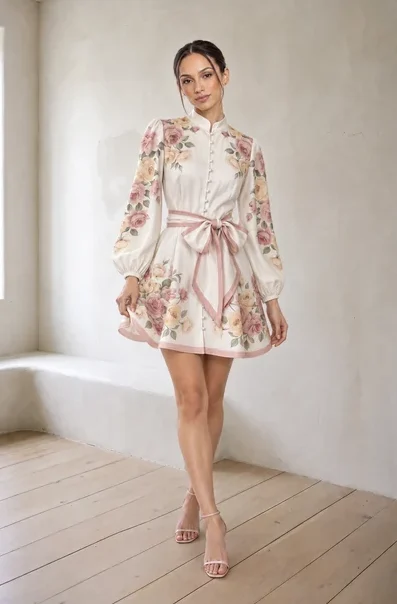
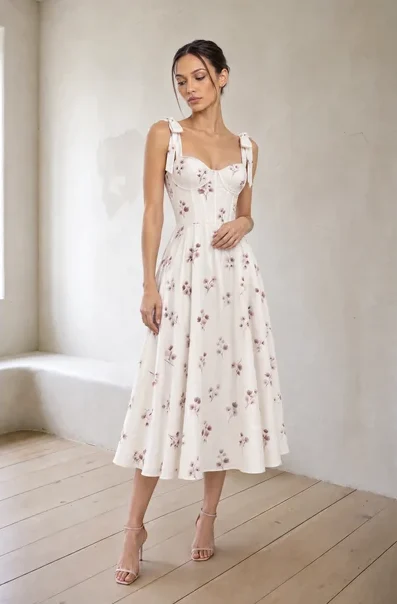
Send a face, a location, and your products in one request. With the lookbook recipe, the FASHN Agent makes the first look from your photos and every other look from that one, so the model, room, and light stay the same.
One call replaces a request per look, and failed operations never use credits.
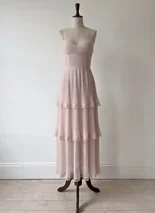
Product photo
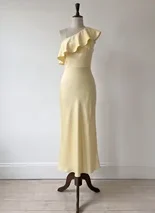
On-model photos
Agentic ecommerce
Product content for your whole catalog
Connect the Agent API to your catalog, PIM, or store, and every new product can get on-model photos, packshots, and transparent cutouts automatically.
Run the same workflow for new colorways, product pages, or a month of social posts, and get each result by webhook when the run finishes.
Virtual try-on API
Virtual try-on for apps, stores, and shopping assistants
When shoppers need to see a product on themselves, call the try-on endpoints directly. Send a photo of a person and a product, and get a realistic try-on back in seconds, with official TypeScript and Python SDKs.
The FASHN Agent API lets your own AI agents and apps use the FASHN Agent. Send a plain-language prompt and up to 6 reference images to one endpoint, and the FASHN Agent decides which steps to run, such as try-on, model swap, edits, upscaling, or background removal, then returns every image it made.
It's fashion content made by AI agents that carry out the whole job instead of answering one prompt at a time. With the FASHN Agent API, an agent like Claude Code can find your product photos, send the brief, and save the results, while the FASHN Agent plans and makes every image in the shoot.
Yes. Any agent or app that can send an HTTP request can call the Agent API. In Claude Code, the lookbook recipe makes a full lookbook from one line, and any agent can read the Agent API docs as Markdown, then make images from your prompt. To build virtual try-on into your own app, install the FASHN skill with npx skills add fashn-ai/fashn-skill, which teaches your coding agent the try-on endpoints and SDKs.
No. You can give Claude Code or Codex a recipe, a short text file of instructions, and it makes the API calls for you. The lookbook recipe turns a face, a location, and four product photos into four consistent looks. Developers can call the same endpoint from any language.
The FASHN Agent creates images. It can dress a model in your products, turn product photos into on-model images, create or swap models, change poses and backgrounds, make packshots and transparent images, upscale results, and remove backgrounds. Each request can run up to 8 operations.
Credits cost $0.075 each, with a minimum purchase of $7.50 for 100 credits. Each Agent image uses 1 to 4 credits depending on generation mode and resolution, and an upscale or background removal uses 1 credit. Try-On v1.6 uses 1 credit per image, and Try-On Max uses 1 to 5. There are no free credits, and failed operations are never charged.
A single Agent image at default settings takes about 40 seconds, and multi-step requests take longer, up to 15 minutes. You can wait for the response, or start an async run and get the result by polling or webhook. Try-On v1.6 returns results in about 5 to 17 seconds.
Send a face photo and a location with your products, and describe the shoot. The lookbook recipe has the FASHN Agent make the first look from your photos and every other look from that one, so small changes don't add up and the model, room, and light stay the same.
Yes. If you're building a shopping assistant or an agentic storefront, call the virtual try-on endpoints to show shoppers how a product looks on them, and use the Agent API to create the on-model photos and packshots every listing needs.
Use the Agent API for content creation and multi-step jobs, where a prompt and a few photos should become finished images. Use Try-On Max or Try-On v1.6 for real-time shopping experiences, where you send a person photo and a product photo and need a fast, predictable try-on.
Try-On Max is the most capable FASHN try-on model. It handles clothing, shoes, bags, hats, and jewelry at up to 4K and follows text instructions like tucking in a shirt. Try-On v1.6 is faster and lighter, made for real-time experiences with tops, bottoms, and one-pieces, at 1 credit per image.
Send a photo of a person and a photo of a product to the run endpoint with the try-on model name. The product can be a flat-lay, a ghost mannequin shot, or an on-model photo. The API returns an image of the person wearing the product, which you get by polling the status endpoint or through a webhook.
Yes. A developer or agency connects the FASHN API to your Shopify store, WooCommerce store, or custom site, giving you full control over how virtual try-on looks and works on your product pages.
The Agent API accepts 100 new runs per minute, and the try-on run endpoint accepts 50 requests per minute. Each running operation counts toward your concurrency limit, which starts at 6 at a time. Contact [email protected] to raise it for production traffic.
Outputs are deleted after 3 days, and images sent as base64 are deleted once the request or Agent run ends. Your content isn't used to train models unless you opt in, and a Data Processing Agreement is available.
Yes. You can use the images you create with the FASHN API in your products, on product pages, and in marketing, in line with our terms of service.
Buy credits in the API dashboard and create an API key, then follow the Agent API quickstart at https://docs.fashn.ai/getting-started/agent-quickstart to make your first images.


 FASHNAIAgent API

 Codex