

fashn-logo

FASHNAI

Consistent AI models

Keep the same AI model in every shot

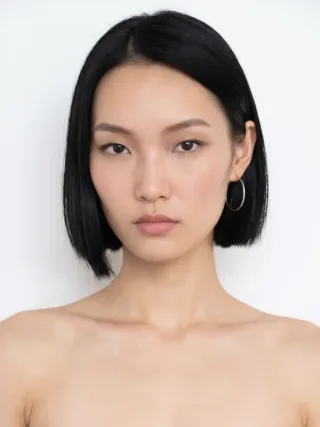
Give your brand a recognizable face. Choose a model, a portrait from Elements, or a photo of someone you work with, and FASHN keeps that same face across every product, pose, and campaign.

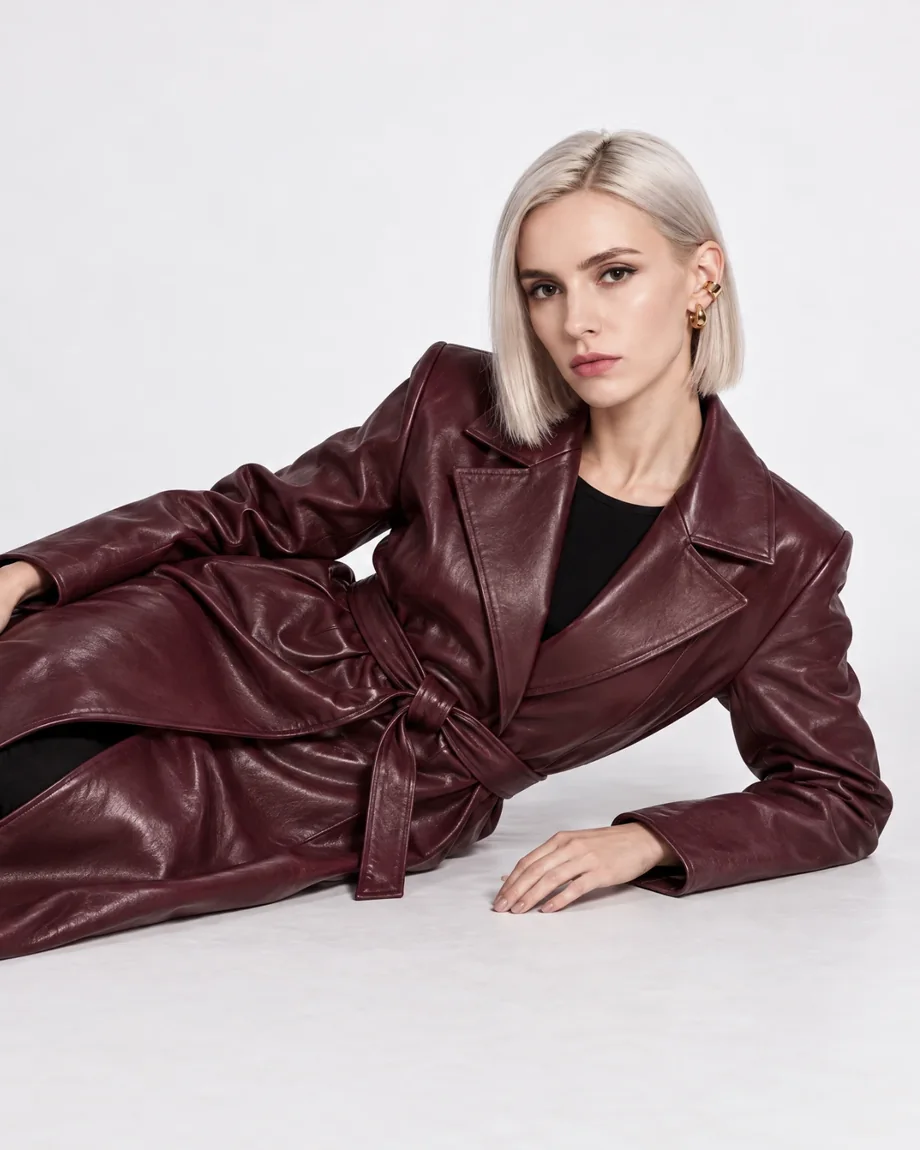
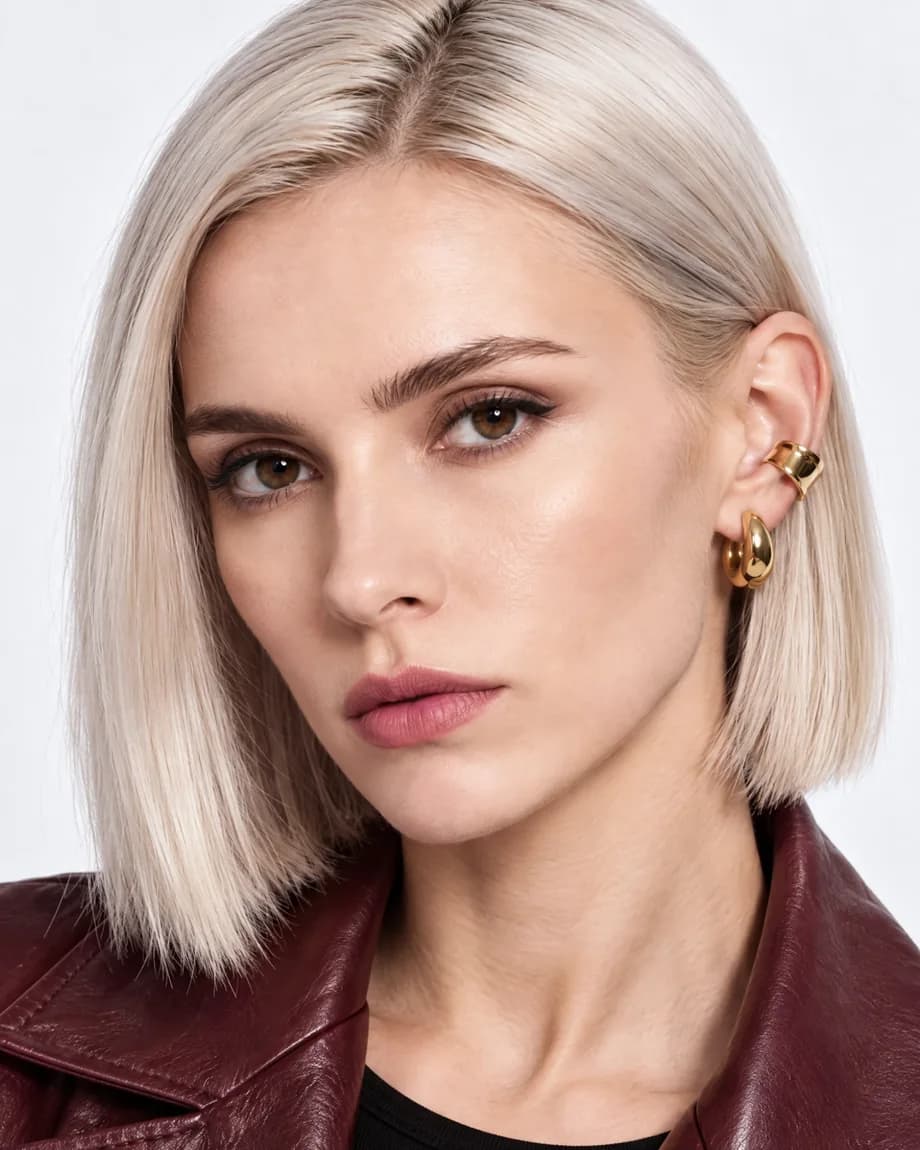
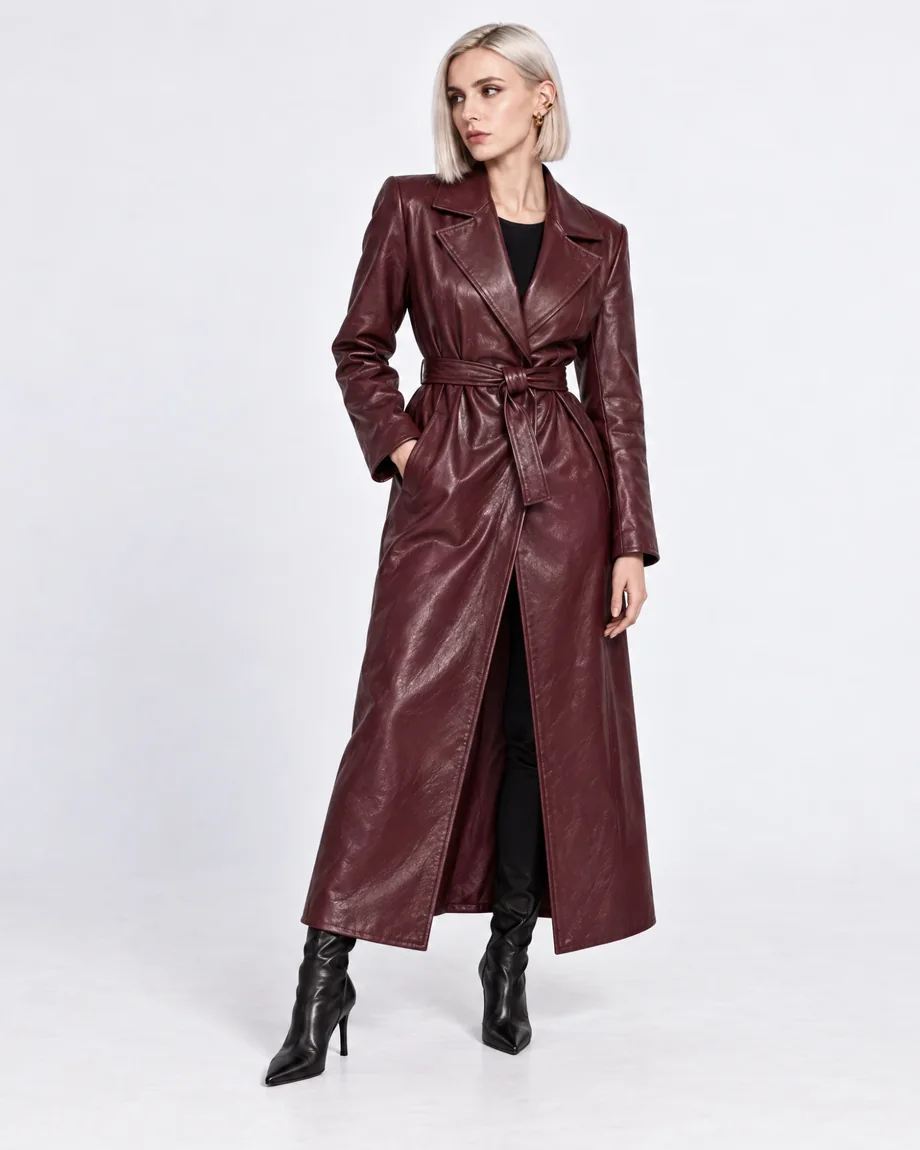
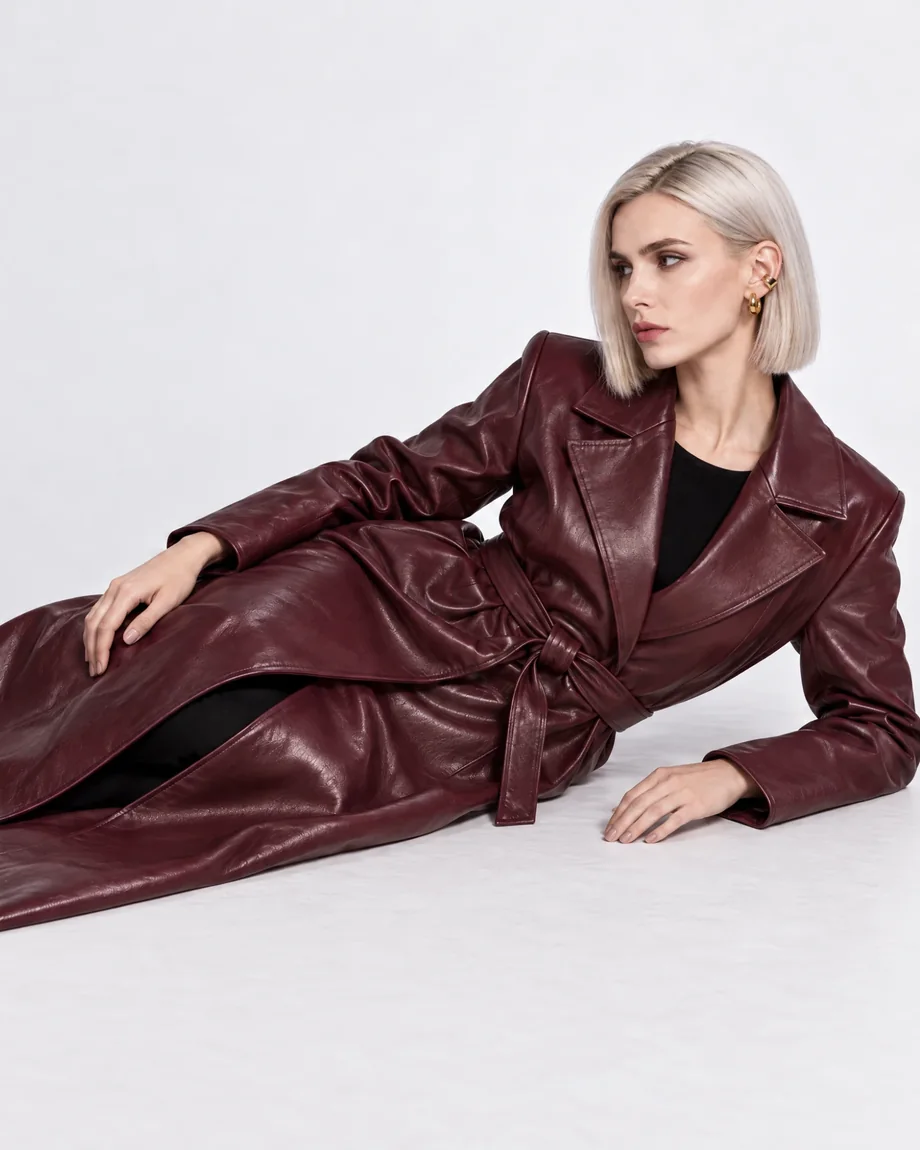
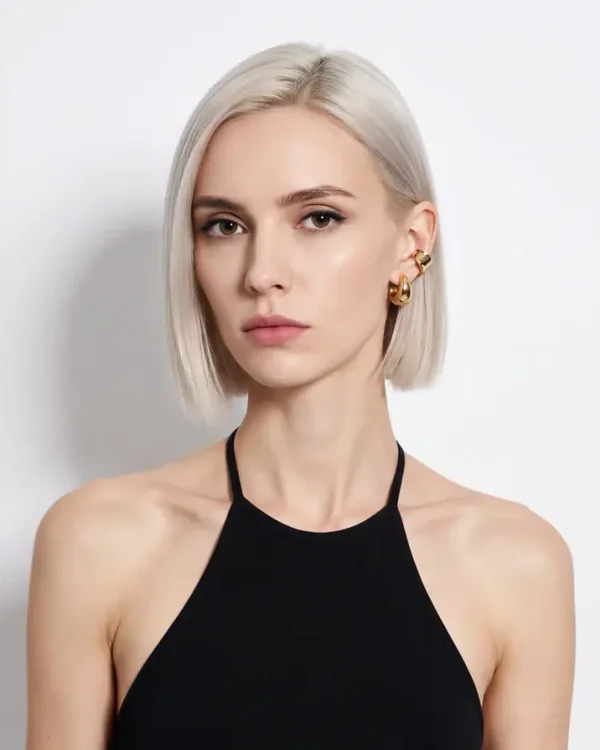
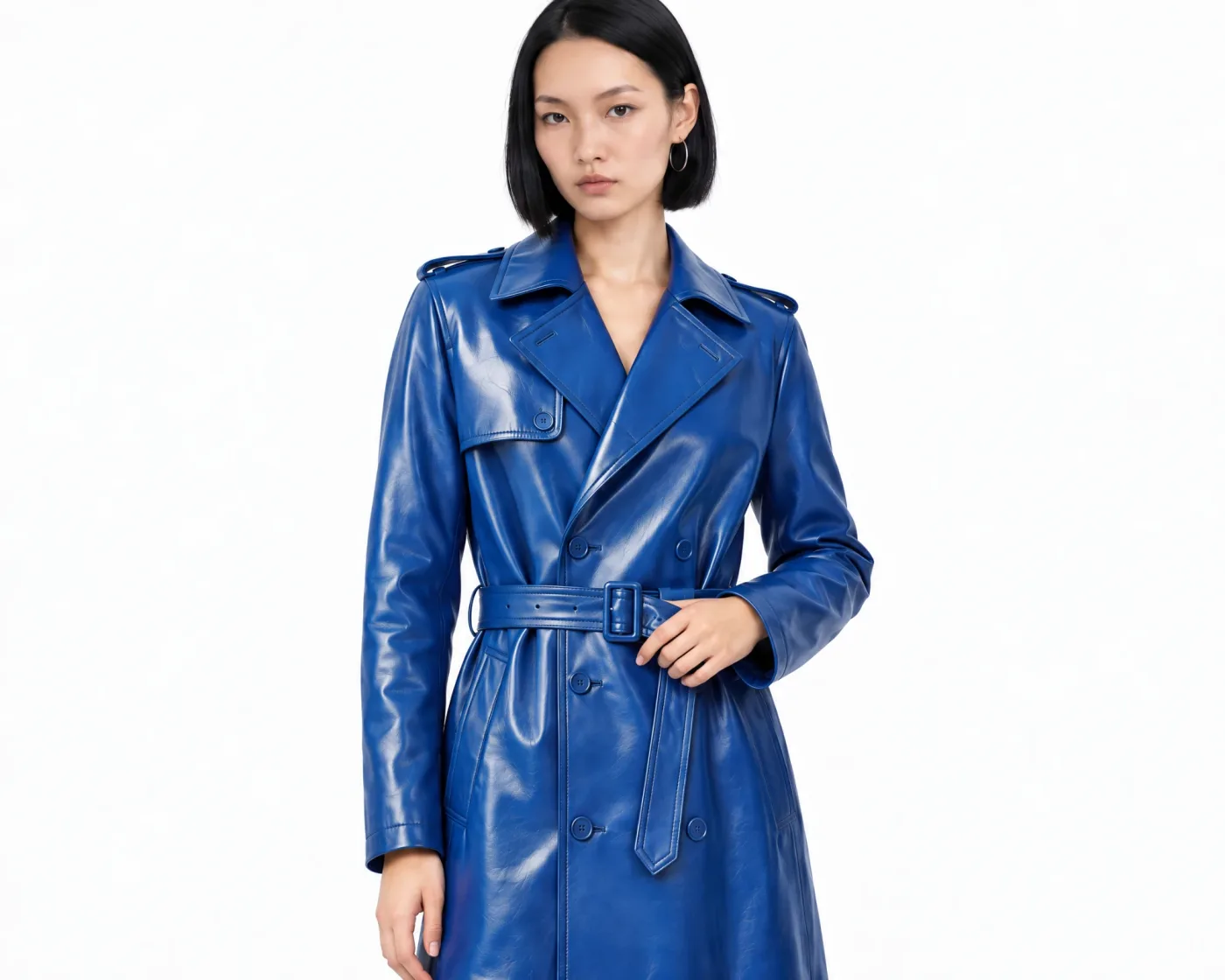
The same AI fashion model in a burgundy leather coat across four shots, generated from one face reference
Generated
Reference

One recognizable face across your brand

Shoppers recognize a familiar face. Keep the same model from product pages to campaigns, so every image looks like it came from the same shoot.

  • Product catalogs

    Show every item in a collection on the same model, so product pages look consistent.

  • Campaigns and lookbooks

    Tell a story across a full series of images with one face in every scene.

  • Social and ads

    Build a brand ambassador or AI influencer your audience comes to recognize.

  • New collections

    Bring your model back season after season, without booking another shoot.

How to keep the same model across every photoshoot

Pick a face once, then use it in every image you create.

  1. Choose your model
    01

    Choose your model

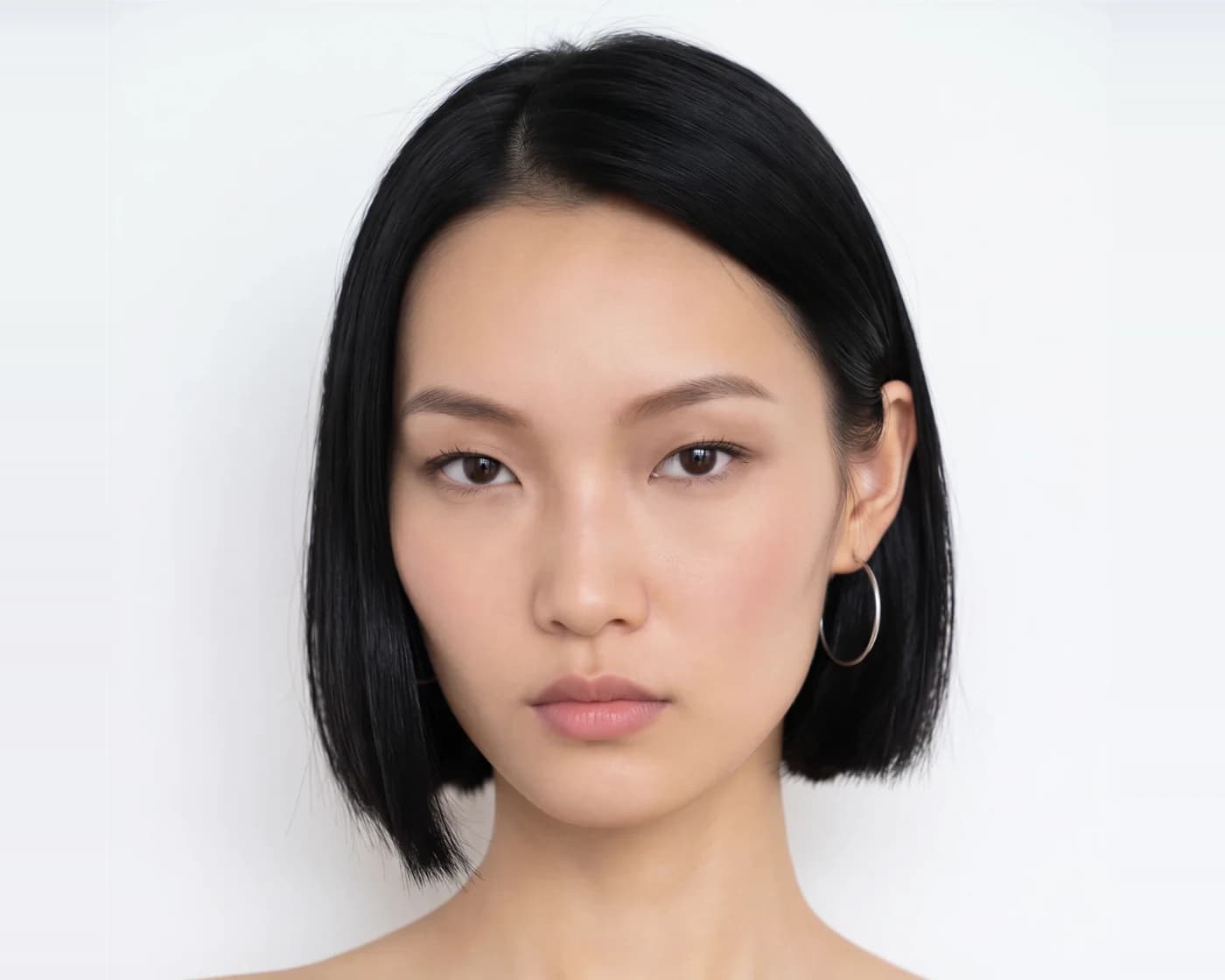
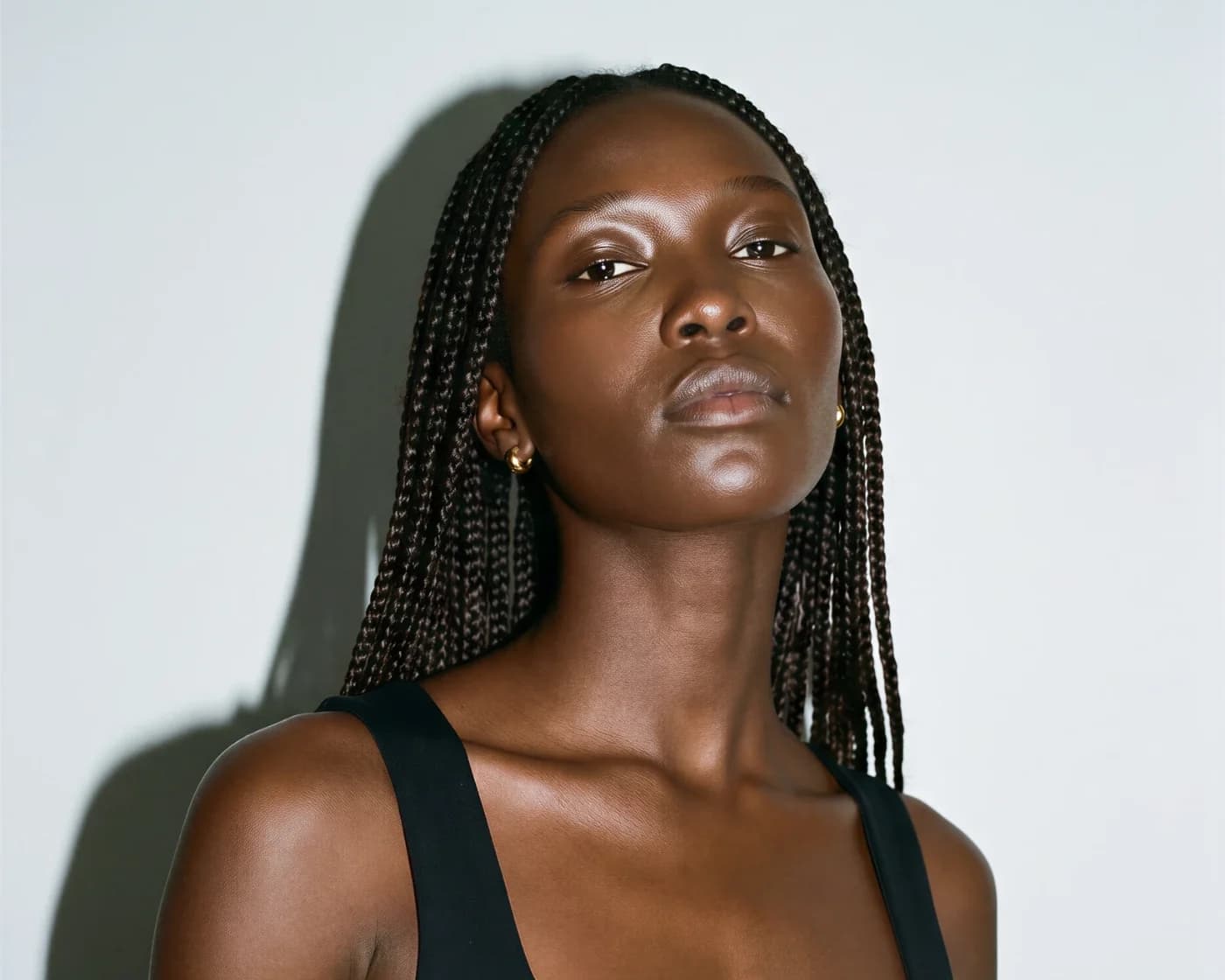
    Create a model from a description, pick a portrait from the FASHN Elements library, or upload a photo of someone you have permission to use.

  2. Face
    Product

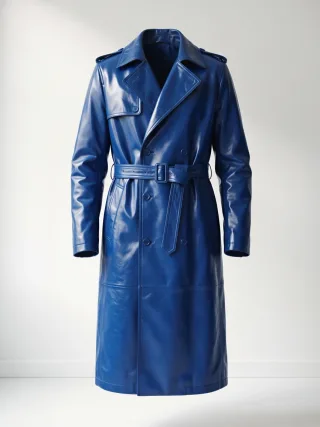
    Put this trench coat on my model in a clean studio shot.

    02

    Add it as a face reference

    Give the FASHN Agent your model's face along with your products, poses, or backgrounds, and tell it what each image is for.

  3. Create every shot
    03

    Create every shot

    Change the outfit, pose, and scene as often as you like. The Agent keeps the same face and look across the whole conversation.

One face reference, the same model everywhere
Face reference

One face reference, the same model everywhere

A single clear photo is all you need. Face reference anchors every image to that identity, with no training on dozens of photos.

Use it in the FASHN Agent, or in Product to Model, Model Swap, and Create Model in the Studio. Choose how closely each image follows the reference.
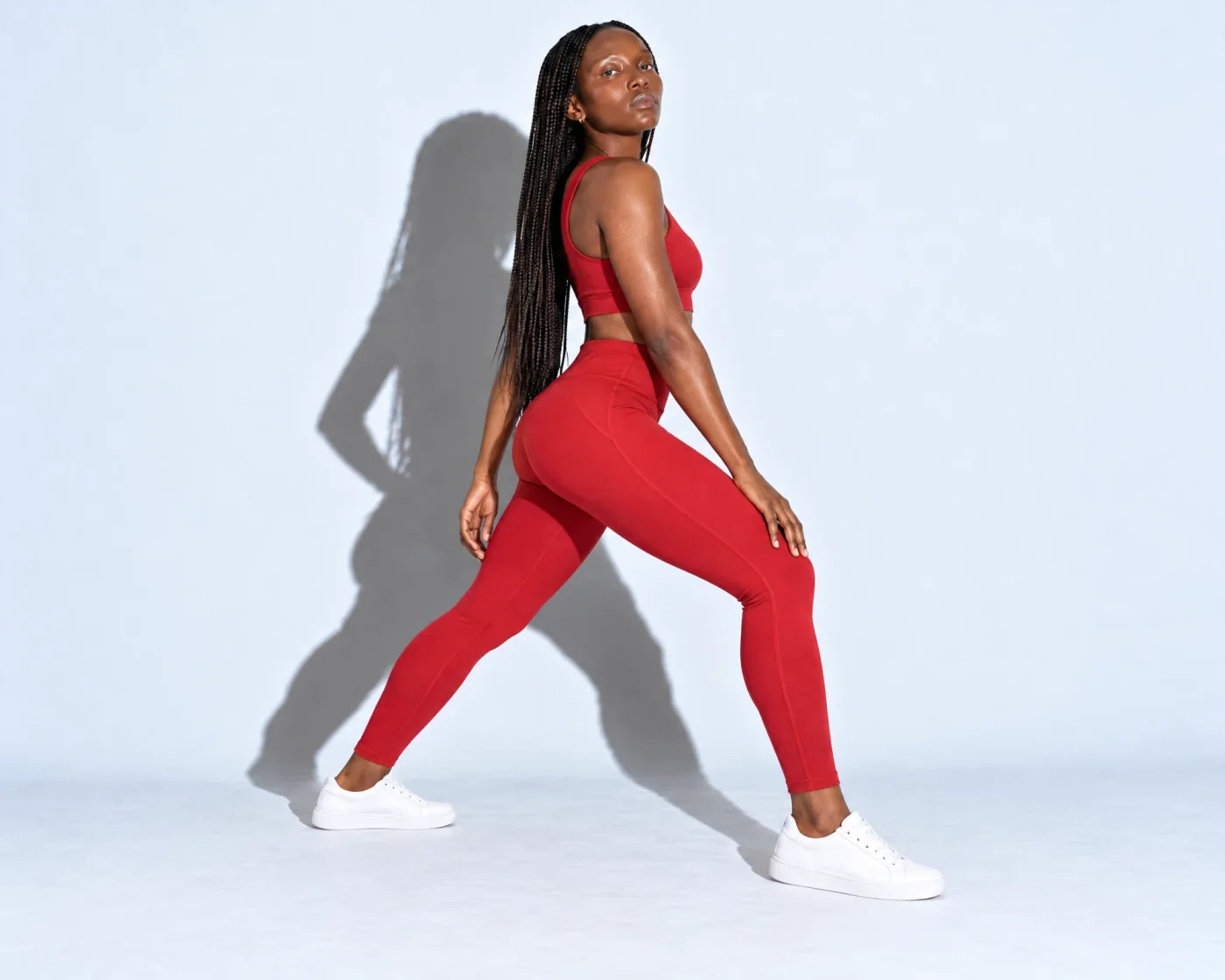
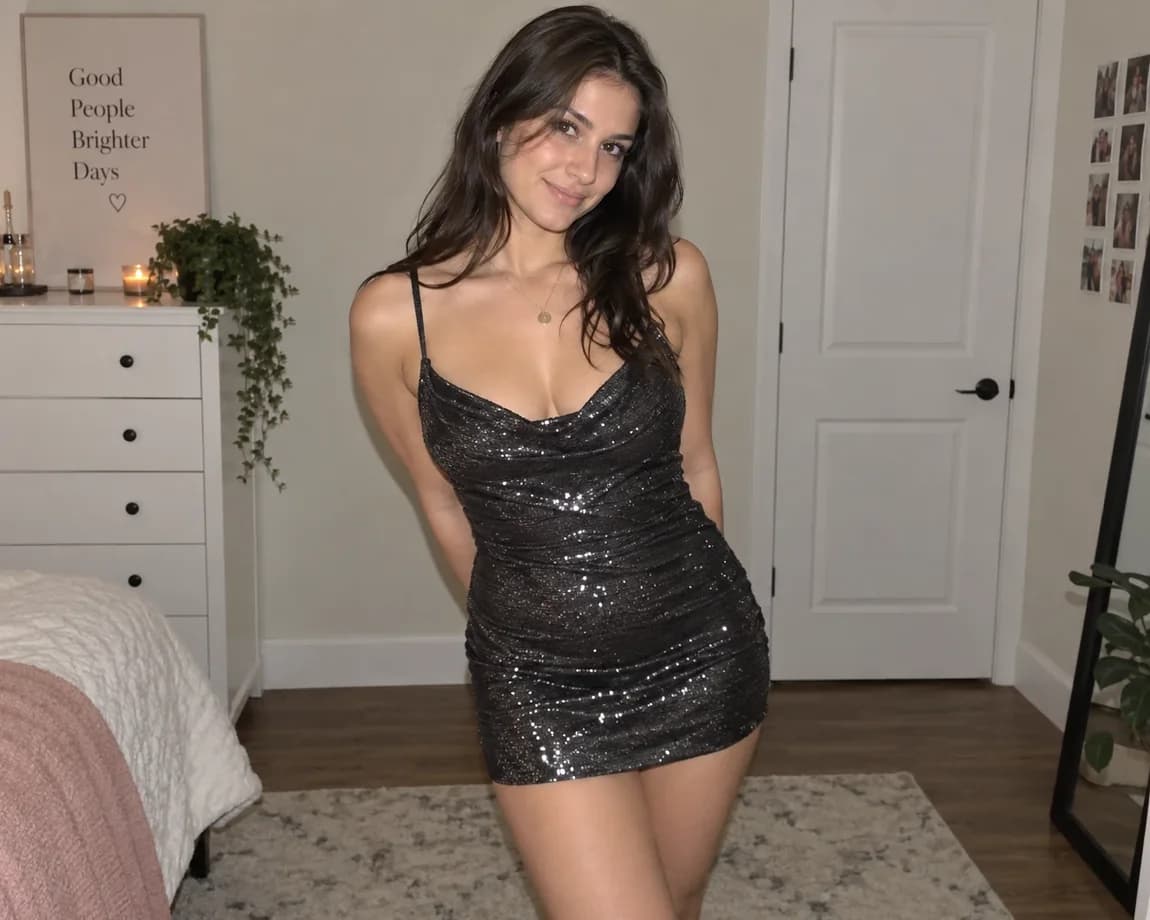
Dress the same model in your whole collection
Same model, new looks

Dress the same model in your whole collection

Combine your model's face with up to six references, like products, a pose, and a background, and the Agent follows each one.

New hairstyles, expressions, and lighting still look like the same person, so a full collection reads as one cohesive shoot.

Match your existing photos to your model
Existing photos

Match your existing photos to your model

Already have photos with different models? Model Swap replaces the person with your model while the product, pose, and background stay the same.

If a face drifts in one image, Face Swap restores the likeness without changing anything else.

FASHN AI Banner

Ready to take control of your fashion content?

Join thousands of brands and creators using FASHN AI to create premium product imagery in seconds.

FASHN AI Product Showcase
FAQ

Consistent AI model FAQs

Still have questions? Read the face reference guide