

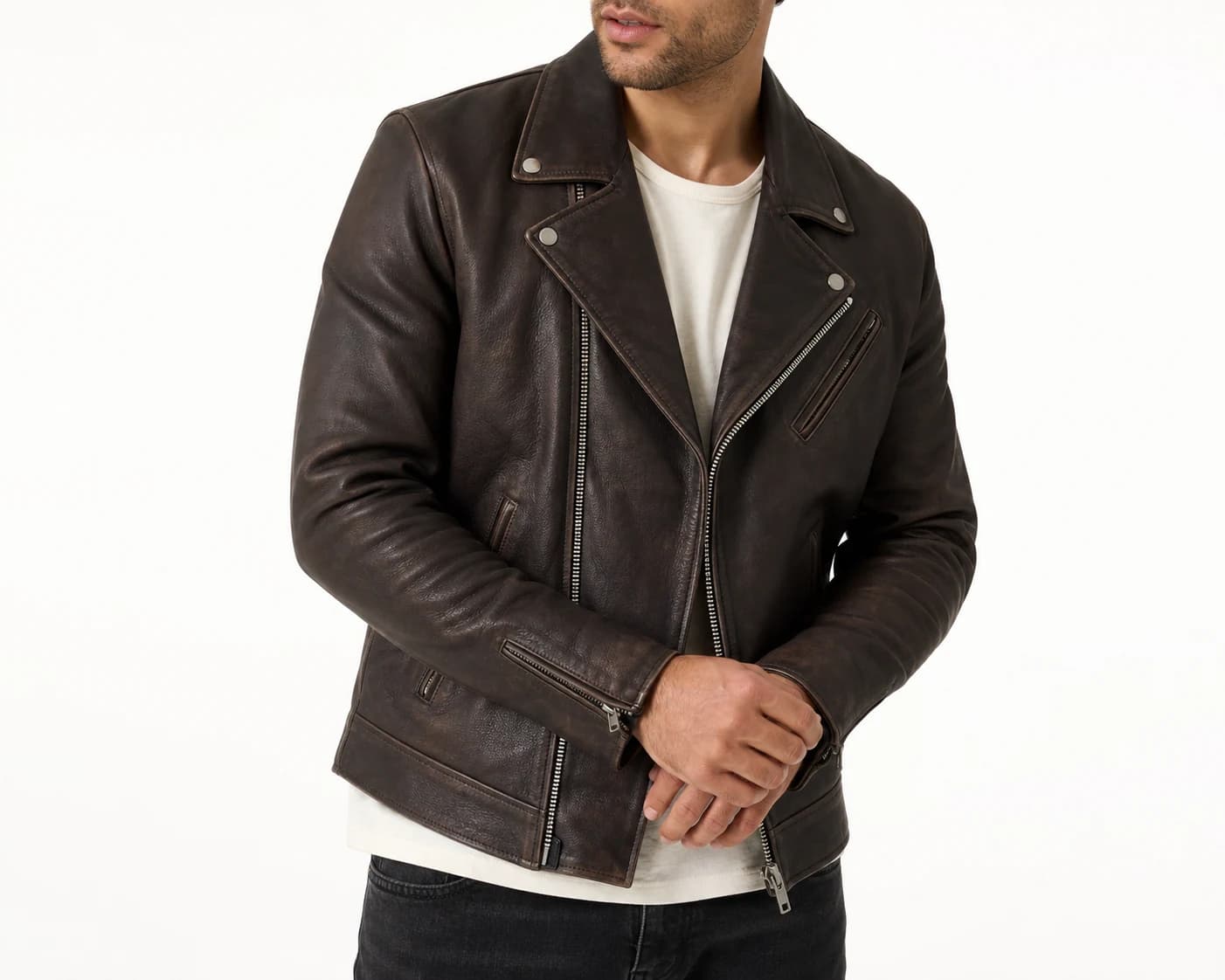
True to your product
Preserve the details that define your product.
Keep prints, logos, colors, textures, and finishing details consistent with the original product.
Give shoppers a clear, realistic view of the details they look for before buying.
Show fashion products on models or shoppers using a product image and a photo of the person. Create campaign content or power a customer-facing virtual fitting room.
Choose a person and the products you want to show, then create a polished image for your store or campaign.
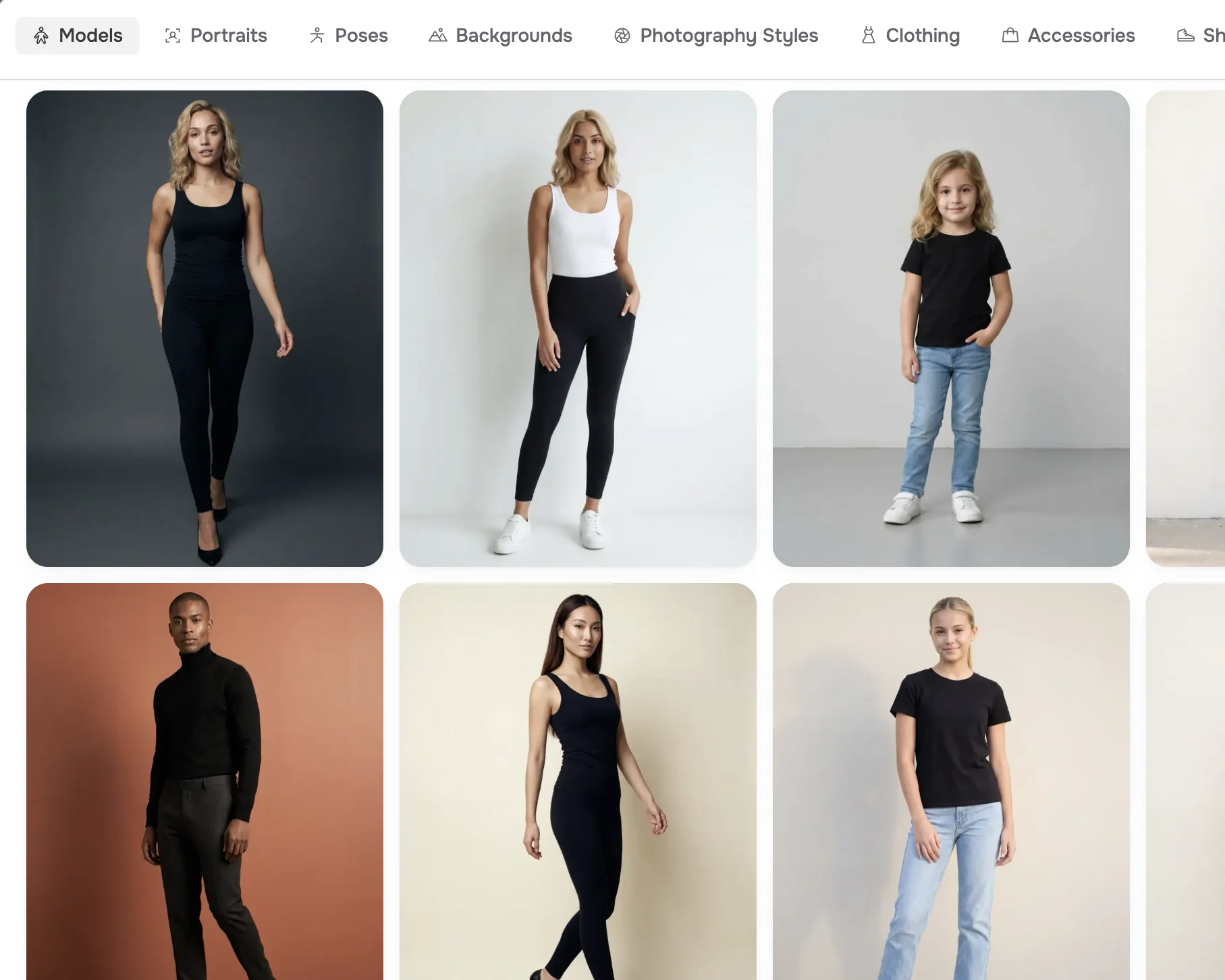
Upload a photo of a person, or choose a model from FASHN's library.
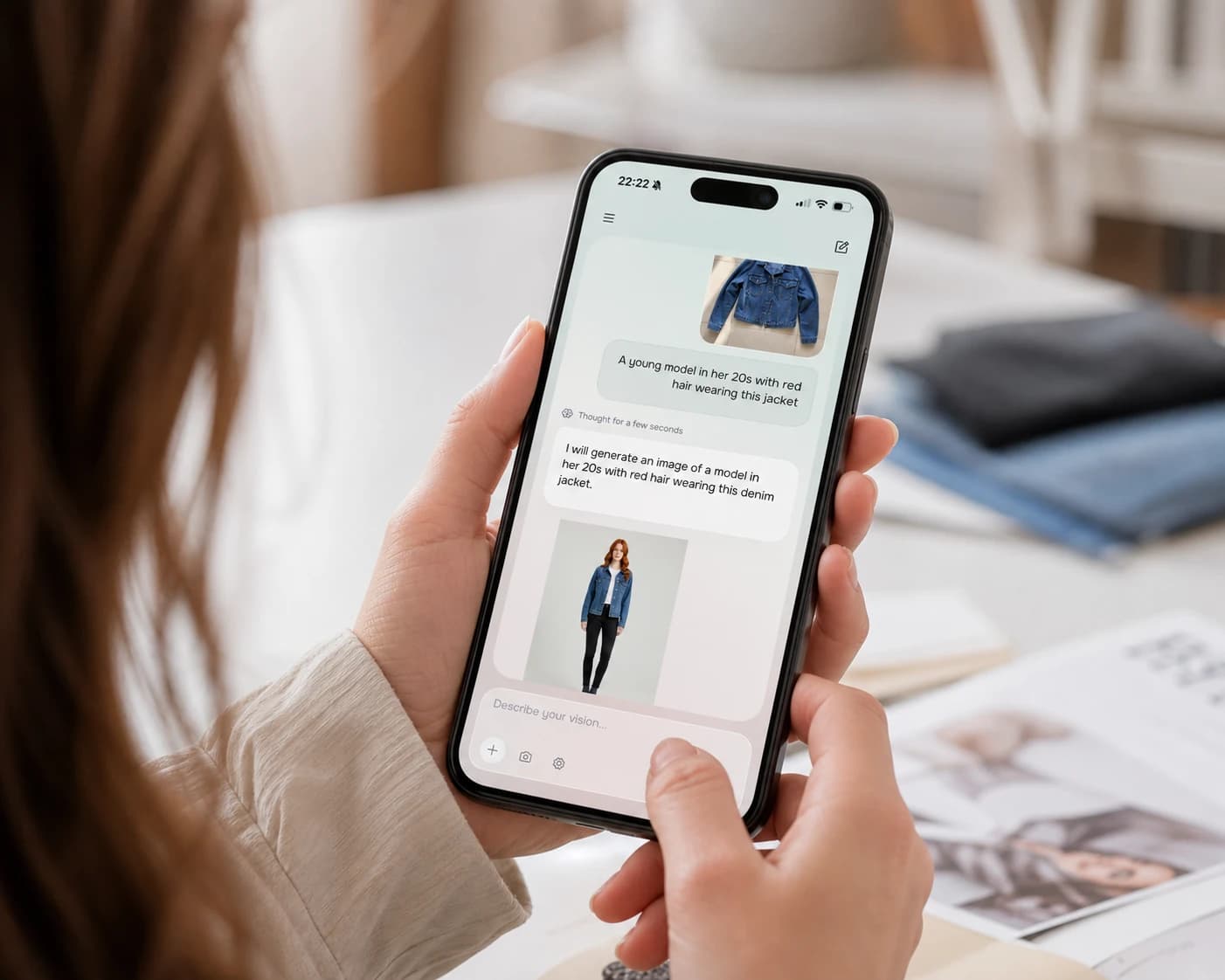
Upload images of the clothing, shoes, or accessories you want to show on the model.
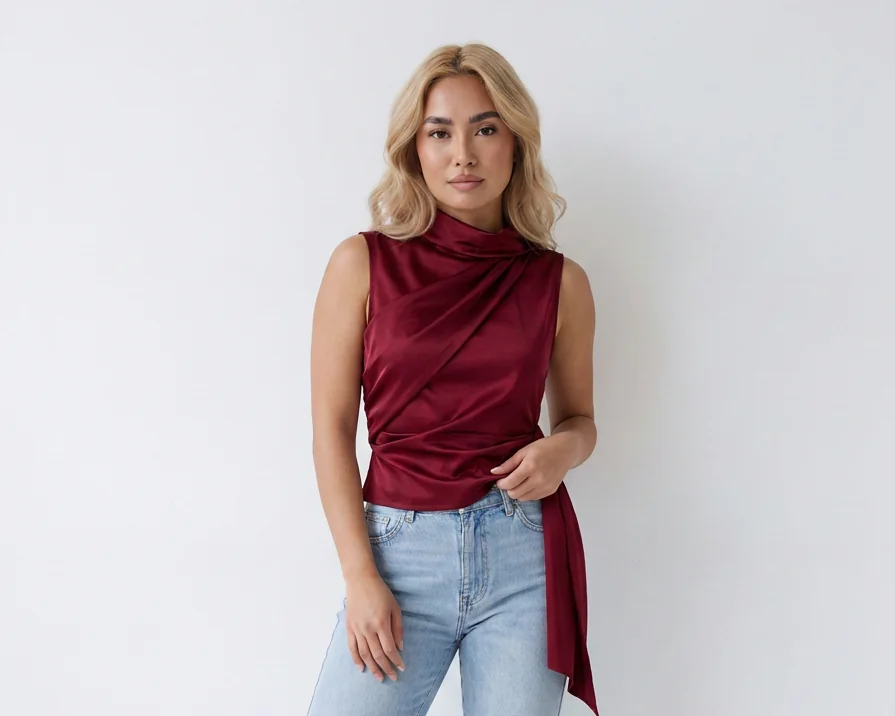
Generate the image, make any adjustments, and download it for your store or campaign.
Keep prints, logos, colors, textures, and finishing details consistent with the original product.
Give shoppers a clear, realistic view of the details they look for before buying.
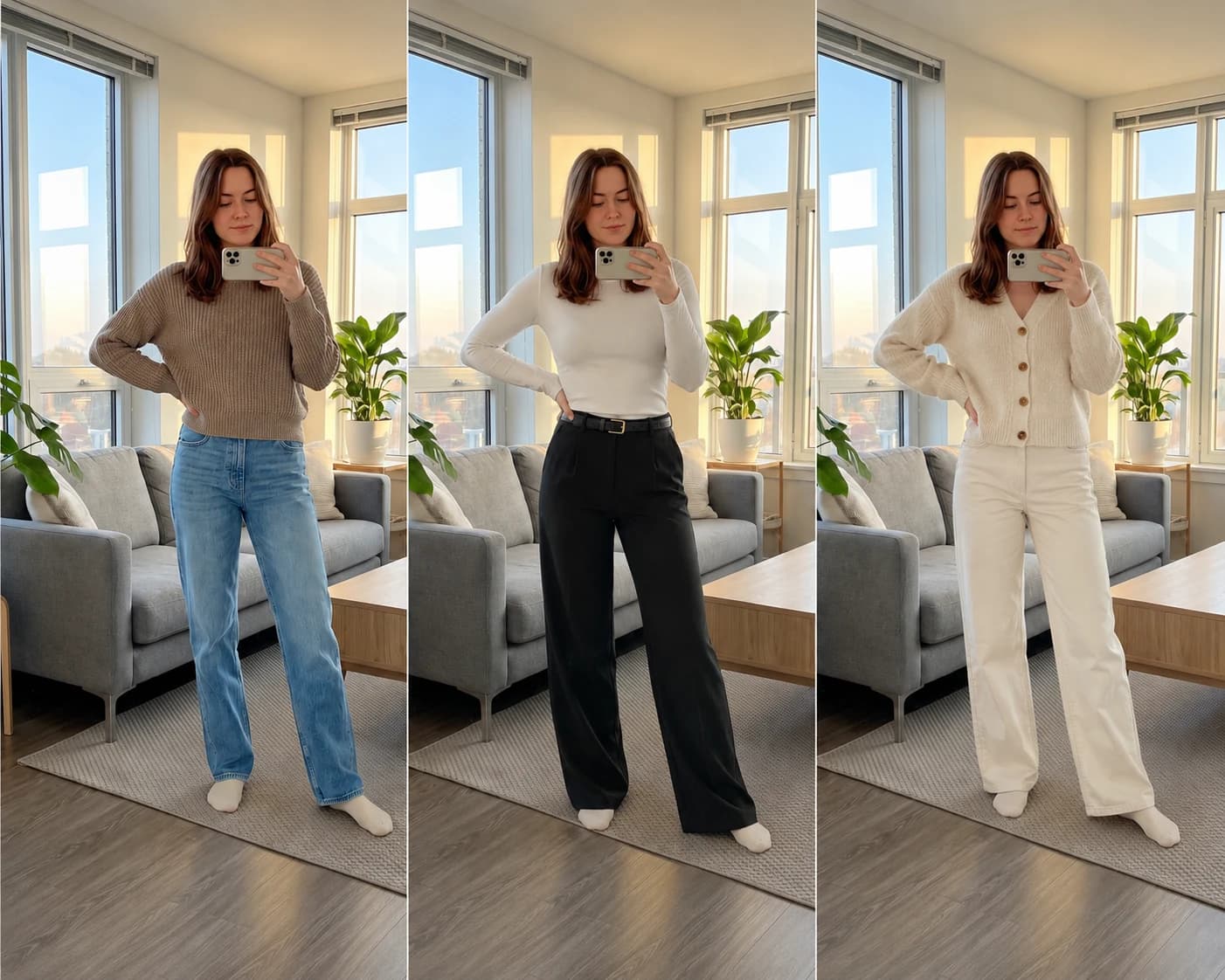
Preserve facial features, skin tone, body proportions, pose, and background while changing the clothing and accessories shown on them.
Create consistent on-model imagery across product pages, campaigns, and collections.
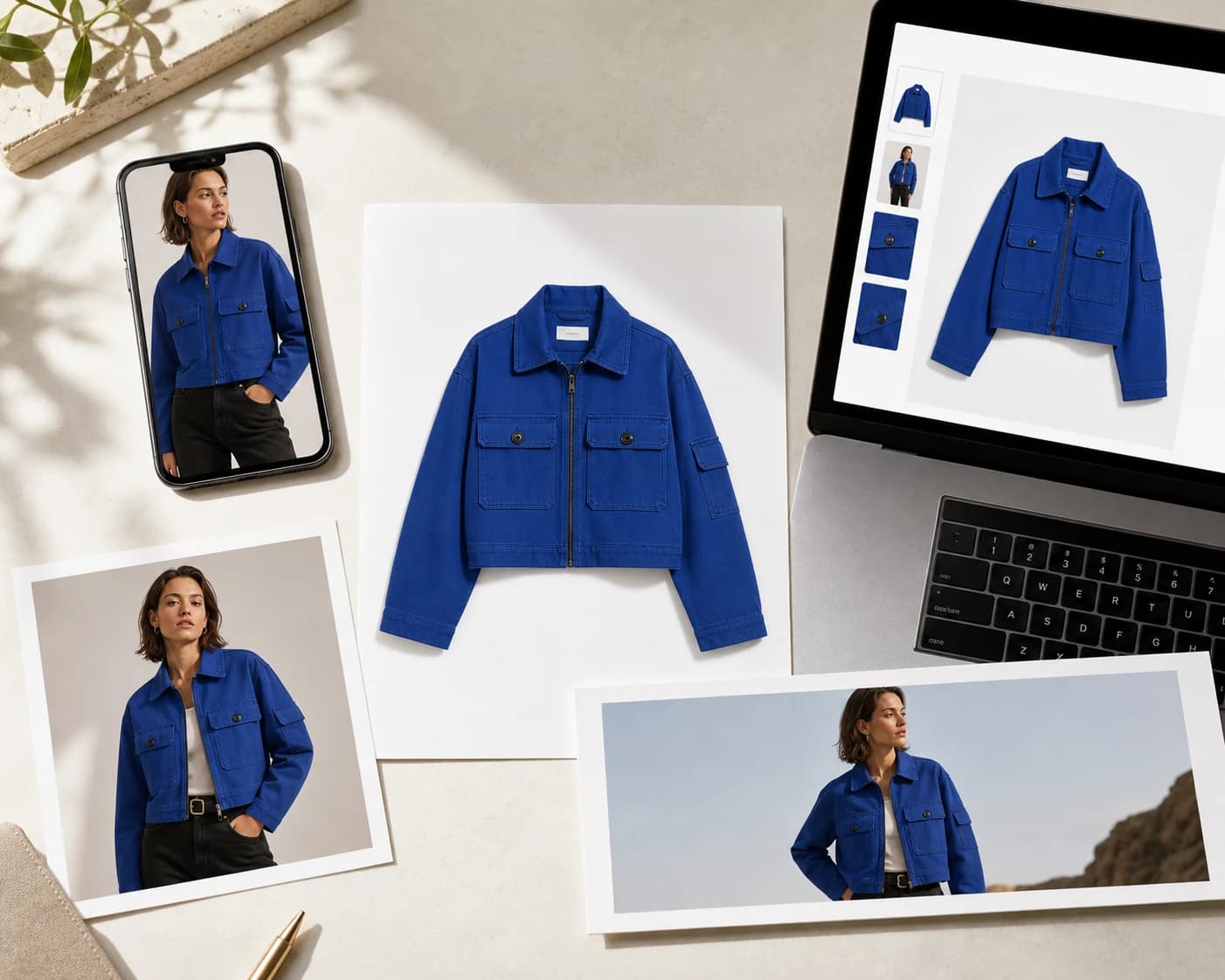
Start with a simple snapshot, an existing on-model image, or a polished studio packshot.
Turn it into new on-model imagery for product pages, campaigns, ads, lookbooks, and social content without another shoot.
Create varied on-model imagery, complete looks, high-resolution assets, and scalable workflows for your catalog and campaigns.
Build a broader image set by showing the same product on different models.
Export images up to 4K for detailed product pages, large crops, and print.
Combine clothing and accessories in a single image to create coordinated or layered outfits.
Bring the same virtual try-on workflow into catalogs, creative tools, and production systems with the FASHN developer API.
Give customers a way to upload a photo and see your products on themselves before buying.
Virtual Fitting Rooms

Join thousands of brands and creators using FASHN AI to create premium product imagery in seconds.
Still have questions? Visit our Help Center