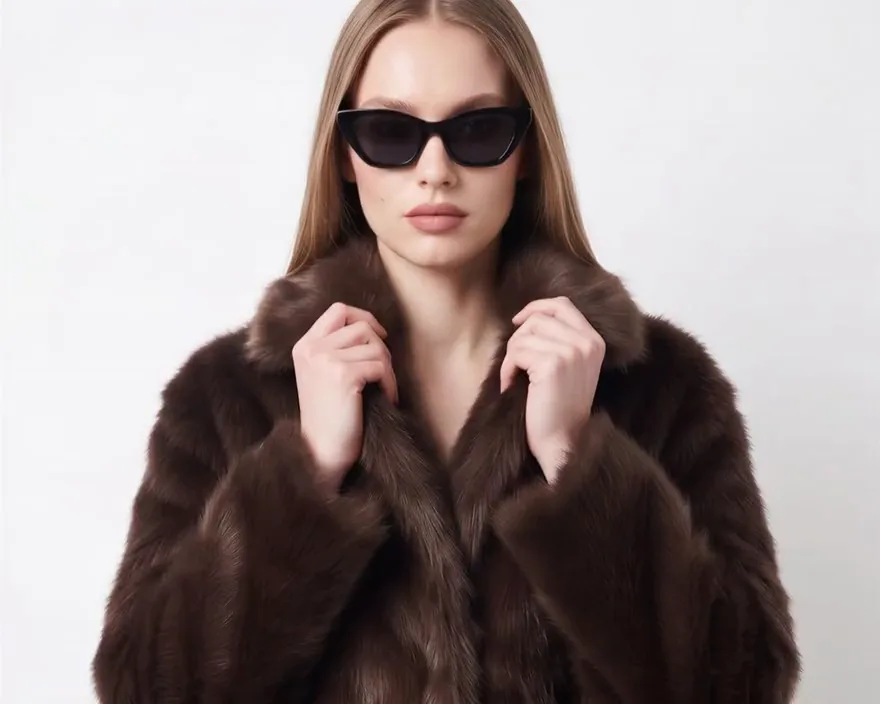
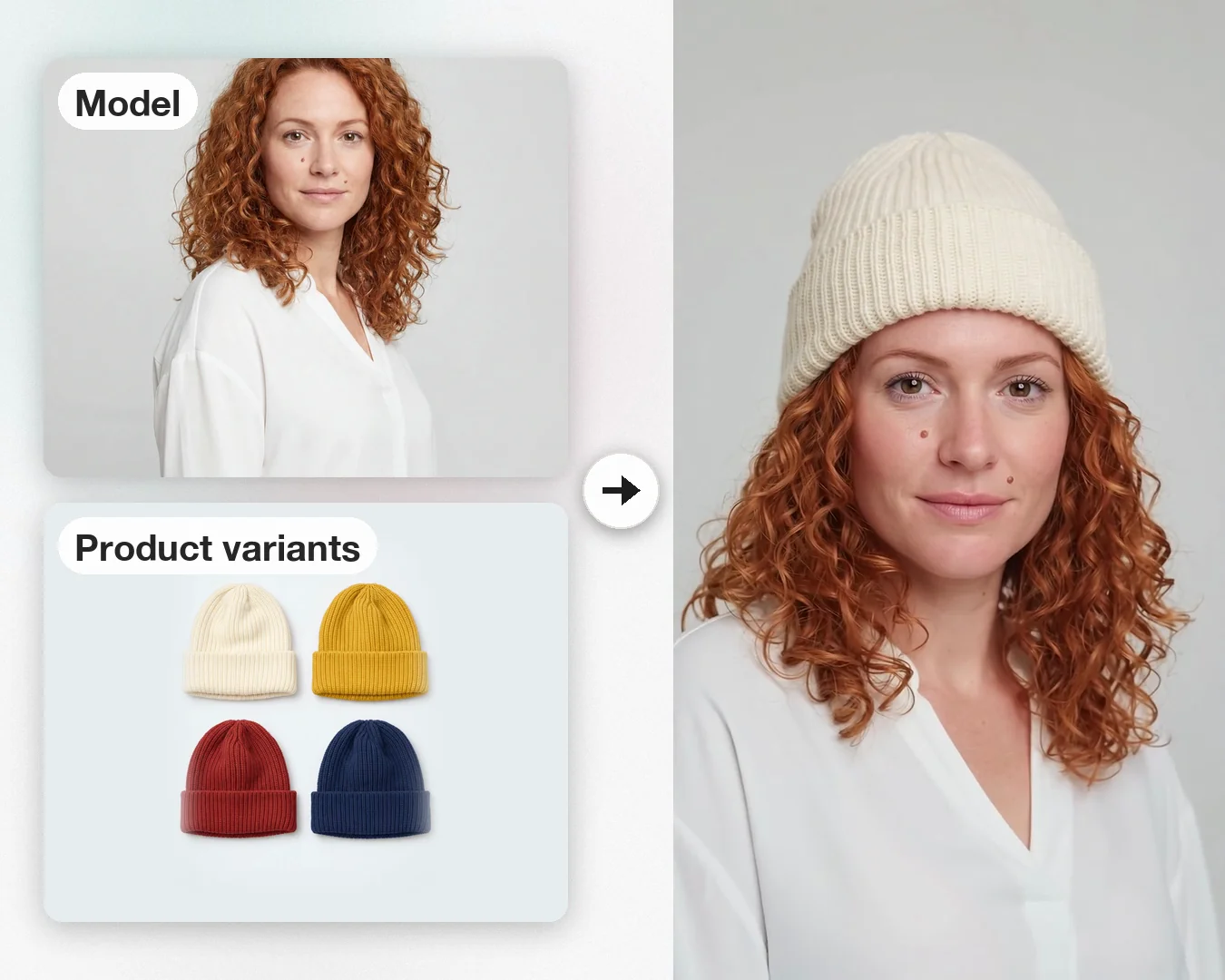
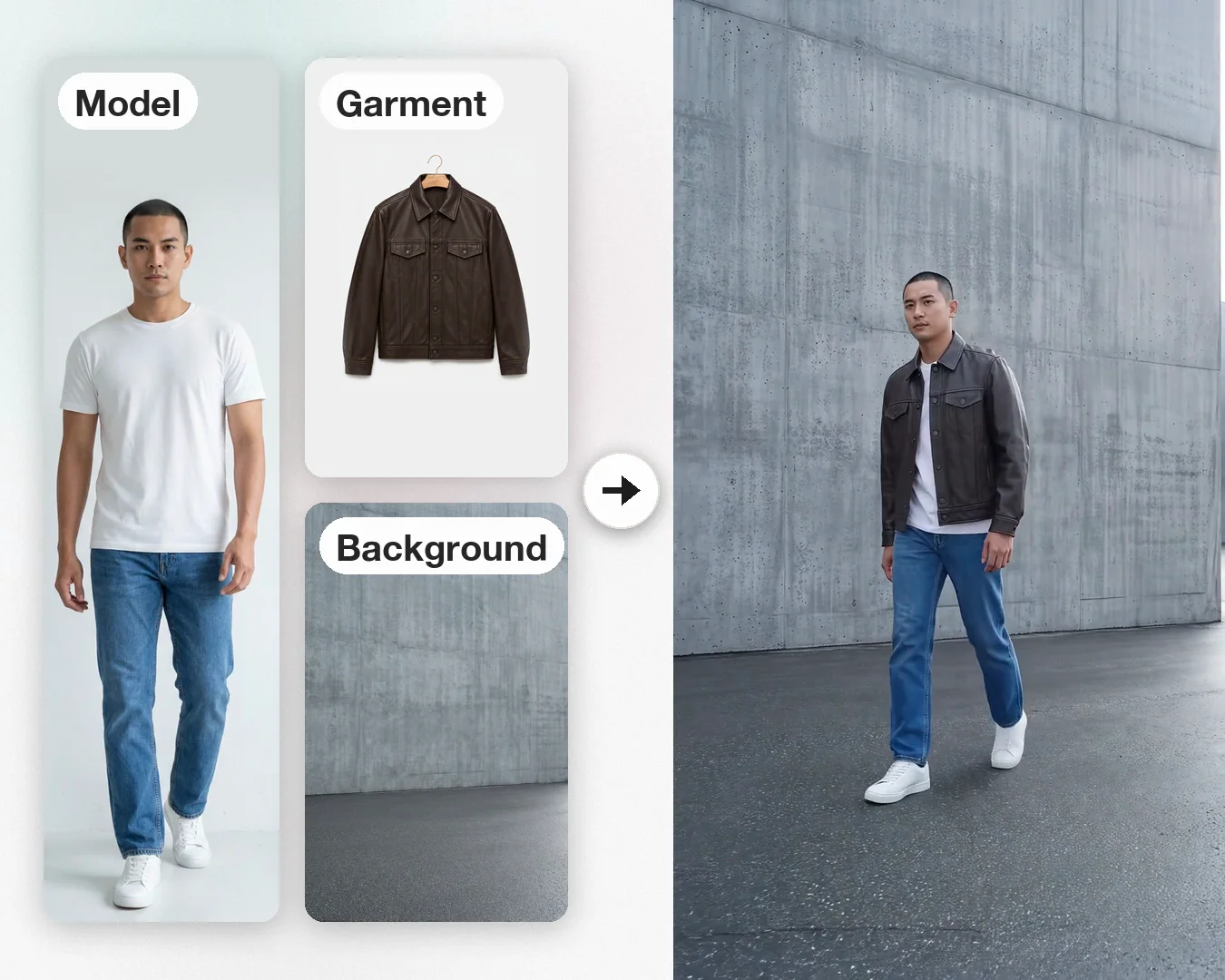
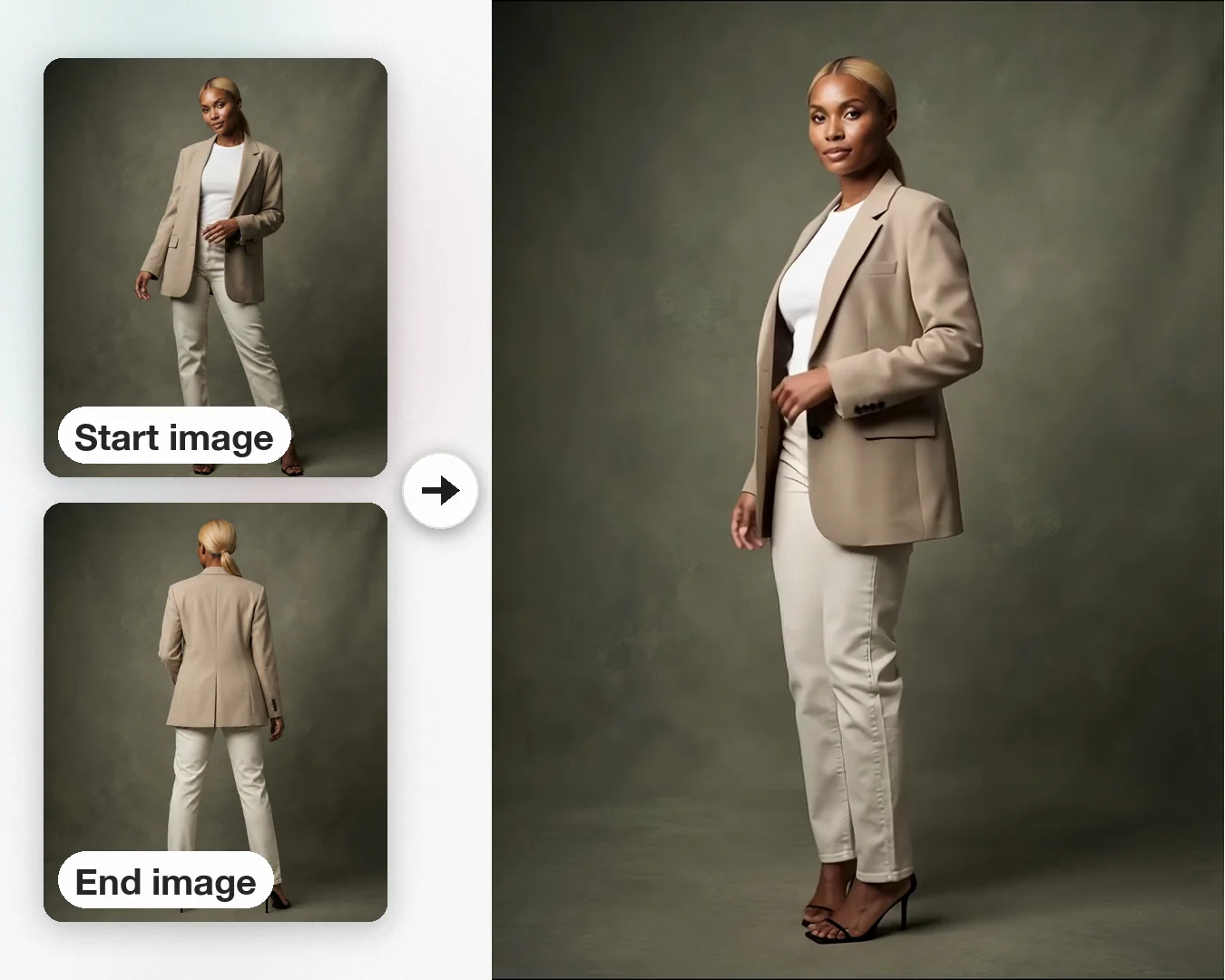
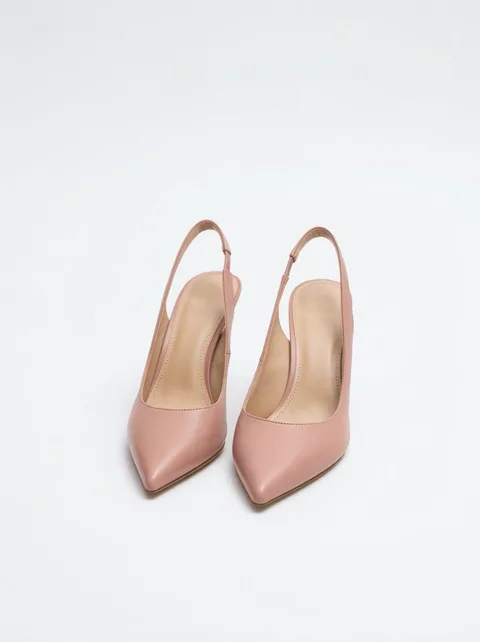
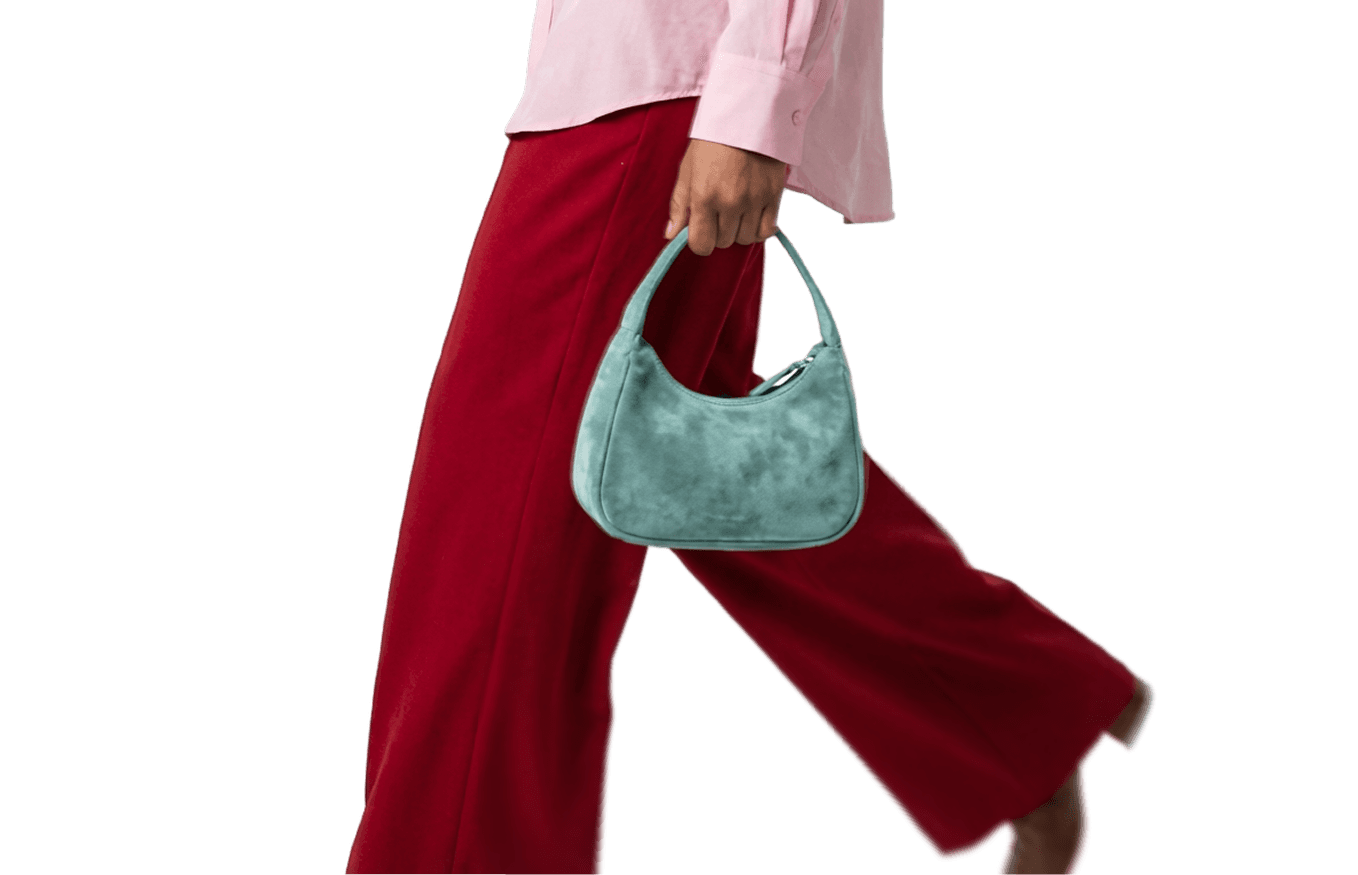
A video studio that’s ready whenever you are. Describe the video you want, and turn your product photos into videos for every product, every drop, and every channel.
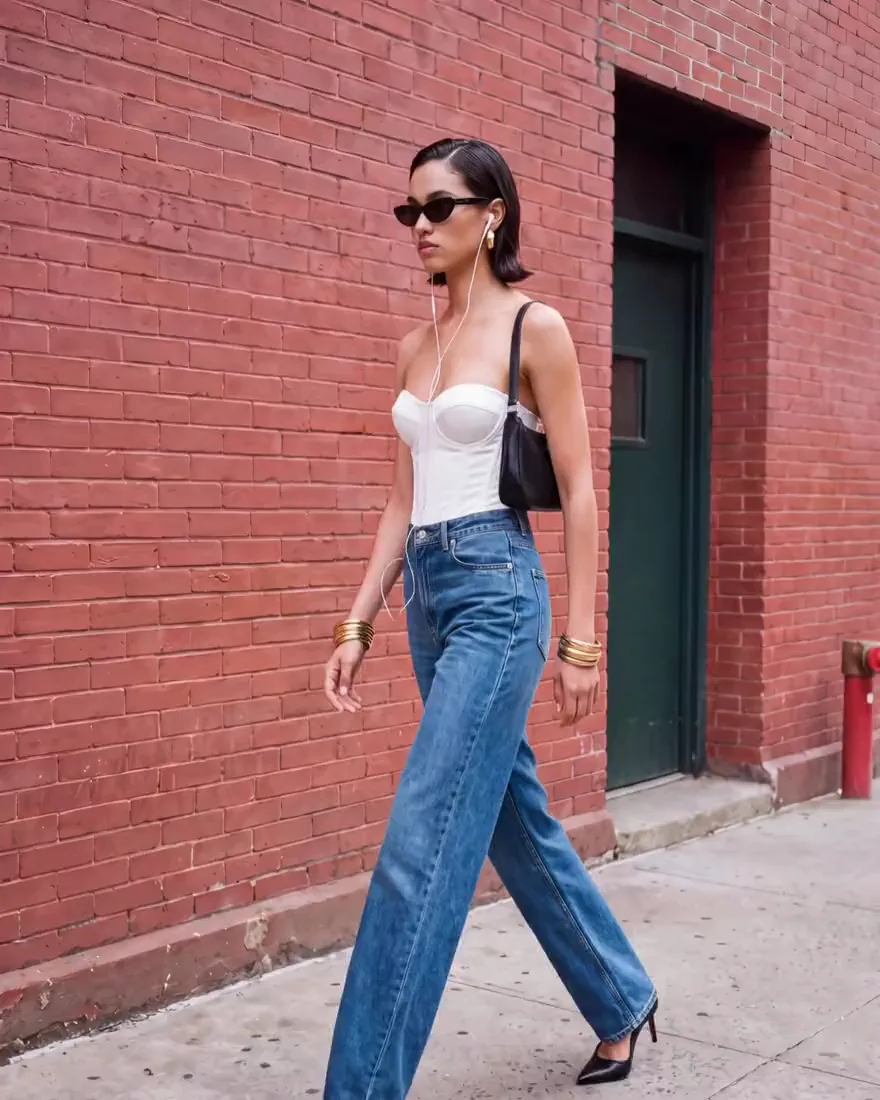
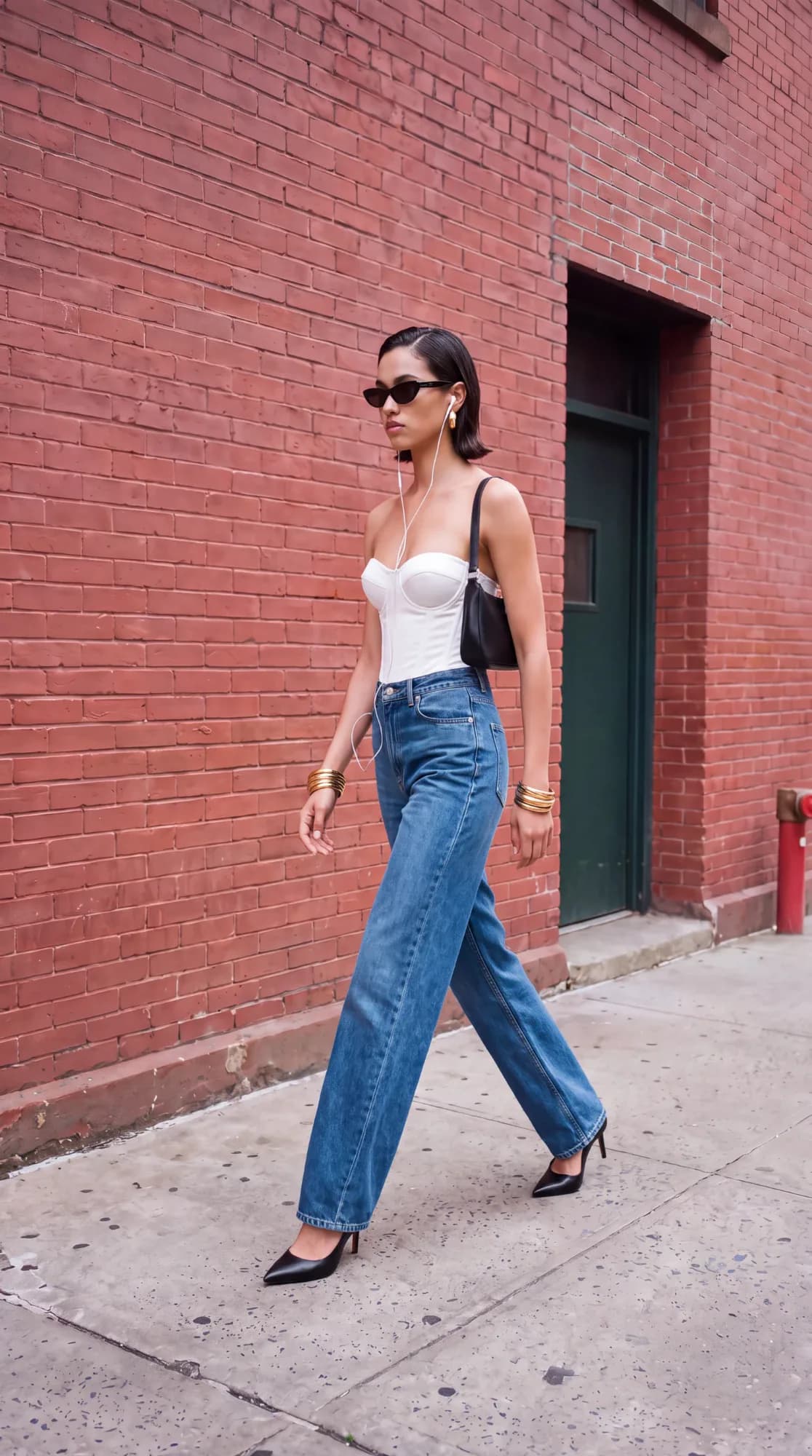
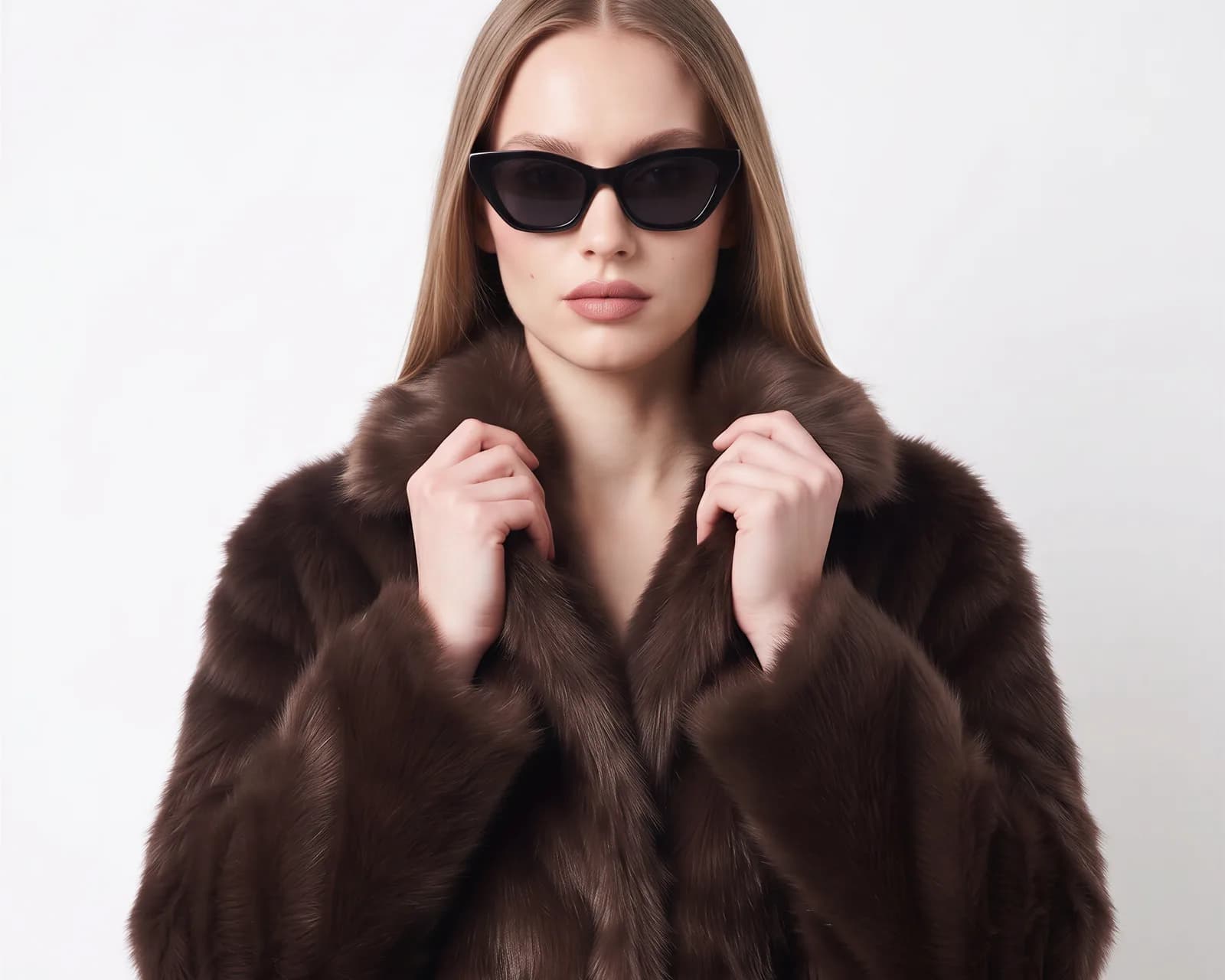
Yes. FASHN creates realistic videos with natural movement in the model, the fabric, and the camera, ready for your product pages, ads, and social media.
FASHN is built to keep your products true to your photos, from color to print, so your videos show what shoppers will receive.
Yes. Add a photo of your model, and they appear in every video you create with it. To use a real person, such as yourself or a model you work with, you need the rights to the photo and their consent where required by law.
Ask for a change in the same conversation, like a slower turn, a closer shot, or a different background, and the FASHN Agent makes a new take. Each take is a new video and uses credits, so a clear description of the shot saves takes.
Sharp, well-lit images where the product is clearly visible. Finished on-model photos give the most natural movement, and product-only shots of shoes, bags, and jewelry work well for close-ups.
Ask for vertical videos for Reels, TikTok, and Shorts, widescreen videos for your website, or square videos for feeds, and choose the length and resolution you need. The video guide lists the current options.
No. You describe the video in your own words, and the FASHN Agent handles the shots, the movement, and the sound. Videos download as MP4 files, so you can still add captions or combine them in your usual editor.
Videos in the FASHN Agent are priced per second, based on the resolution, with sound included. The help center lists the current credit costs.
Yes. You own the videos you create with FASHN and can use them in ads, on product pages, on social media, and in other marketing, in line with your plan.