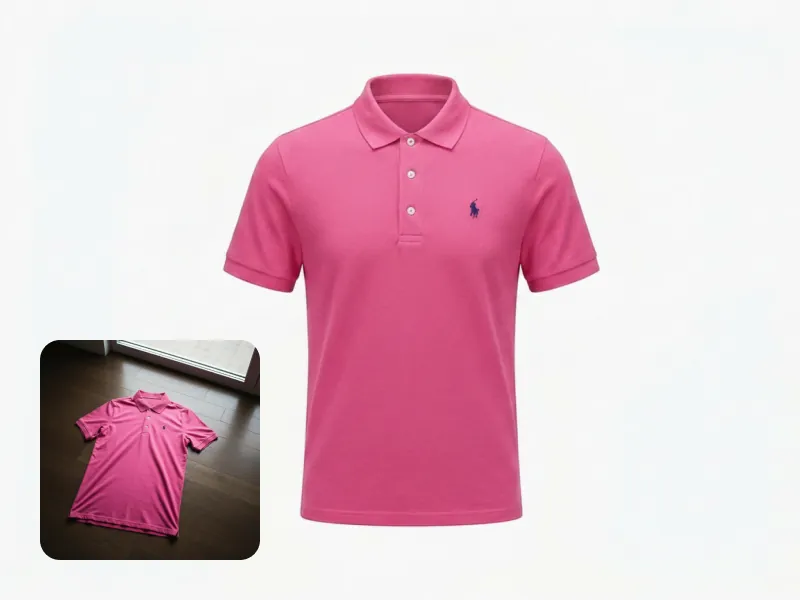
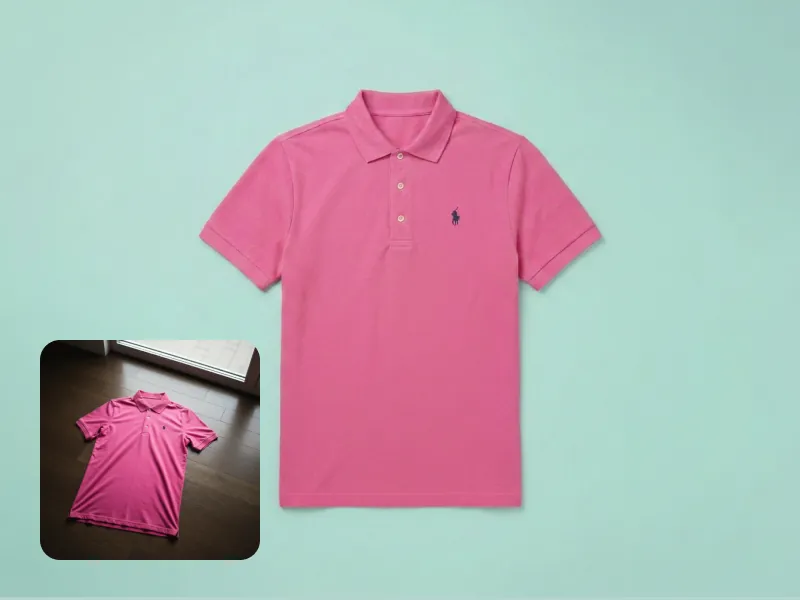
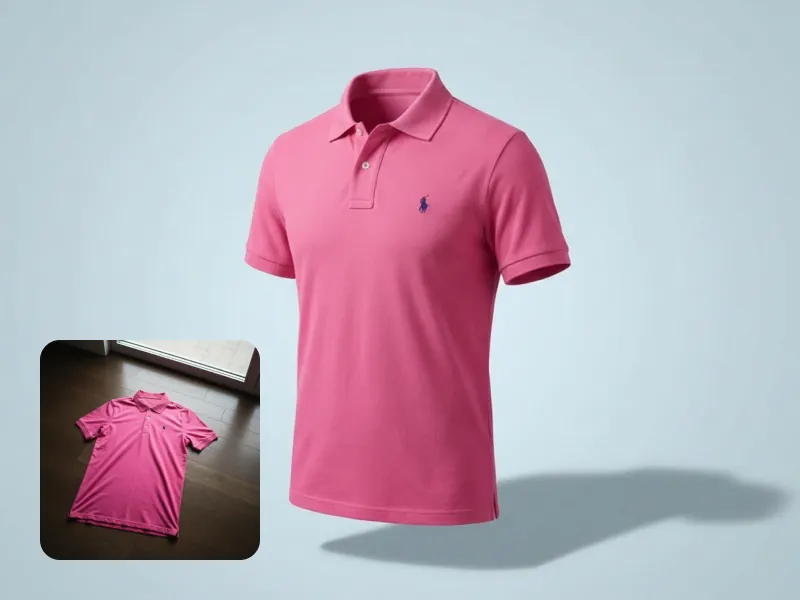
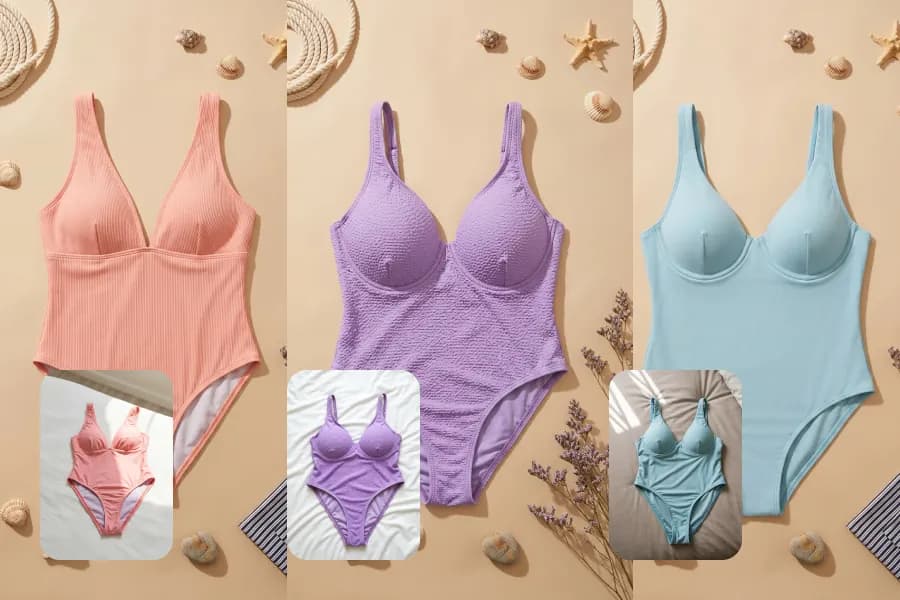
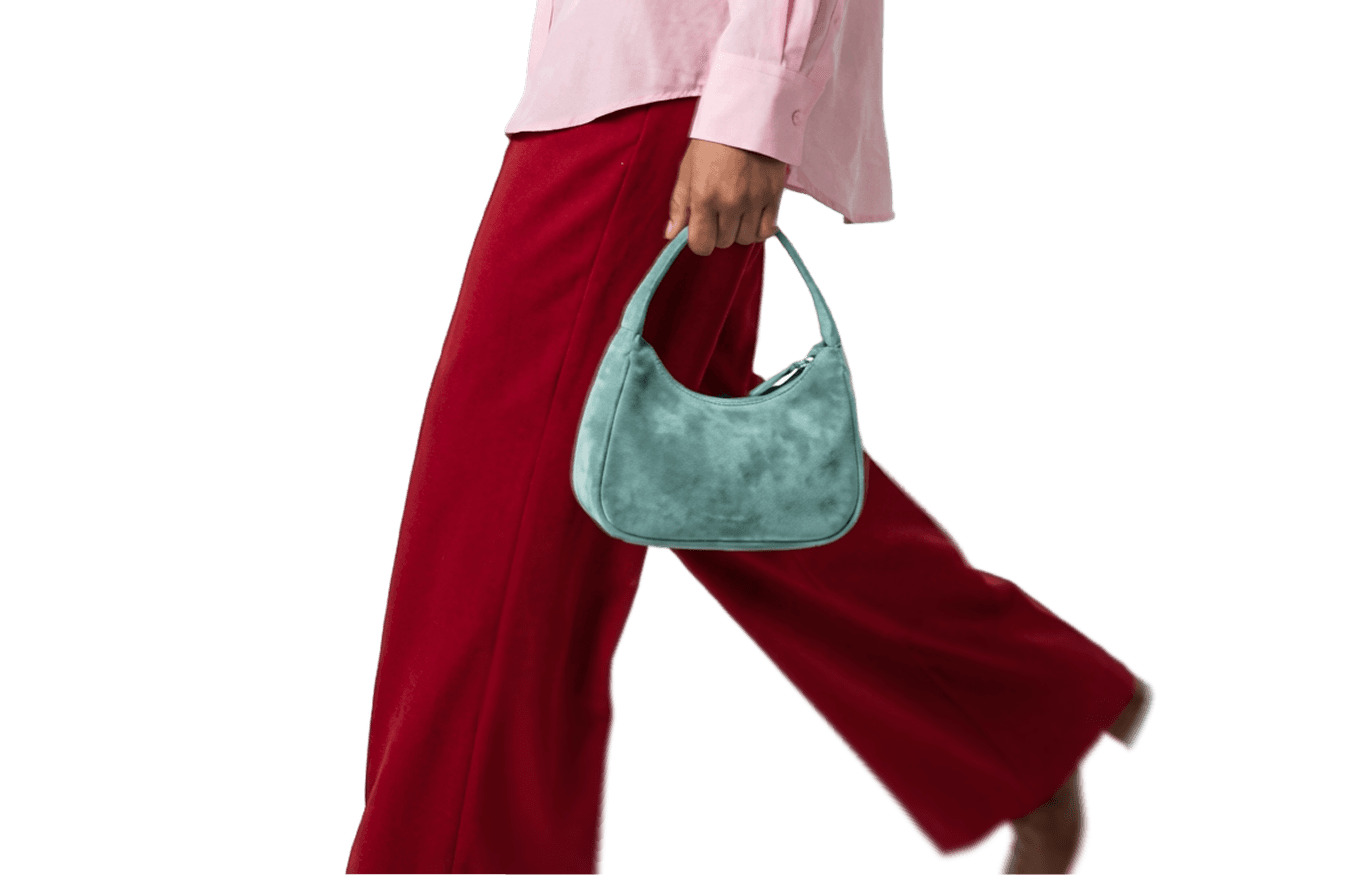
Turn any clothing photo into a ghost mannequin packshot
Create catalog-ready product photos from the pictures you already have, even phone snaps and on-model shots. FASHN removes the person, fixes wrinkles, and stages your product as a ghost mannequin, flat-lay, or floating packshot.
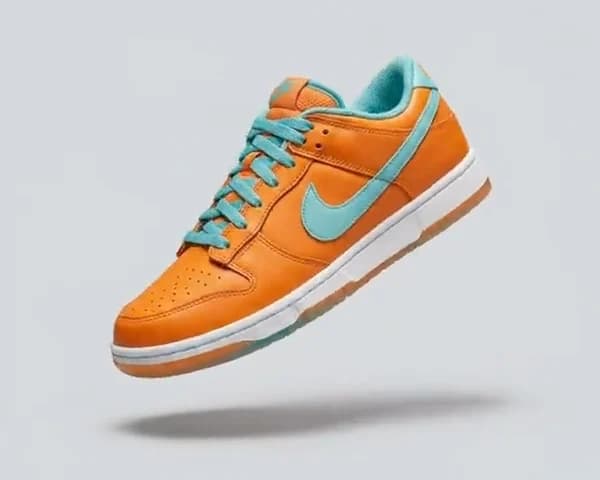
A packshot is a clean product photo made for product pages, catalogs, and marketplace listings. In fashion, it shows one product with even lighting and a clear silhouette, usually as a ghost mannequin, flat-lay, on-hanger, or floating shot.
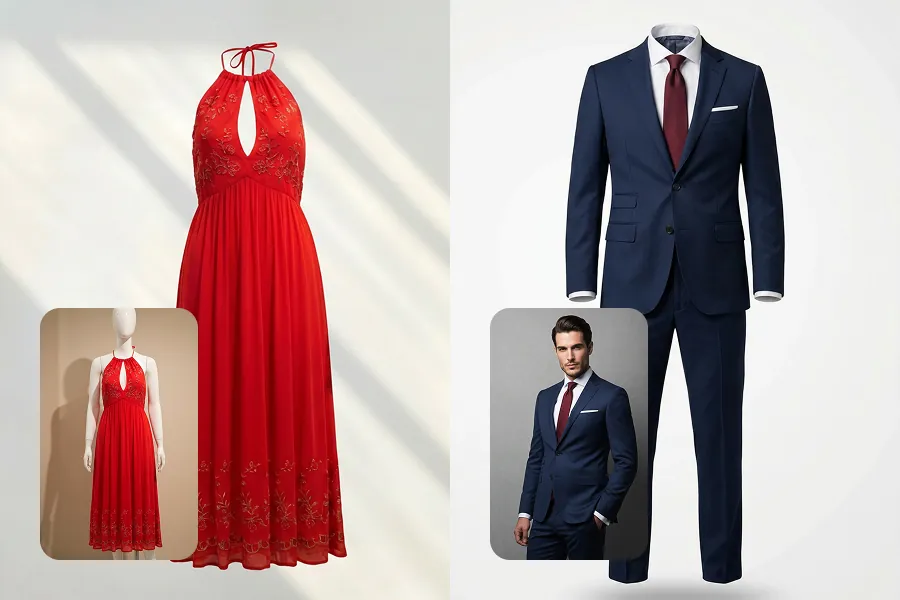
Upload a photo of the garment on a hanger, on the floor, flat, or worn by a model. FASHN Packshot creates the invisible-mannequin look by default, with the neck, sleeves, and hem holding their shape, so you don't need a mannequin or any photo editing.
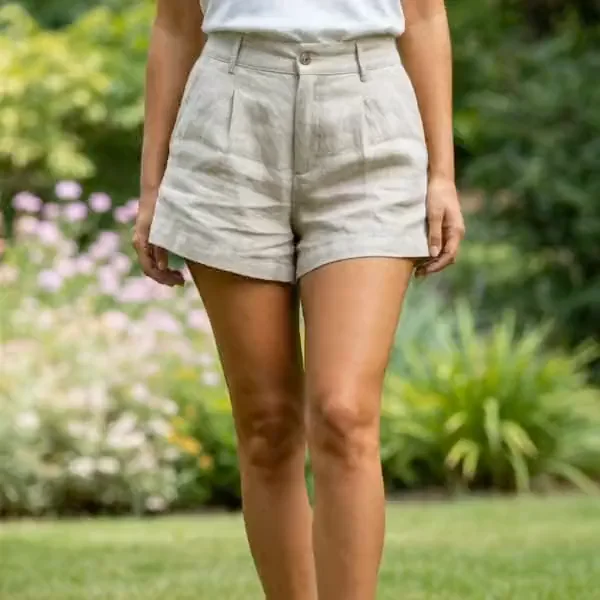
Yes. Upload an on-model photo and Packshot removes the person, leaving a standalone product shot. If the photo shows several pieces, name the one you want, like only the jacket. Front-facing photos where the garment is fully visible give the cleanest results.
Ghost mannequin shows how a garment's shape and fit look when worn, so it's the standard for product pages. Flat-lay works well for casual pieces, social posts, and styled collections. With Packshot you can create both from the same source photo.
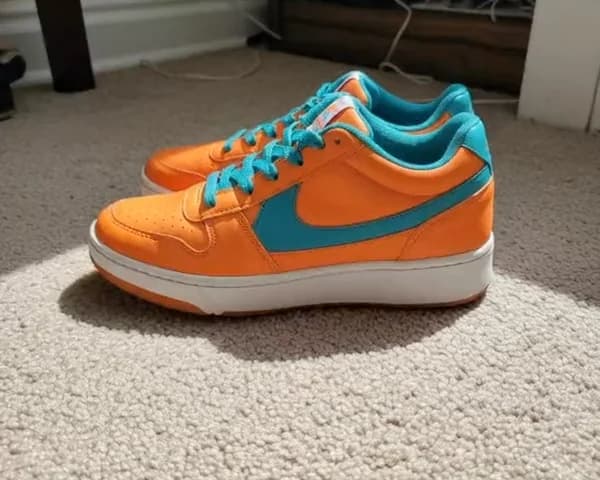
Yes. Packshot works with clothing and accessories like shoes, bags, hats, and eyewear. Sharp, well-lit source photos give the most detailed results.
Background removal cuts out what's already in the photo. Packshot creates a finished product photo: it removes the model, fixes wrinkles and drape, and stages the product on a clean background or in a styled scene.
Choose from aspect ratios including 1:1, 4:5, 3:4, 2:3, and 16:9, and export at 1K, 2K, or 4K. For product pages and marketplaces, 2K or 4K works best.
Each image uses 1 to 3 credits depending on the mode and resolution, and you can create up to four at once. Packshot is available on every plan. Learn more in our Packshot guide at https://help.fashn.ai/using-fashn/studio/packshot