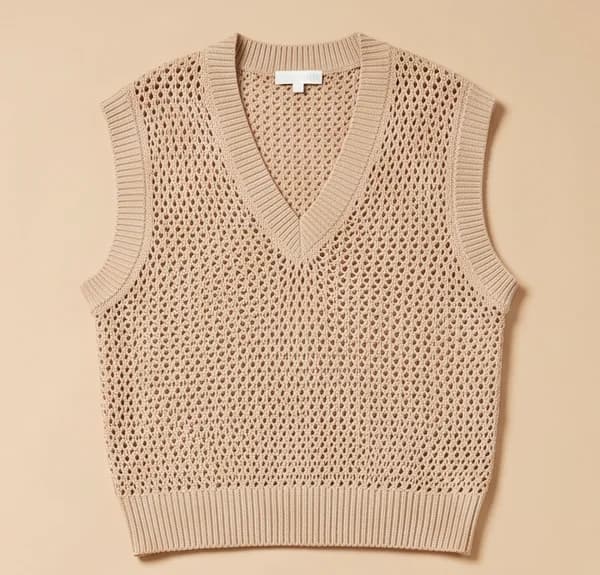
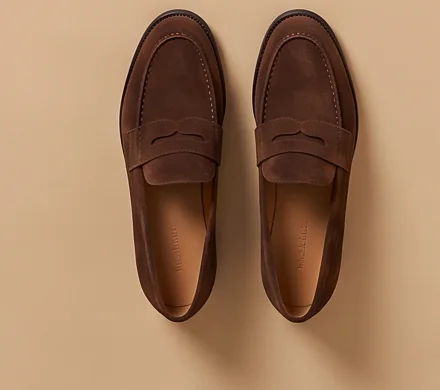
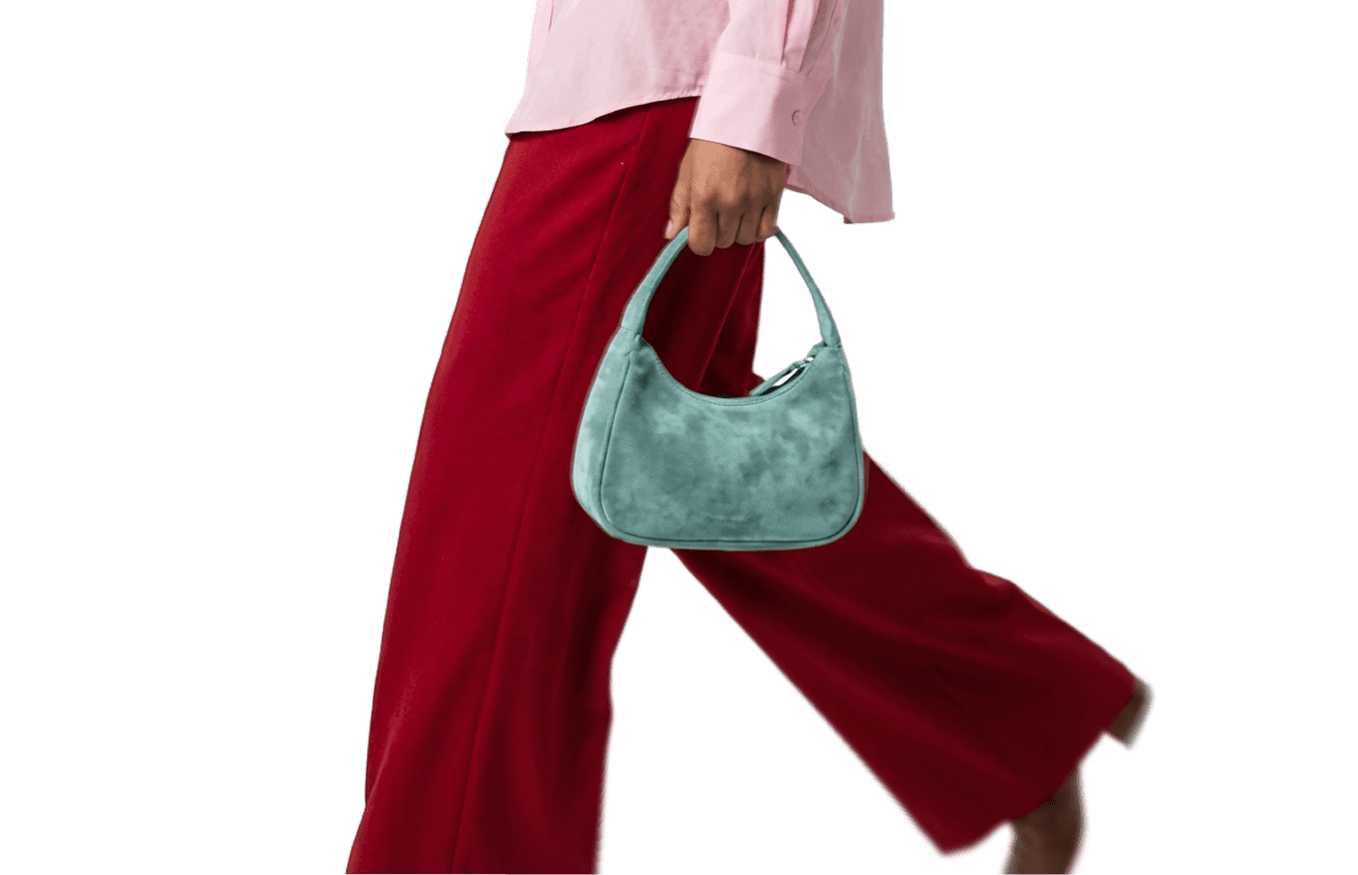
Turn the product photos you already have into styled looks for your lookbook. Combine pieces into complete outfits, keep the same model with a face reference, and direct the setting and light, so the whole collection looks like one shoot.
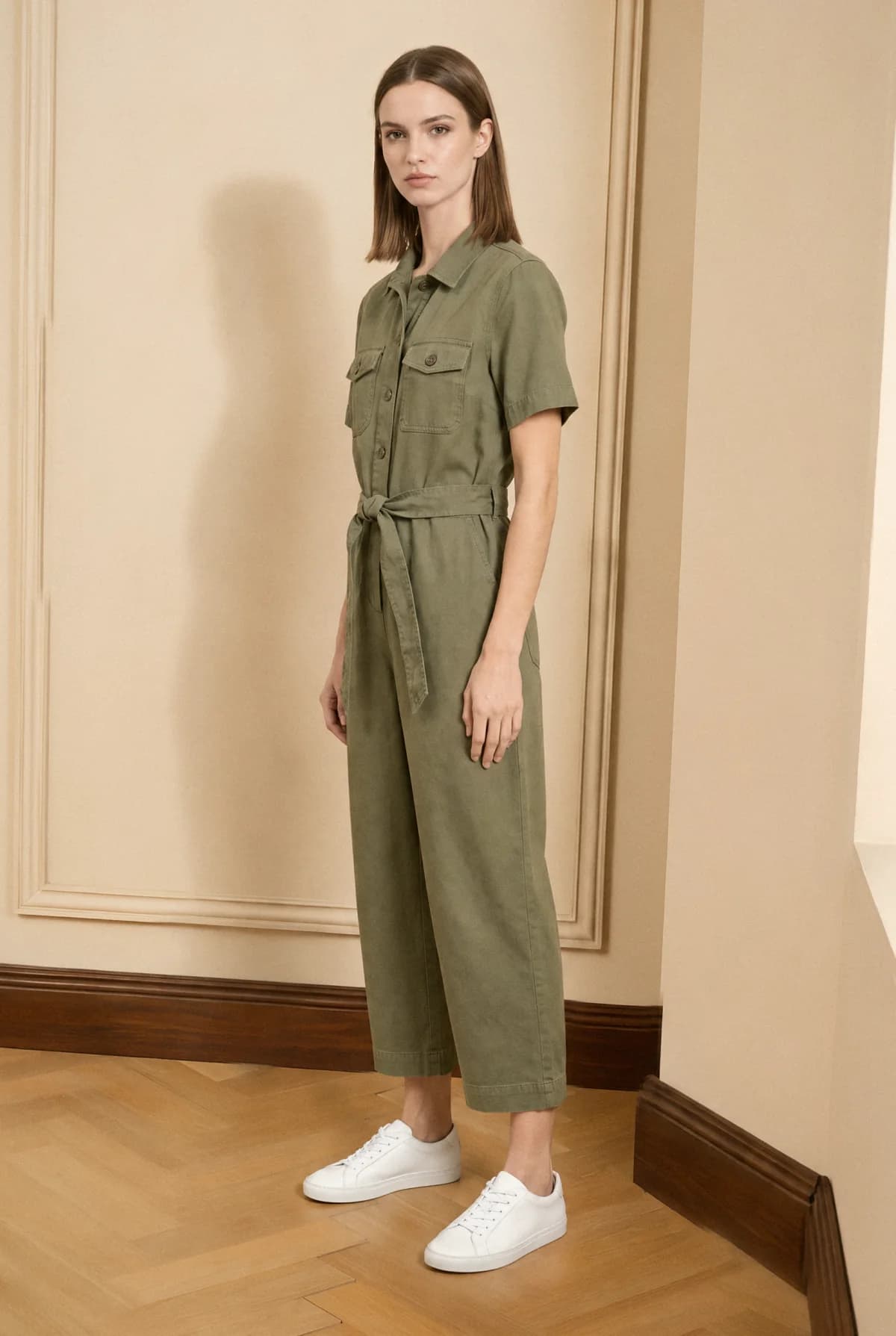
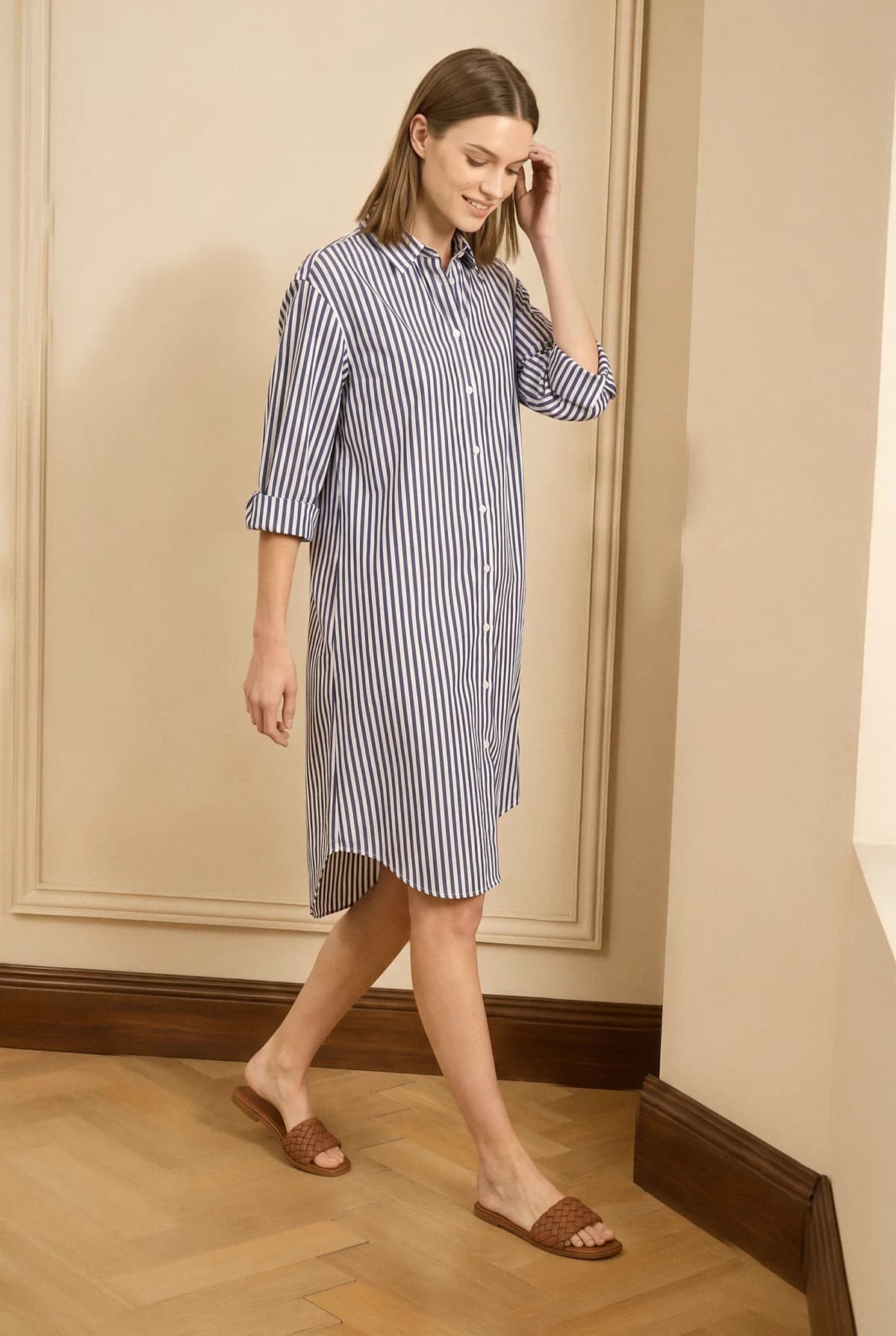
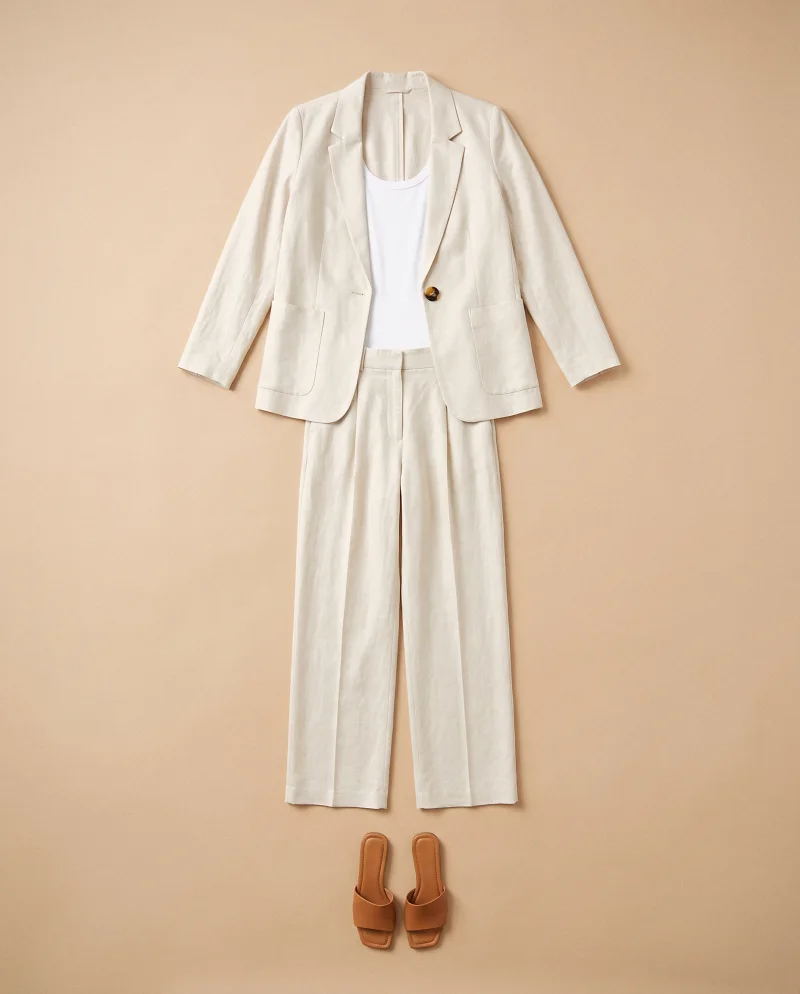
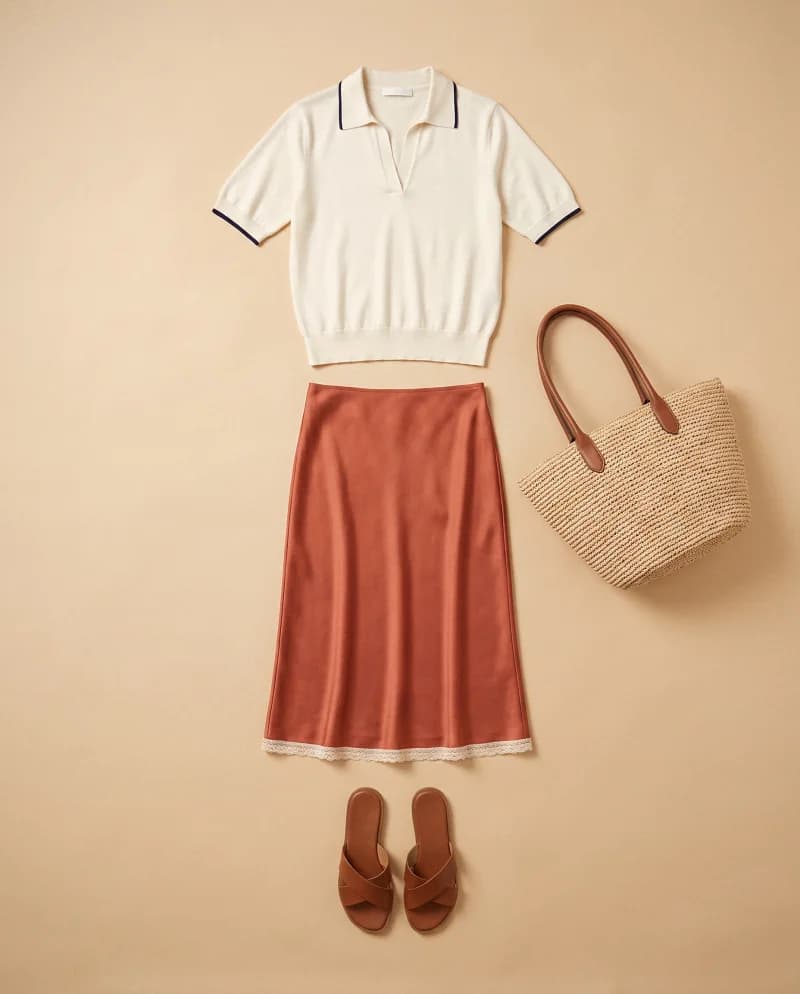
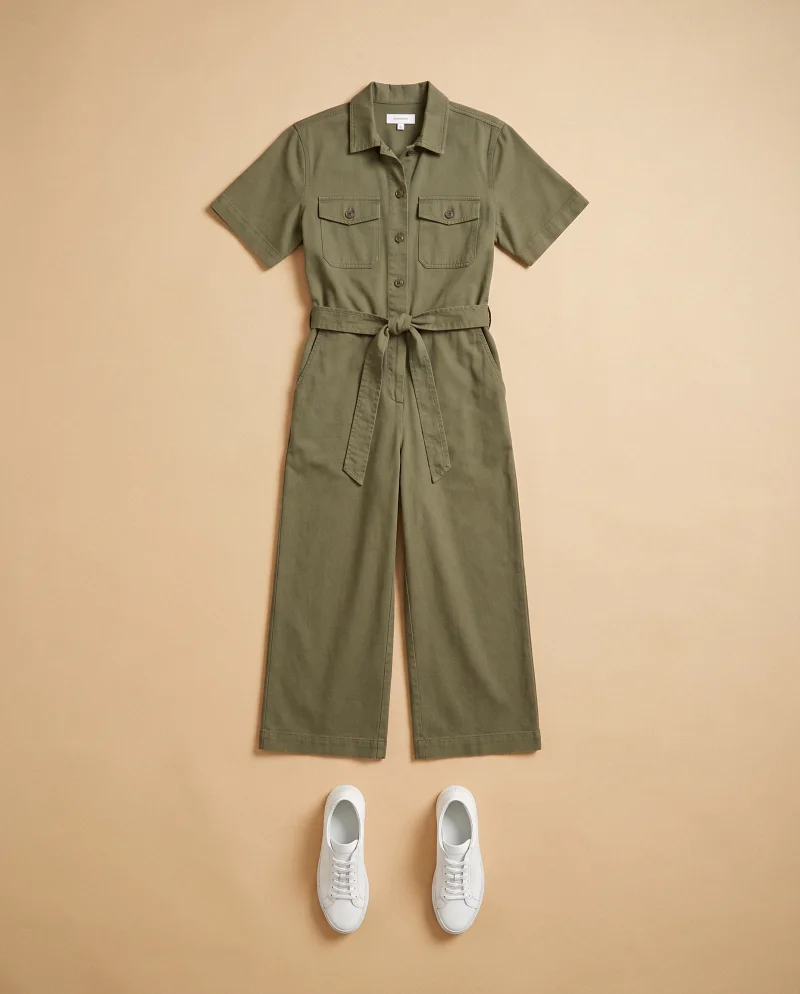
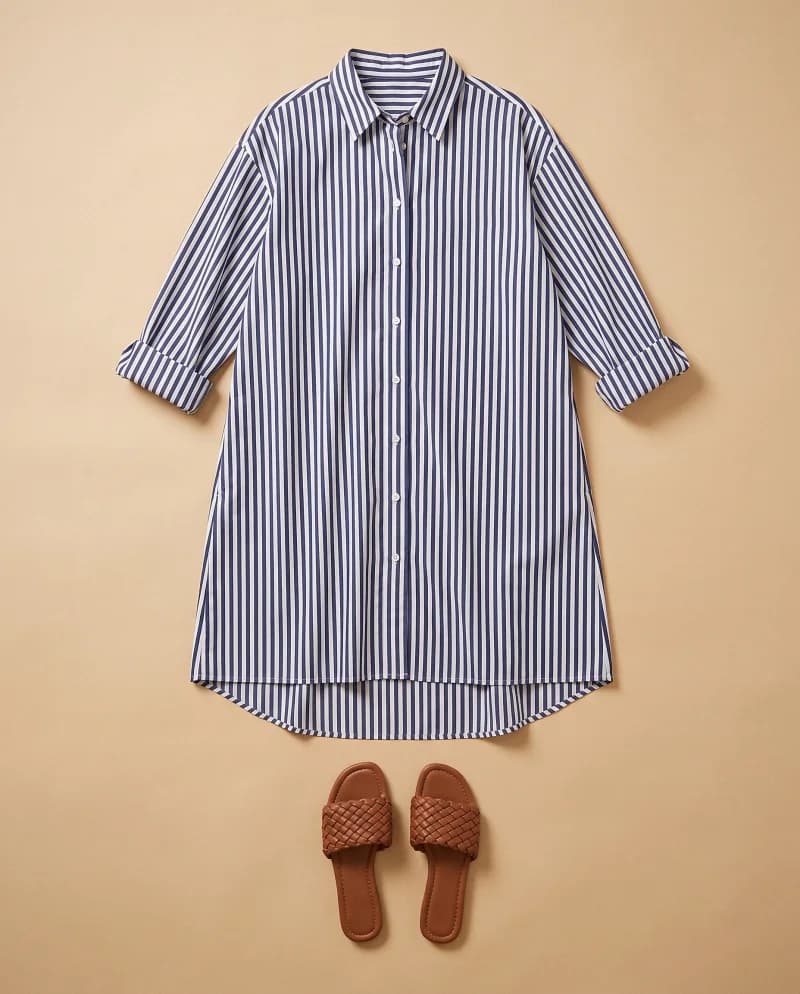
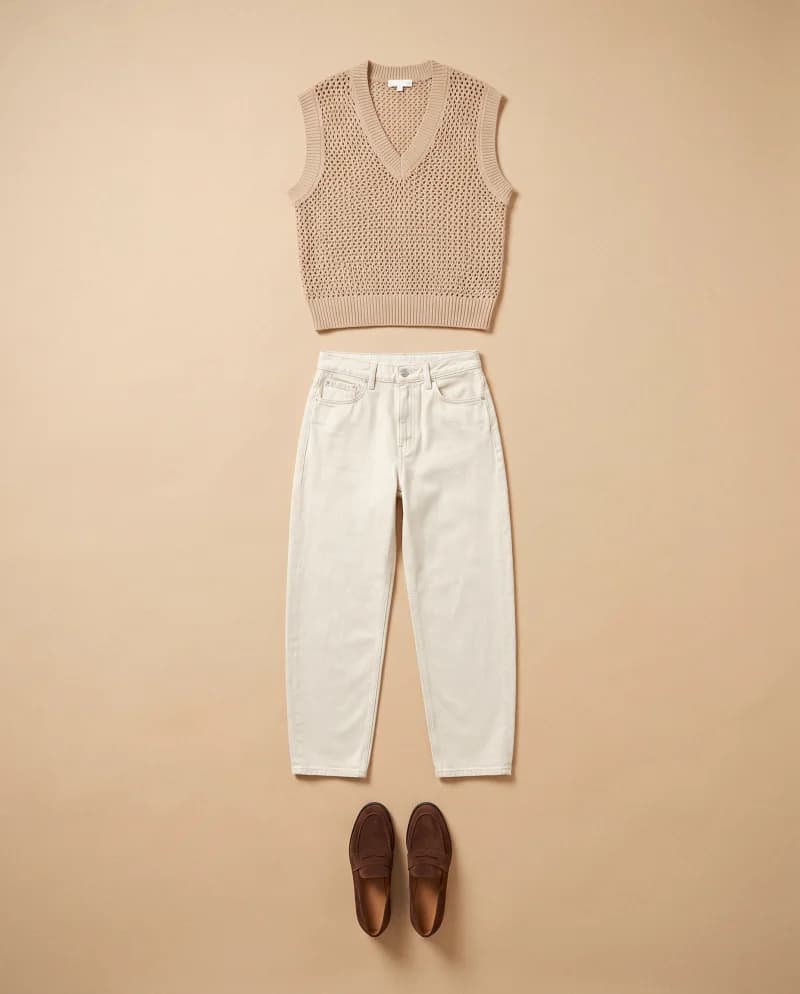
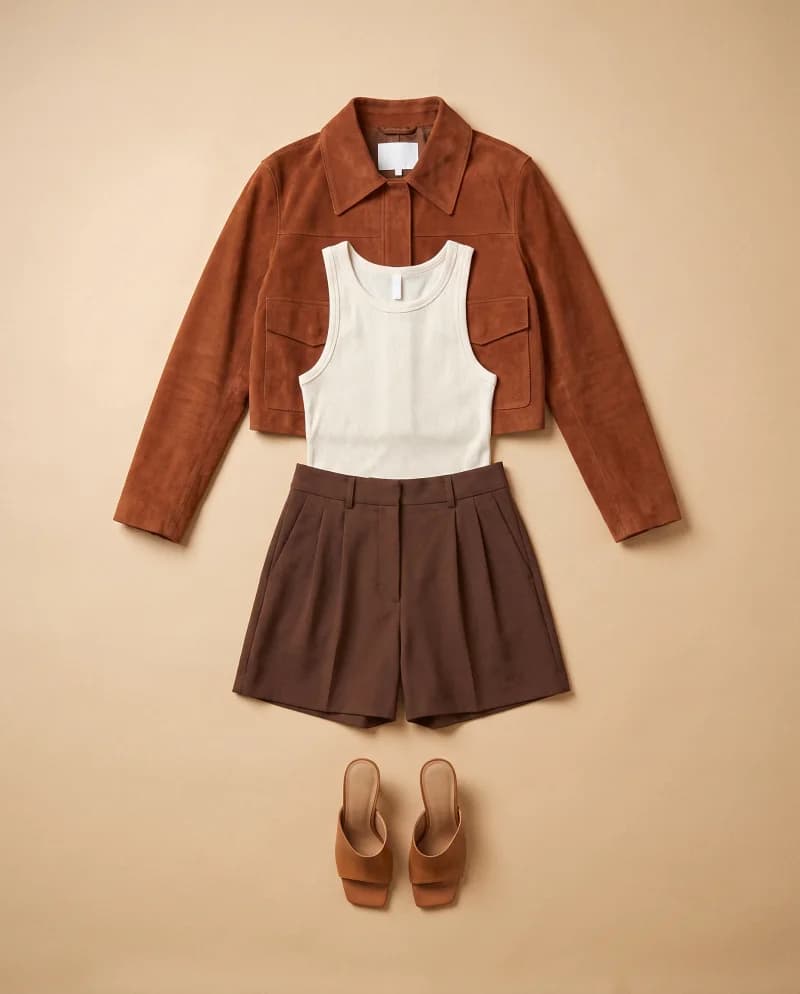
Every look below started as a flat-lay photo of its pieces. One model, one set, and one light run through the collection, so the pages read as one story.
FASHN is built to keep the details shoppers check, such as prints, logos, textures, and colors. AI can still miss a small detail, so compare each look with the real piece before you publish. For distinctive construction, add a close-up photo of that detail, and test your hardest piece first.
Phone photos work when the whole garment is visible, the light is even, and the background is plain. If a look needs to show the back, add a photo of the back. With only a front photo, unseen details are guessed and can be wrong.
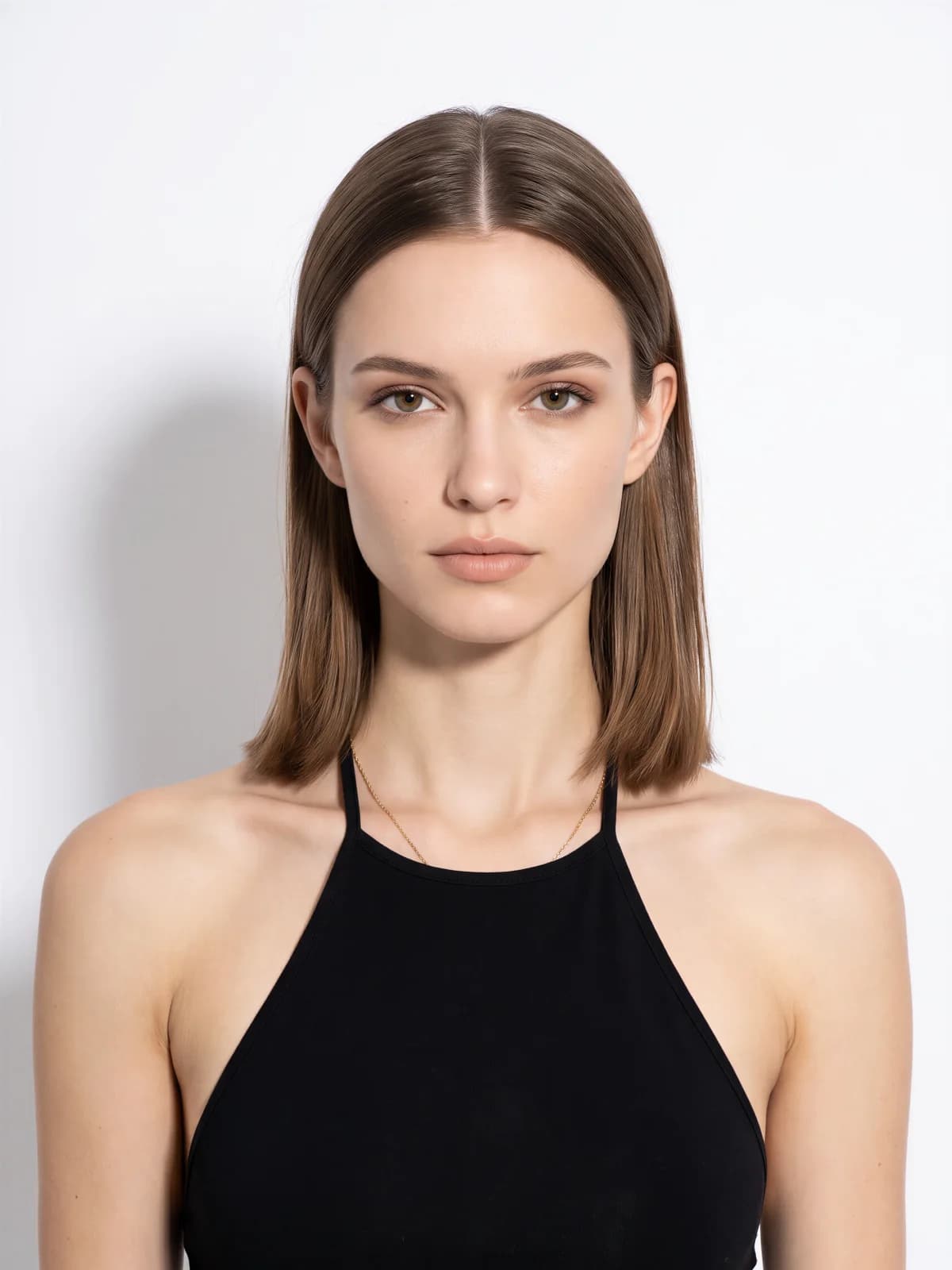
A face reference keeps her recognizable across new outfits, poses, and lighting, but small differences can appear between generations. Review the set side by side. If one face drifts, rerun that look or use Face Swap to restore the likeness without changing the rest of the image.
Yes, if you have permission to use their photo, such as a model you work with, and their consent where the law requires it. If you prefer not to use a real person, create a model from a description or choose a portrait from the Elements library.
No. A lookbook uses the same credits as any other image or AI fashion video, at the standard rate for the resolution and quality you choose, and a face reference adds nothing extra in the FASHN Agent. Every completed generation counts, including retries. See the current credit costs on the pricing page.
Yes. You own the images and videos you create with FASHN, and you can use them in lookbooks, on product pages and marketplaces, in ads, and in print. You need the rights to everything you upload, since you are responsible for the content you submit.
FASHN does not use your uploads or results to train AI models, and does not use them in its marketing without your express permission. Your work stays in your account, shared only with the people you invite to your organization.
Yes. Cancellation takes effect at the end of your billing cycle, and you keep your plan until then. Remaining monthly credits expire when the plan ends, so use them and download your final files before the renewal date.



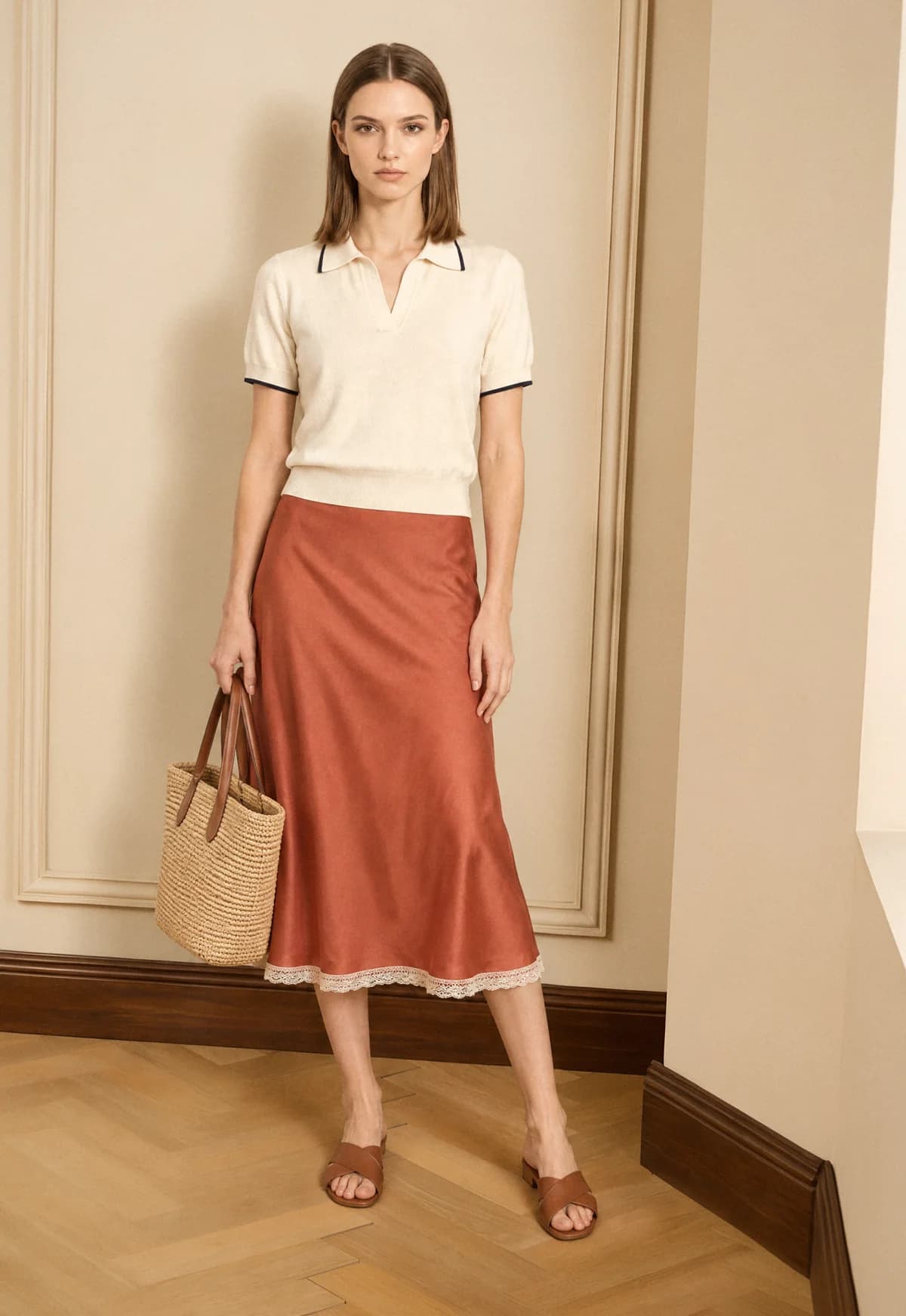



 Pose 2