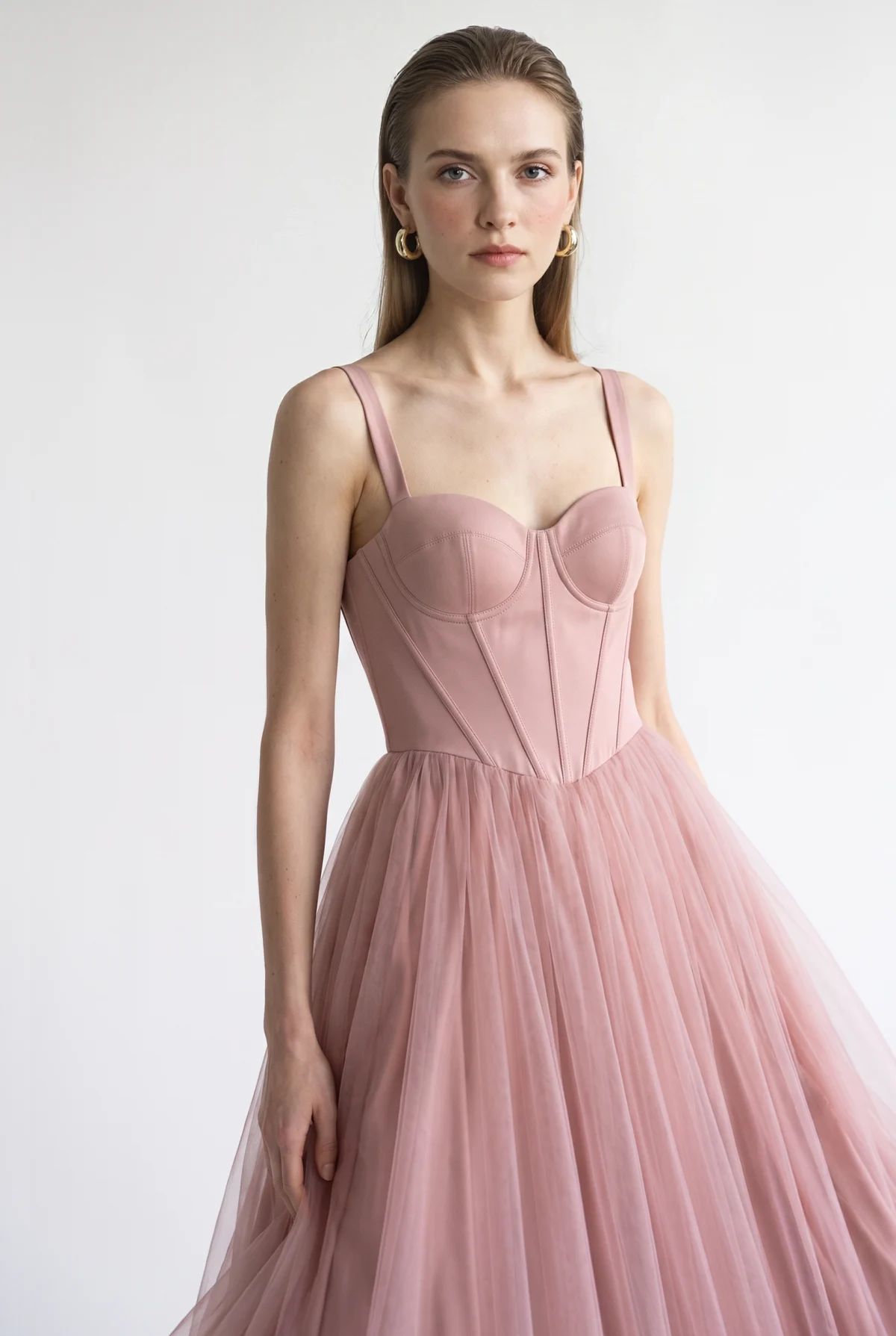
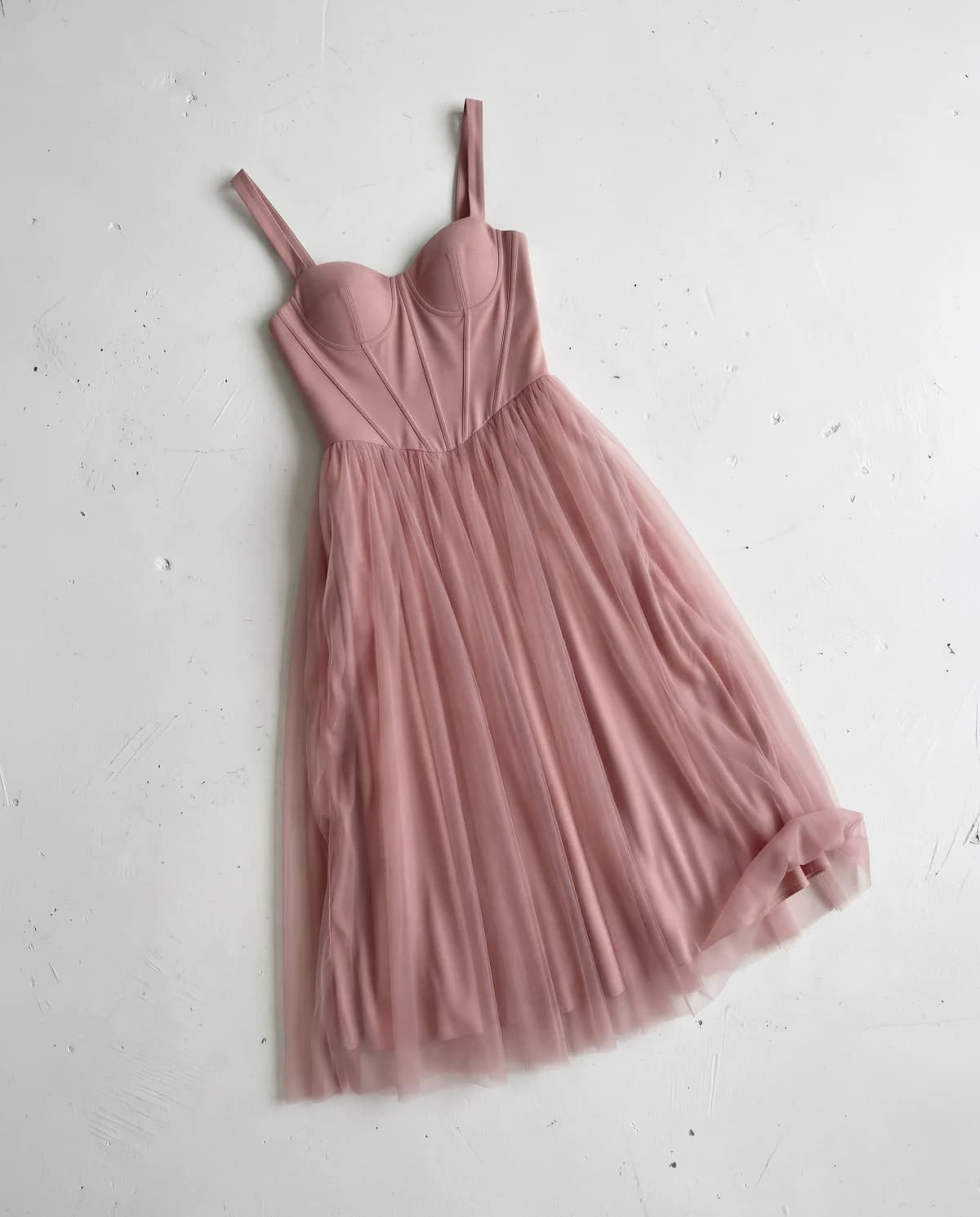
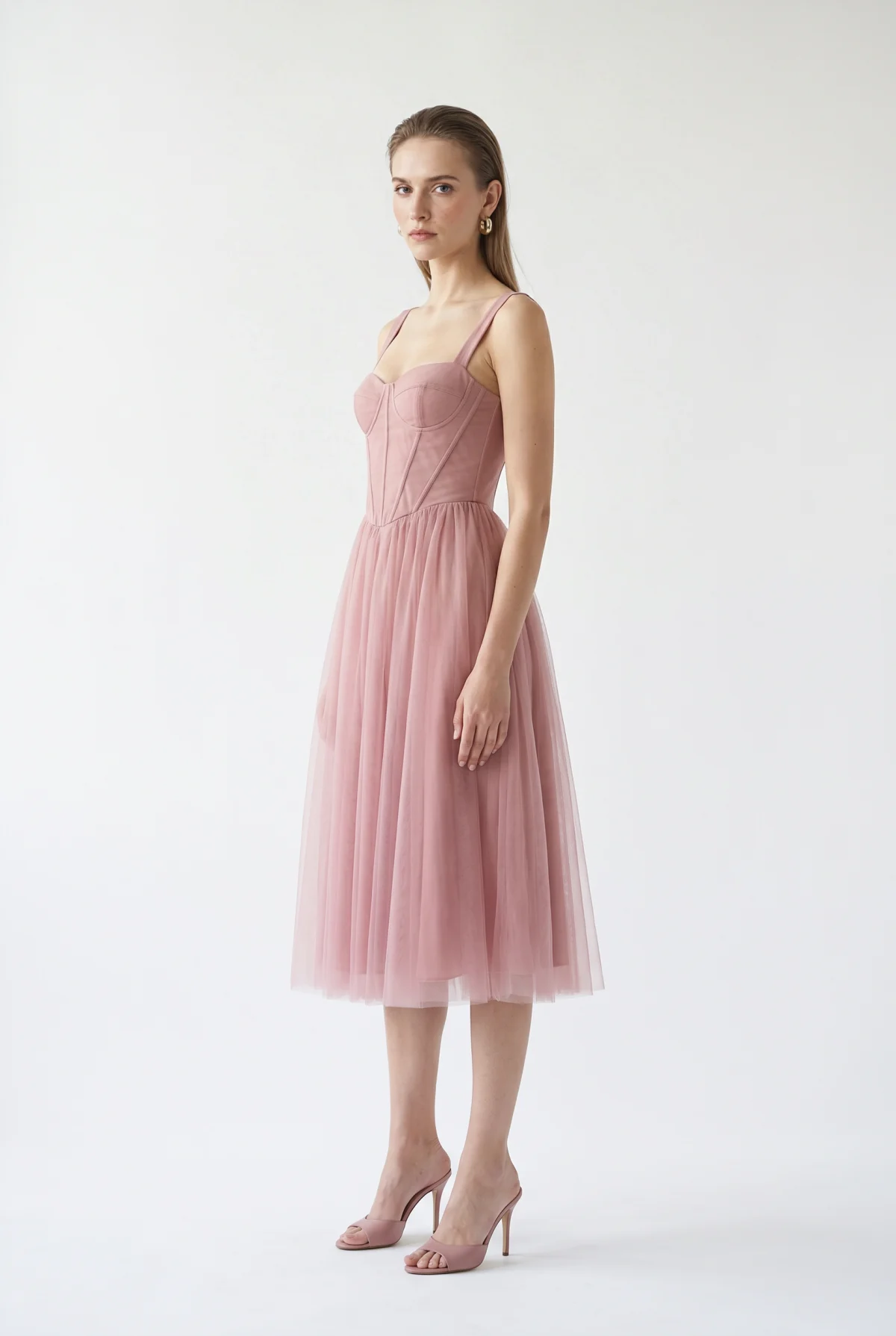
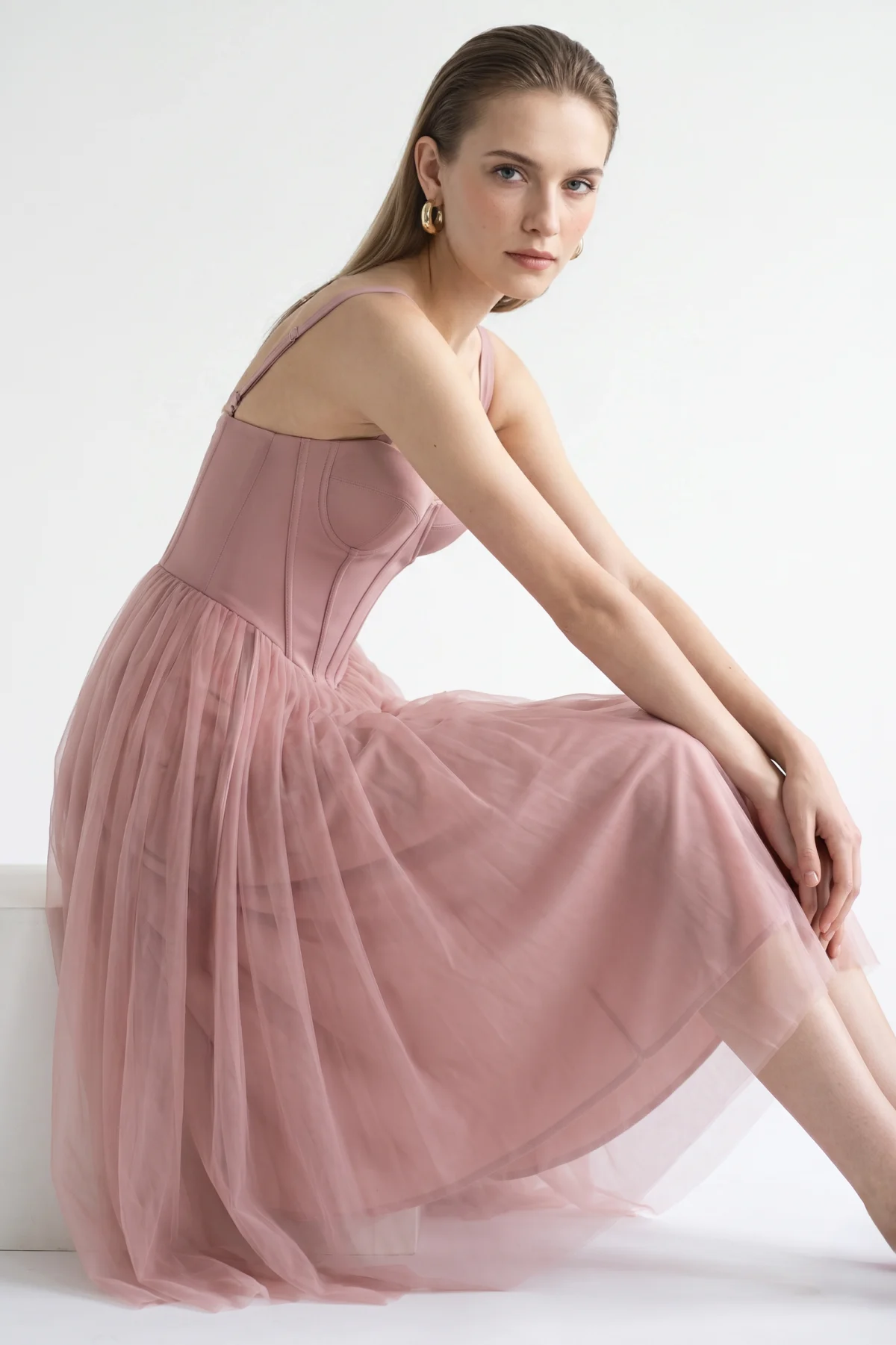
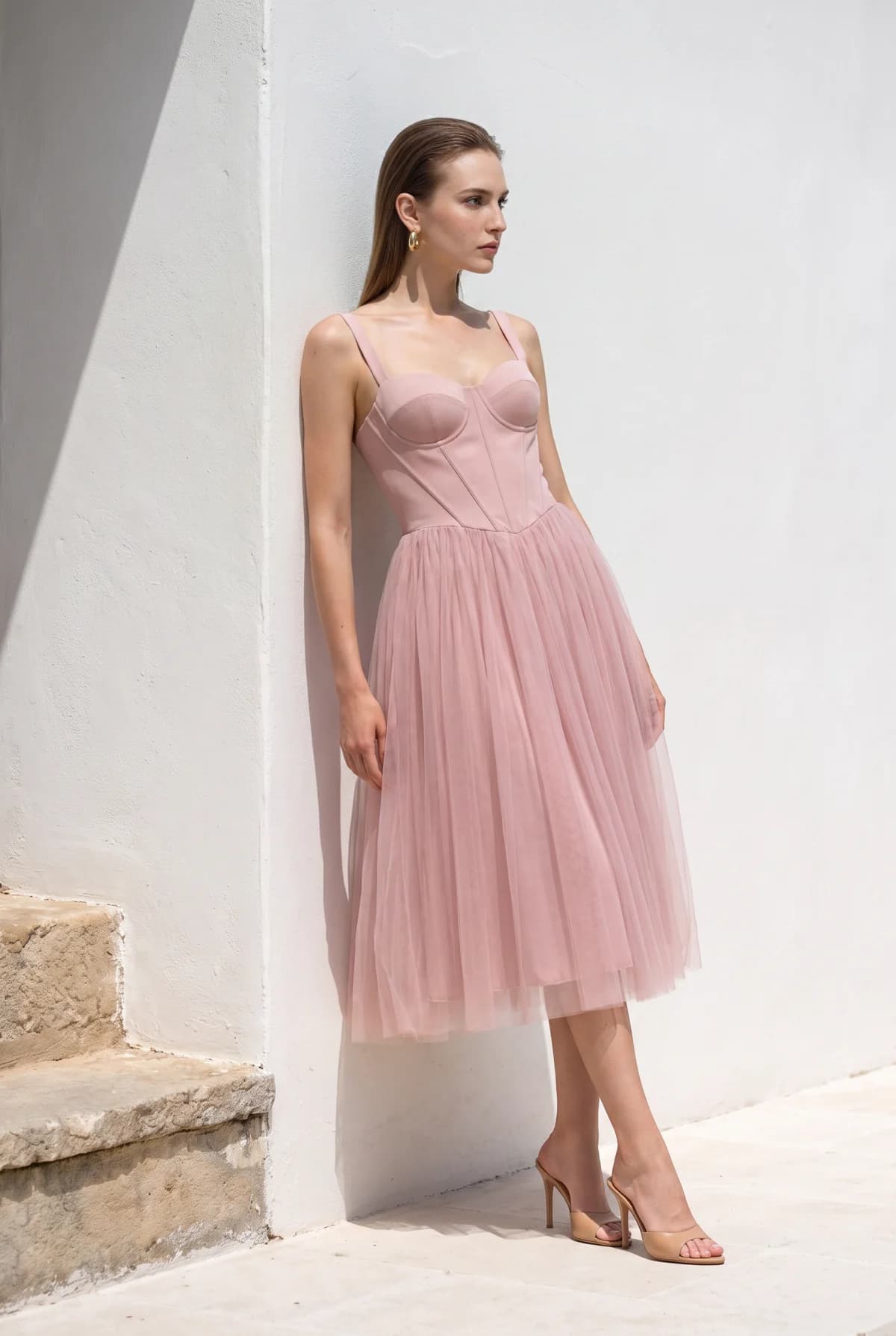
Generate on-model fashion images with AI. Upload a flat-lay, ghost mannequin, or hanger photo and see it worn by a realistic model in seconds. Choose the model, pose, and scene while every detail stays true to the original.
No model booking, no reshoot. If you can photograph the product clearly, Product to Model can put it on a person.
Flat-lay
Garments photographed from above on a plain surface.
Ghost mannequin
Invisible-mannequin packshots from your existing catalog.
On-hanger
Quick hanger shots from the studio, showroom, or warehouse.
Product-only
Shoes, bags, hats, and jewelry shot on a clean background.
How to turn a flat lay into an on-model photo
Go from a single product image to a set of on-model shots in three steps.
01
Add your product
Upload a clear product photo. Add up to six inputs, such as a top, trousers, shoes, and your model, to style a complete look.
02
Describe the shot
Tell the FASHN Agent who should wear it and where. Add a face, pose, or background reference if you want more control.
03
Pick your favorites
Generate up to four variations at once, then upscale, edit, reframe, or turn the best one into a video.
Product accuracy
The model changes. Your product doesn't.
FASHN keeps the details shoppers look for: prints, logos, textures, colors, and the way the fabric falls.
Publish on-model images that match what customers receive, so product pages build trust instead of returns.
Model, pose, and scene
Direct the shoot without organizing one.
Describe the model's age, look, and expression, then choose a clean studio backdrop or a lifestyle setting.
Guide the result with a reference image for pose, lighting, or background, or add a face reference to keep a recurring model across your catalog.
Every category, every channel
From a single piece to a complete look.
Works with apparel, footwear, bags, hats, belts, eyewear, and jewelry. Combine up to six inputs, such as the products in a look and your model, in one image.
Choose the aspect ratio for product pages, marketplaces, social, or ads, and export at up to 4K for print and large crops.
Keep going after the first on-model shot
Product to Model connects with the rest of FASHN, so one product photo can fuel a full content workflow.
Product to Model turns a photo of a product on its own, such as a flat lay, ghost mannequin, or hanger shot, into a realistic image of a person wearing it. It replaces the model booking, studio, and retouching of a traditional on-model shoot.
Yes. Product to Model works with flat-lay, ghost mannequin, on-hanger, and product-only photos. For the best results, use a well-lit image with minimal background clutter and no cropped edges.
Apparel of all kinds, including tops, bottoms, dresses, outerwear, and traditional clothing, plus wearables like shoes, bags, hats, belts, eyewear, and jewelry. You can combine up to six inputs in one image, such as the products in a look and your model.
Most on-model images are ready in around 10 seconds with default settings. Higher resolution and quality modes can take up to around 55 seconds, and adding a face reference adds around 20 seconds.
Yes. Add a face reference to generate images featuring a specific person's likeness, as long as you have permission to use it. This creates a new image of that person. To dress someone in an existing photo while keeping its pose and background, use Virtual Try-On instead.
Yes. Describe the pose and setting in plain language, like 'walking on a city street' or 'minimalist studio', or add a reference image for pose, lighting, or background.
You can generate at 1K, 2K, or 4K, in aspect ratios including 1:1, 4:5, 3:4, 2:3, 9:16, and 16:9. Use a product photo at least as sharp as the resolution you choose.
Yes. You can use them on product pages, marketplaces, ads, social media, and other commercial channels.