FASHN vs Botika
Botika and FASHN are both built for fashion. The difference is how you work. With Botika, you pick models from its gallery and a team retouches the results. With FASHN, you create your own models and direct every shot, with results in seconds. Here's how they compare.
Last updated: · 8 min read
Which one is right for you
 FASHNAI
Best for brands that want their own models, fast results, and full ownership of every image.
- Create your own models on every plan
- Photos in about 10 seconds, at 4K on every plan
- About five times as many photos for the money

Best for brands that want a white-glove service, with a team that reviews and retouches their images.
- Retouching by its team on yearly plans
- Every image checked against your brand on Enterprise
- Custom models built for your brand on Enterprise
Feature by feature
| Feature | FASHNAI | |
|---|---|---|
| Casting | ||
| Create your own AI model | Yes. Every plan | Built by Botika on Enterprise |
| Choose any age, body type, and look | Yes. By description | From the gallery |
| Ready-made models | Yes | Yes. Limited on Pro |
| Model from a real person's photo | Yes. With their consent | No |
| Same model across a catalog | Yes | Yes |
| Garments | ||
| On-model photos from flat lays, hangers, and mannequins | Yes | Yes |
| Shoes, bags, and jewelry in the shot | Yes | Clothing, plus footwear on Advanced |
| Pose and scene control | Any shot, by prompt or reference photo | Gallery poses, or prompts in Editorial |
| 4K images | Yes. Every plan | Yes. Advanced and up |
| Review and speed | ||
| Typical wait for an image | About 10 seconds | About 15 minutes |
| Human retouching | No | Yes. Yearly plans |
| Every image reviewed by a person | No | Yes. Enterprise |
| Cost and rights | ||
| Starting price | $19 a month | $55 a month, or $46 billed yearly |
| Images for about $50 a month | 250 at 4K, plus daily bonus credits | 50 at 2K |
| Unused credits | Roll over, up to 3 months' worth | Roll over while you subscribe |
| Who owns the images | You do | Botika, licensed to you |
| Beyond on-model photos | ||
| Model swap on existing photos | Yes | Yes |
| Try-on on photos of real people | Yes | No |
| Ghost mannequin and flat-lay packshots | Yes | No |
| AI video | Yes. 5 or 10 seconds | Yes. 5 seconds |
| API | Yes. From $0.075 per image | No |
| Mobile apps | iOS and Android | iOS |
| Support | Help center, chat, email, and Discord | Help center, chat, and email |
Botika and FASHN are both built only for fashion, and both turn flat lays, hanger shots, and ghost mannequin photos into images of a model wearing the product. The difference is how you work. Botika is closer to a managed service: you pick models from its gallery, and its team retouches images on yearly plans and reviews every image on Enterprise. FASHN is self-serve: you create your own models on any plan, direct every shot, and get most images in about 10 seconds, with try-on, packshots, and an API in the same account.
Who's your model?
For most brands, this is the biggest difference.
Botika gives you a gallery of ready-made AI models, split into women and men, and you choose one for each shoot. Pro includes a limited selection, and Advanced unlocks the full gallery. You can't create a new model or bring your own, so you're limited to the ages, body types, and looks in the gallery. Enterprise customers can ask Botika's team to build exclusive models for their brand, and in Botika's Editorial workflow you can change a model's hair, makeup, and expression with a prompt. Botika's models are fully AI-generated and never based on a real person, which Botika says means you don't need model release forms.
On FASHN, you cast the model yourself, on any plan, in one of three ways:
- Describe it. Name the gender, age, ethnicity, hair, and body type you want, plus the styling and lighting.
- Start from the library. Pick a ready-made model from Elements and adjust it.
- Start from a photo. Use a photo of a real person who has agreed to it, such as yourself or a model you work with.
The first two give you a fully AI-generated model, like Botika's. Here's how all three work:
Once you have a model, add their face as a face reference, and every product is shown on the same person, in any pose or setting. There's no training step, and it works on every plan.
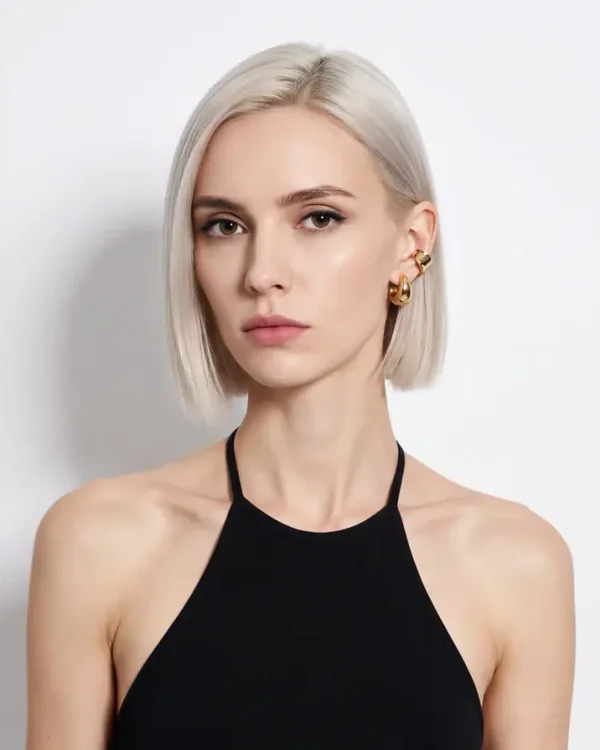
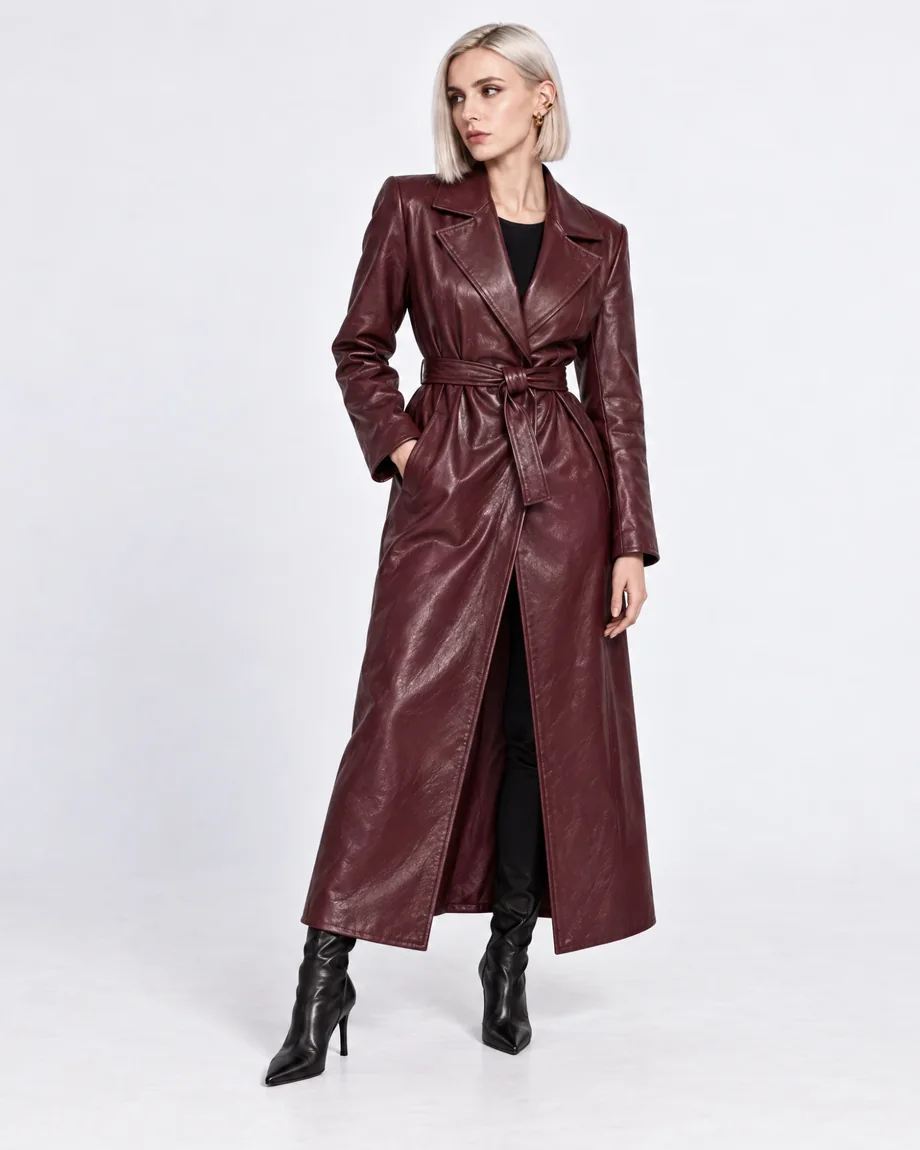
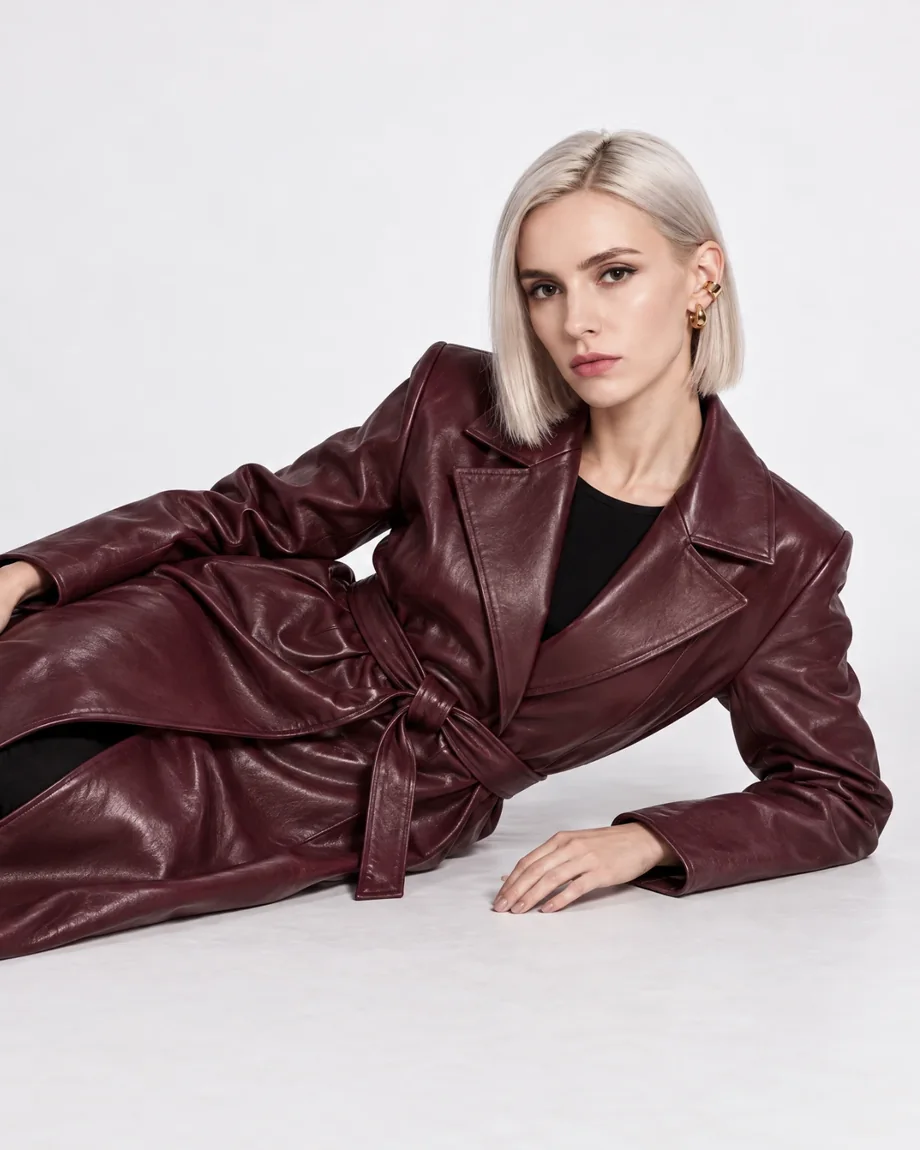
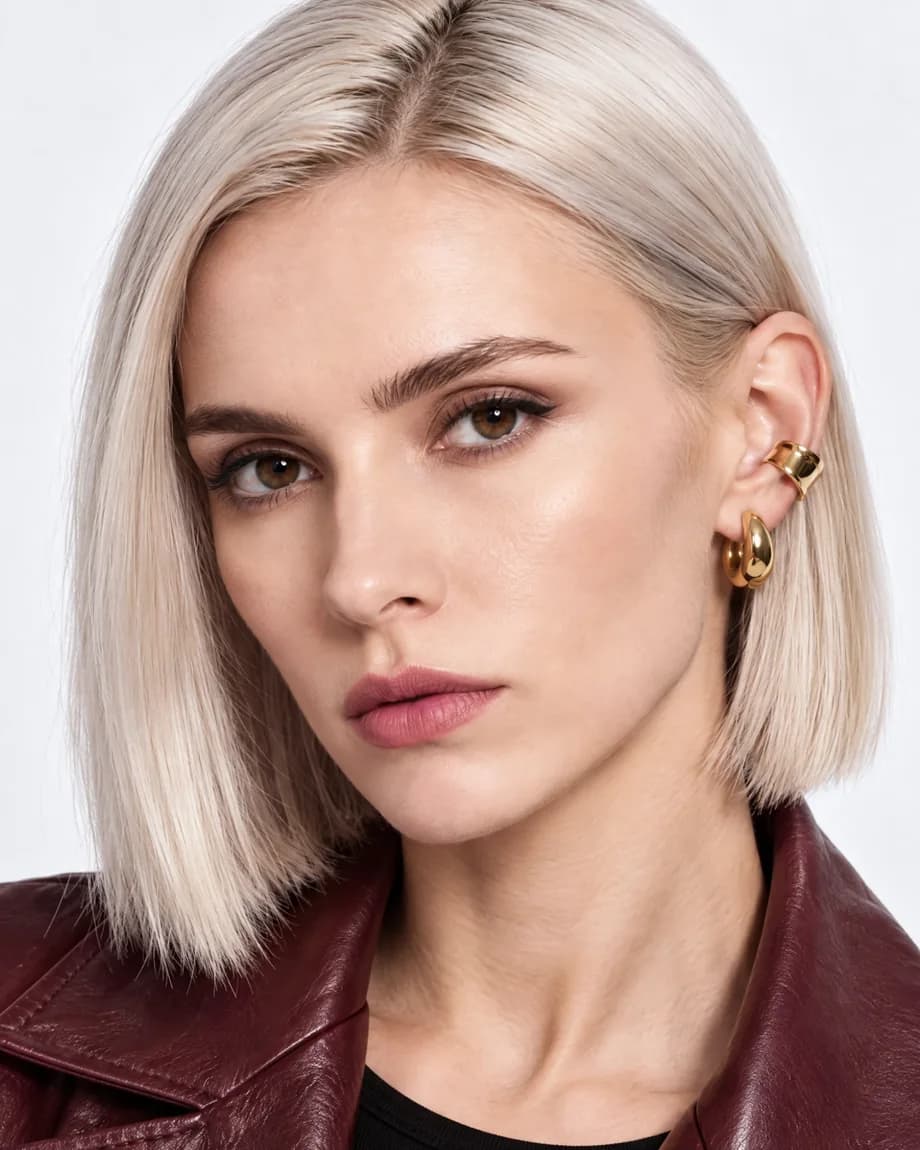
Best in this category: FASHN. You can cast any model yourself in minutes, on any plan, instead of choosing from a gallery or waiting for an Enterprise build. See AI Fashion Models for more examples.
Will the garment look right?
This is what Botika is best known for, and it's what any fashion brand should judge first.
Both companies build their own AI models for fashion instead of relying on a general image generator. Botika trained its own foundation models on fashion data. FASHN develops its own models for try-on, model creation, and model swap, and has released one of its try-on models, FASHN VTON 1.5, as open source. Both start from the photos you already have: flat lays, hanger shots, ghost mannequin photos, or photos of a model wearing the product.
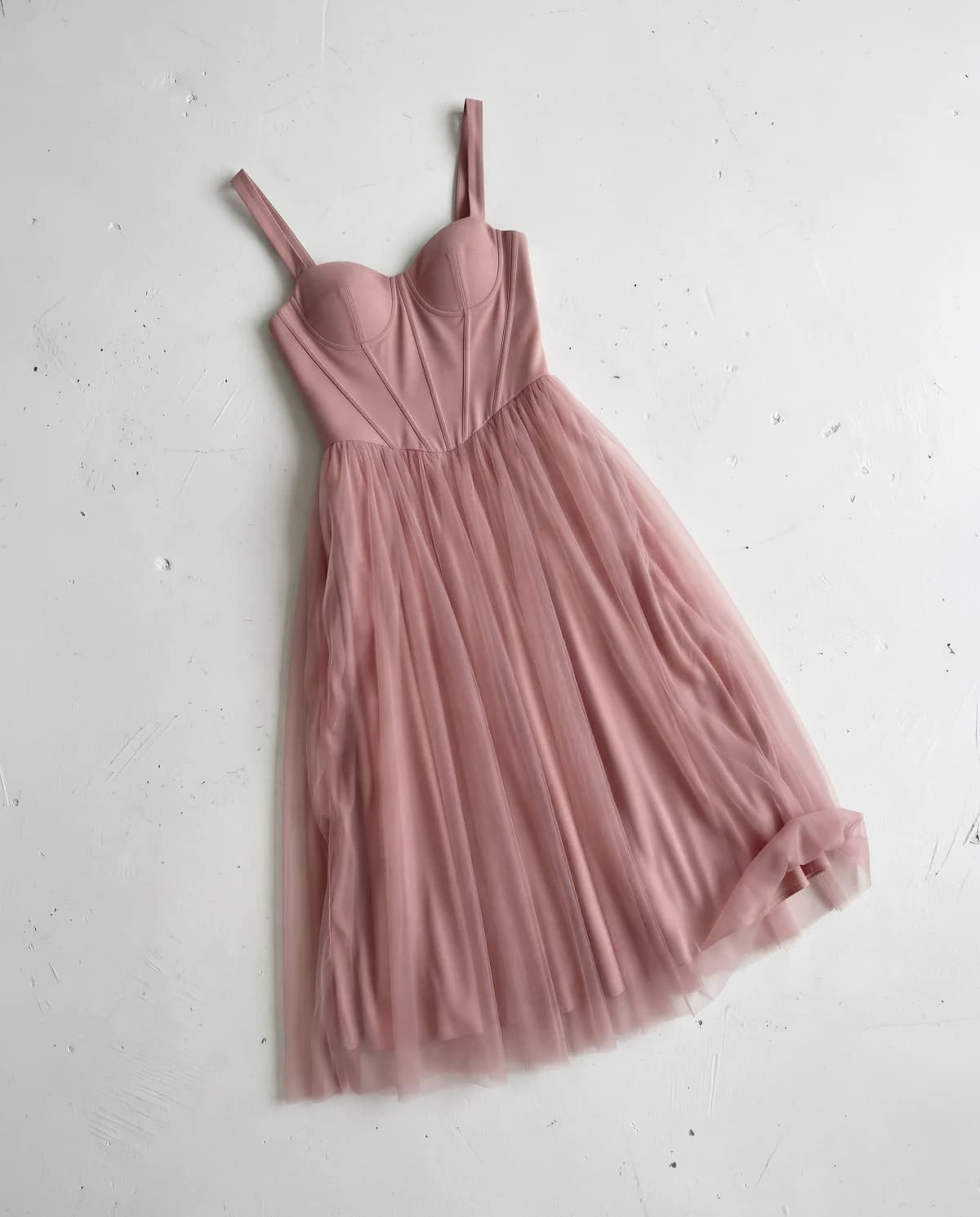
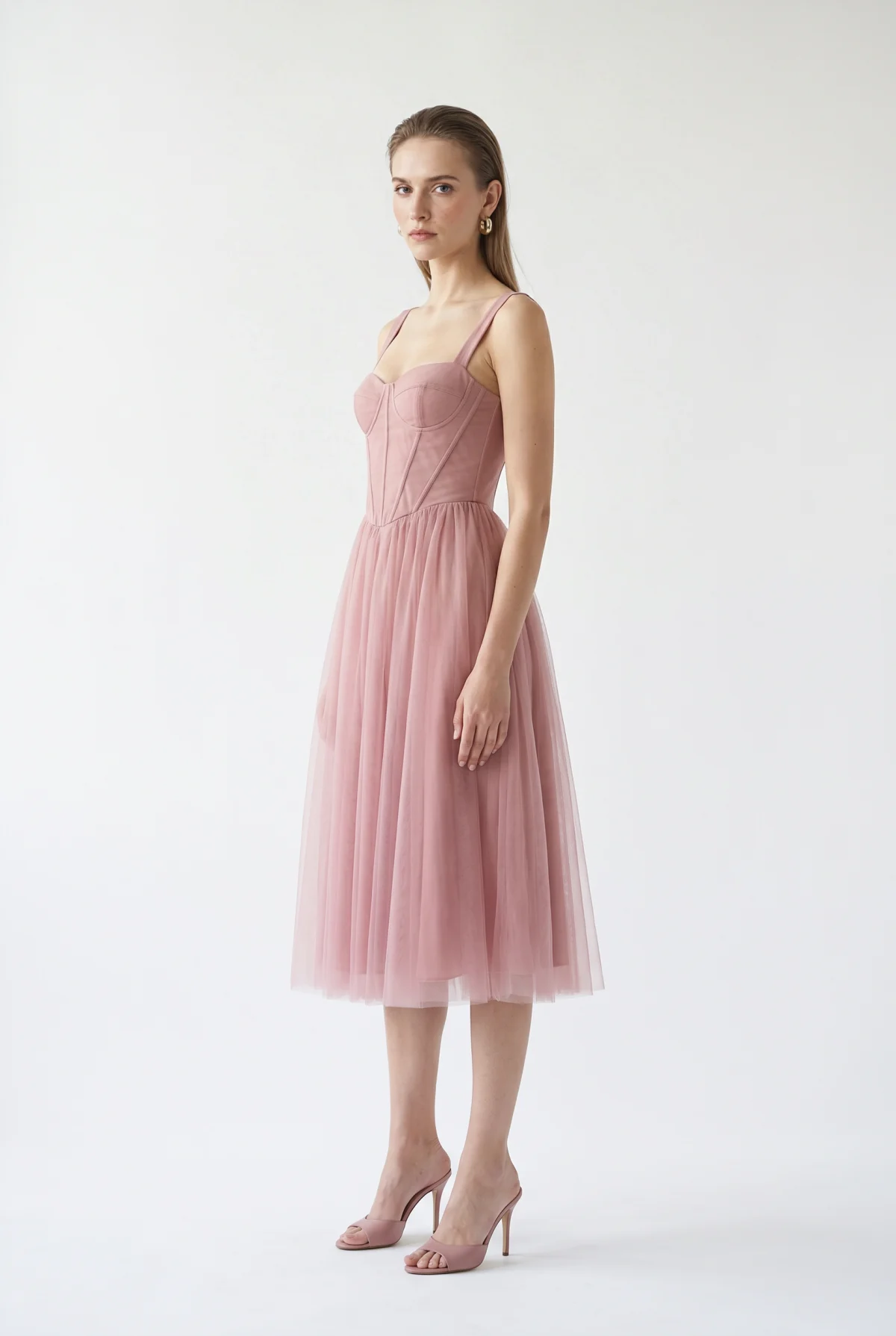
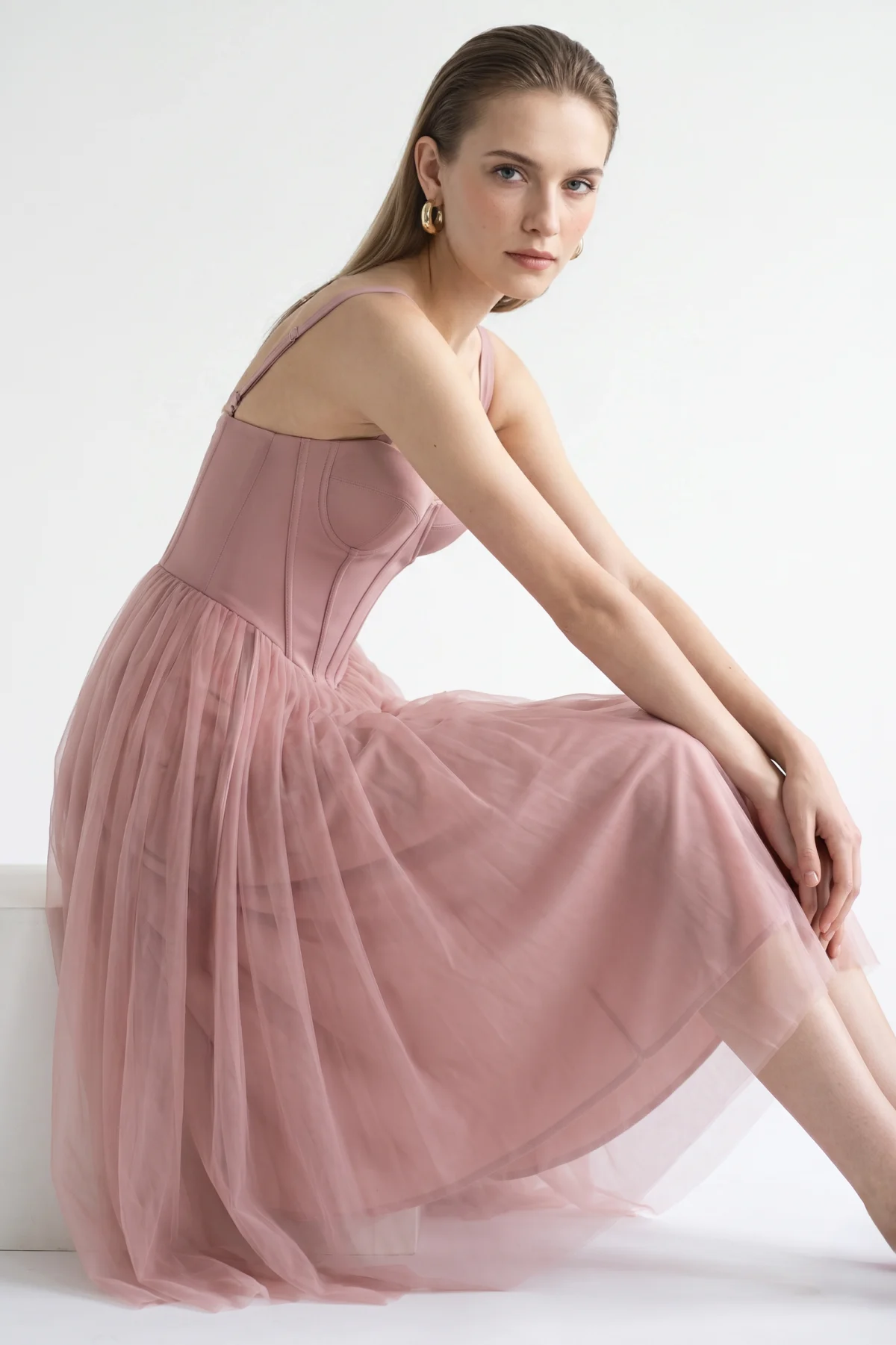
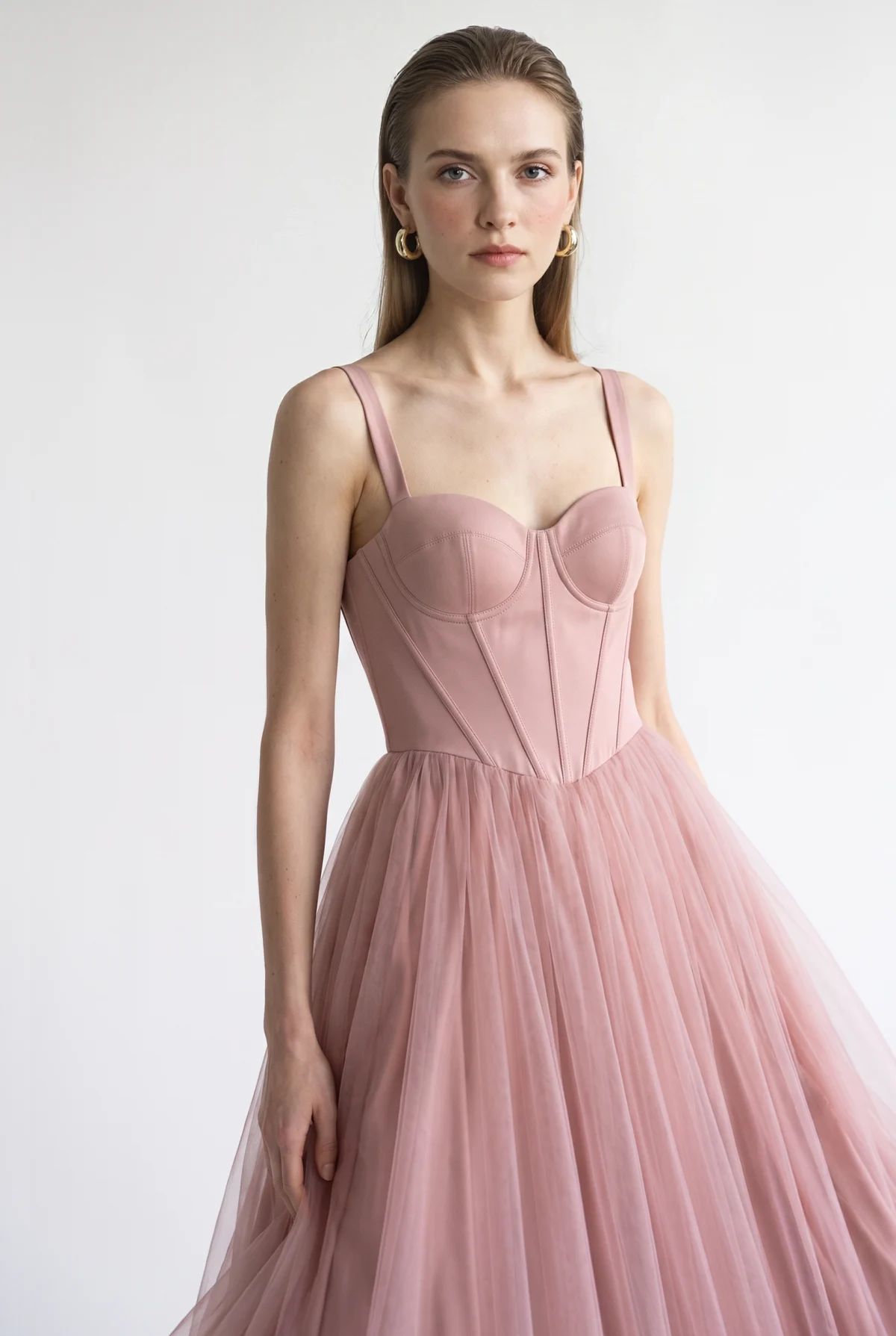
They differ in what else can be in the shot. Botika supports clothing only. Its FAQ says accessories like hats, glasses, and jewelry may be removed or changed, though Advanced lets you add your own footwear to a flat-lay look and Editorial can add accessories with a prompt. In FASHN, you can put up to three products in one look, including shoes, bags, hats, and jewelry, and describe the pose and setting yourself or add a reference photo for them. Every FASHN plan exports at up to 4K. On Botika, Pro exports at 2K, and 4K needs Advanced.
Best in this category: FASHN for full looks. Both are built to keep the garment true to the original. FASHN adds accessories, more control over the shot, and 4K on every plan.
Done for you, or done yourself
Botika pairs its AI with a team of people. You set up the shot, and Botika says its AI takes about 15 minutes to process the photos. If a result has a problem, you flag it with Photo Issue and the team retouches it: 2 rounds per photo within 2 business days on Pro, and 3 rounds within 1 business day on Advanced. Fixes are only included on yearly plans. On Enterprise, Botika's experts review every image against your brand guidelines before you see it, and apply retouching rules you set in advance.
FASHN doesn't have a retouching team. Most images are ready in about 10 seconds, and the highest quality settings take up to about a minute. If something isn't right, you fix it yourself: ask the Agent to change a detail in the same conversation, use Edit to adjust the pose or camera angle, or use Face Swap to restore a model's likeness. As with any shoot, you review the images before you publish them.
For questions, Botika offers a help center, in-app chat, and email. At FASHN, the Help Center has step-by-step guides for every tool, paying customers can chat with our team in the app, anyone can email [email protected] or ask in Discord, and enterprise teams can get a shared Slack channel.
Best in this category: Botika, for white-glove service. If you want a team to review and retouch your images for you, Botika offers it. If you'd rather direct the shoot and see results in seconds, FASHN is faster.
What it costs
Botika charges 1 credit per photo, so its plans are easy to read: 50 photos a month on Pro and 100 on Advanced. A FASHN photo costs 1 to 3 credits depending on the resolution and quality you choose, so the table counts every FASHN photo at the most expensive setting, 4K in the highest quality mode.
| FASHN | Botika | |
|---|---|---|
| Entry plan | $19 a month: about 65 photos at 4K | $55 a month: 50 photos at 2K |
| Middle plan | $49 a month: about 250 photos at 4K, plus daily bonus credits | $120 a month: 100 photos at 4K |
| Top plan | $99 a month: about 500 photos at 4K, plus daily bonus credits | Enterprise, priced on request |
| Video | Every plan | Every plan |
| Human retouching | Not included | Yearly plans |
| Billed yearly | The price of 10 months | 17% off |
Put simply, for about the same money, FASHN gives you around five times as many photos, at 4K on every plan. At about $50 a month, that's 250 photos on FASHN against 50 on Botika.
Botika's price does include two things FASHN's doesn't. On yearly plans, its team retouches the images you flag, and unused credits roll over without limit while you subscribe. FASHN rolls over up to three months of credits. See our pricing page for full details.
Best in this category: FASHN. You get about five times as many photos for the money. Botika's yearly price includes retouching by its team.
Who owns the images
Botika's terms say the images you create belong to Botika and its licensors. You get a license to display each one in your own fashion business until two years after it was created or until your subscription ends, whichever is later. That license can't be sublicensed, which matters for agencies creating images for clients. The terms also give Botika a perpetual license to use your uploads to develop and market its platform, and let it use your content in its social media marketing unless you ask it to stop.
With FASHN, you own the images you create, including after you cancel. FASHN doesn't train on your uploads or results, in the app or the API, unless you opt in through a separate agreement.
Best in this category: FASHN. You own what you create, and your uploads stay out of AI training.
Beyond on-model photos
Botika's workflows end in on-model photos and short videos. FASHN covers the rest of a listing too.
- Model Swap. Both can swap the model in a photo you already have. Botika replaces the person and background with one of its models and keeps the pose and body type. FASHN's Model Swap keeps the outfit, pose, and lighting, and can put your own model in the shot.
- Try-On. FASHN's Try-On dresses a real person in a new product while keeping their pose and background, including shoes, bags, and jewelry. Botika doesn't offer try-on.
- Packshots. FASHN's Packshot turns a product photo into a ghost mannequin, flat-lay, or floating product shot. Botika doesn't make packshots.
- Video. Botika makes 5-second clips with motion styles such as zoom in, casual, and runway walk. FASHN makes 5 or 10-second clips, and you can describe the motion or set the final frame. More on Short Videos.
- API. Botika doesn't publish an API. The FASHN API covers product to model, model creation, model swap, try-on, and image to video, with official TypeScript and Python SDKs.
- Apps. FASHN works on the web and in iOS and Android apps. Botika has a web app and an iOS app.
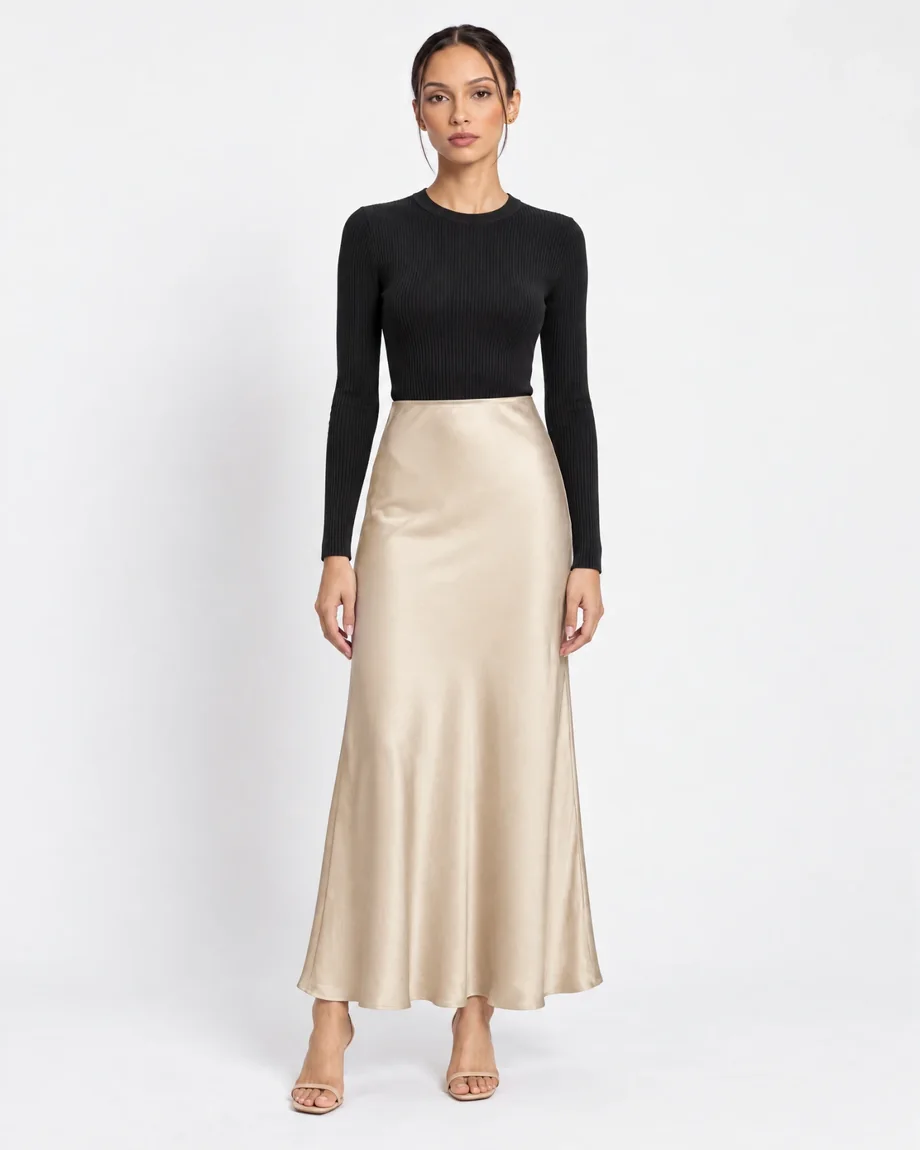
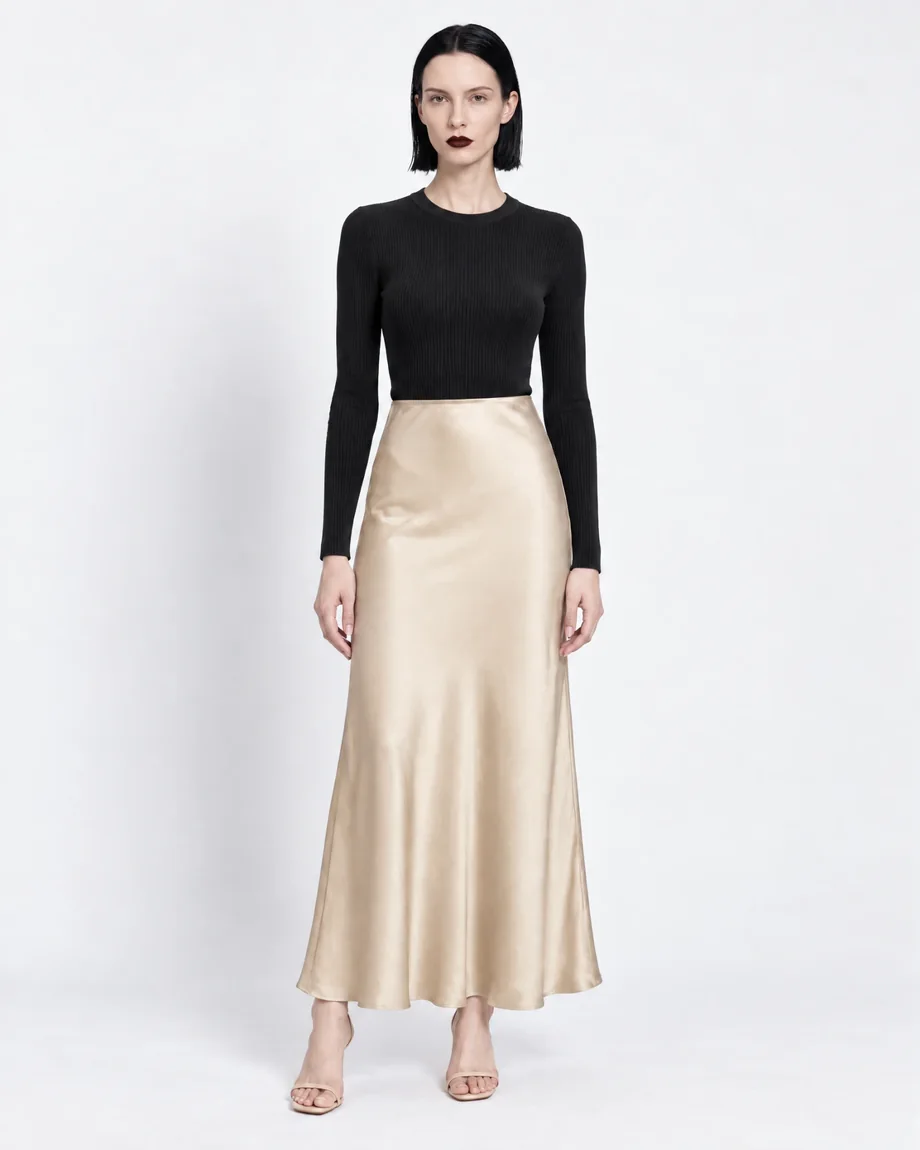
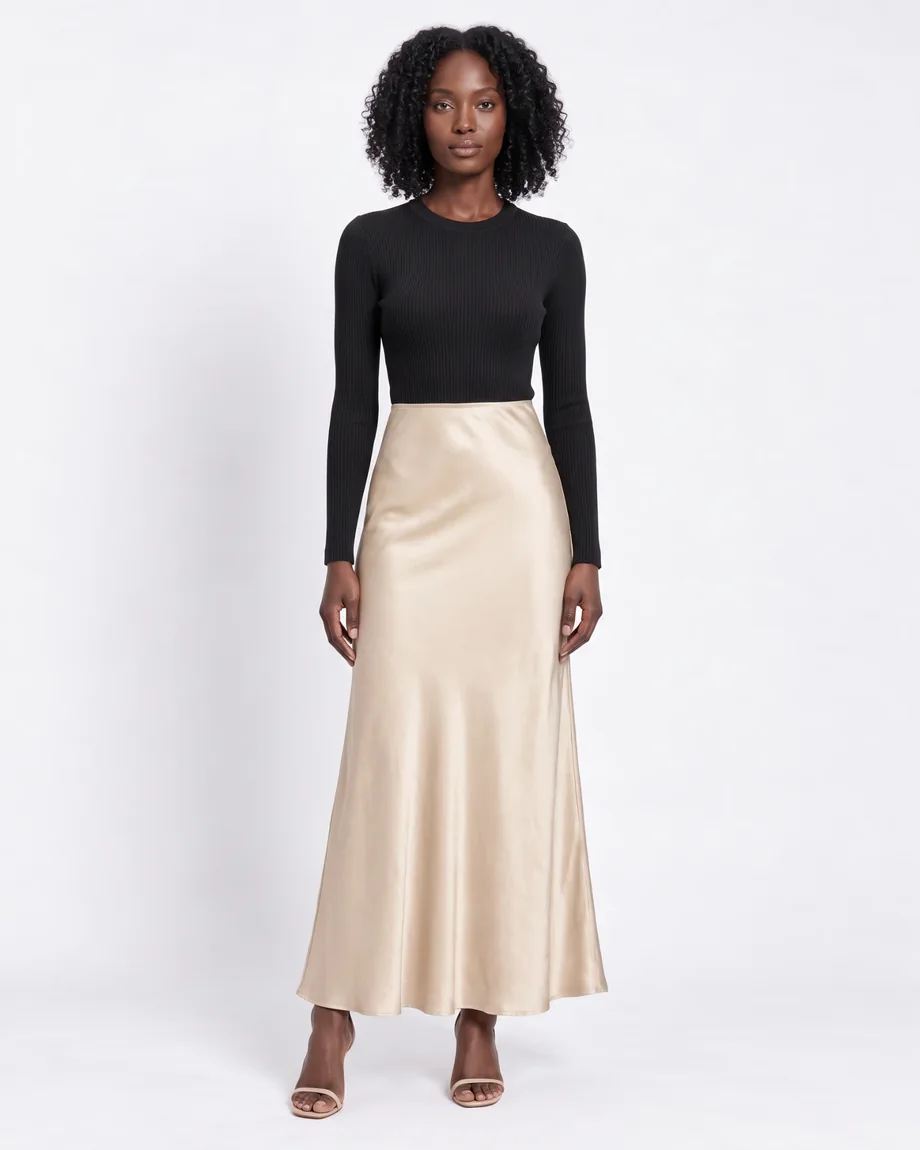
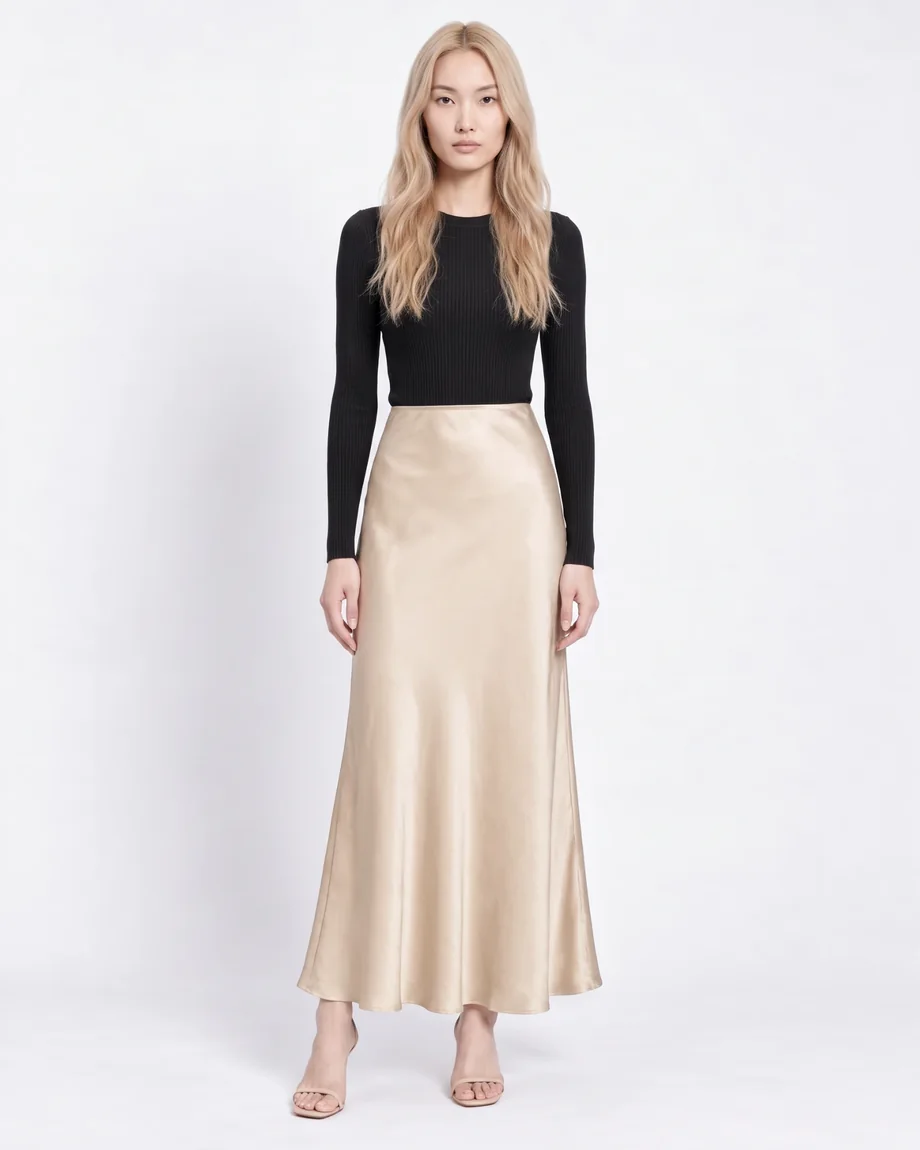
Best in this category: FASHN. Try-on, packshots, longer video, and an API are all in the same account.
Where FASHN is the better choice
If you want to run your own shoots, these are the reasons to pick FASHN.
- Casting your own models. Describe a model, start from the library, or use a photo of someone who has agreed to it, on every plan. On Botika, custom models are built by its team on Enterprise.
- Speed. Most images are ready in about 10 seconds. Botika says its AI takes about 15 minutes, and fixes take one to two business days.
- More photos for the money. About $50 a month gets you 250 photos at 4K on FASHN, and 50 at 2K on Botika.
- Full looks. Shoes, bags, hats, eyewear, and jewelry can be in the shot, with up to three products in one look.
- Try-on, packshots, and an API. Botika has none of these.
- You own your images. On Botika, the images you create belong to Botika and are licensed to you.
Where Botika is the better choice
Botika is built around service, and for some teams that matters more than anything above.
- A retouching team. On yearly plans, you flag a problem and a person fixes it, within one or two business days.
- White-glove service for large brands. On Enterprise, Botika's experts review every image against your brand guidelines, apply your retouching rules, and build exclusive models and backgrounds for you.
- Catalog presets. Custom clients can save Looks and Presets and create a full product page in one click.
- Unlimited rollover. Unused credits carry over for as long as you subscribe.
Switching from Botika
You don't need to reshoot anything. Start from your original flat lays, ghost mannequin shots, hanger shots, and on-model photos, and create the model your brand will use from now on.
Try a few of your hardest pieces, like a printed tee, a sheer dress, or a structured jacket, with your 10 free credits before you pay. On the API, send your product image to the run endpoint with the model name product-to-model. The docs have quickstarts for both SDKs.
Common questions
Still have questions? Visit our Help Center
Ready to take control of your
fashion content?
Join thousands of brands and creators using FASHN AI to create premium product imagery in seconds.

