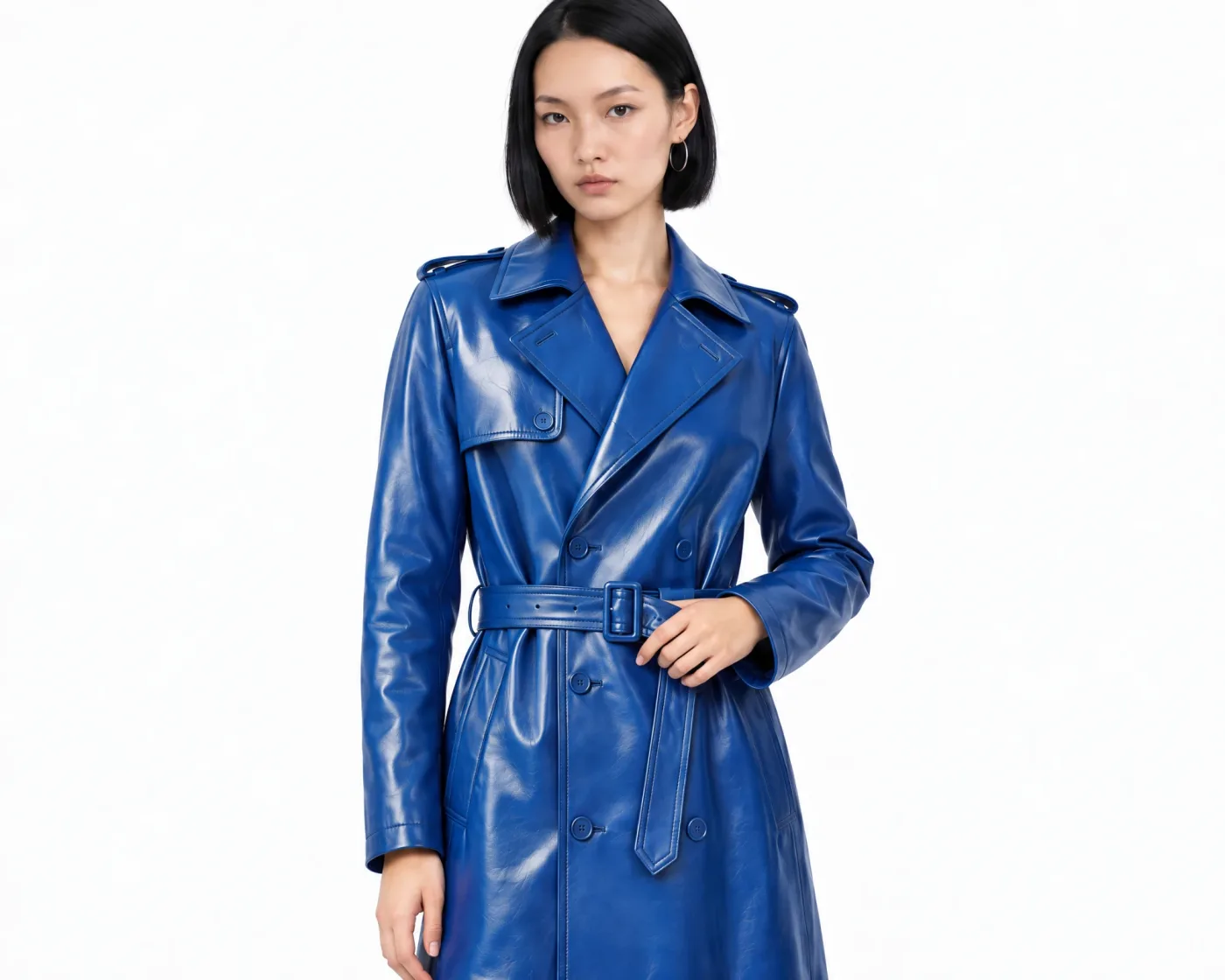
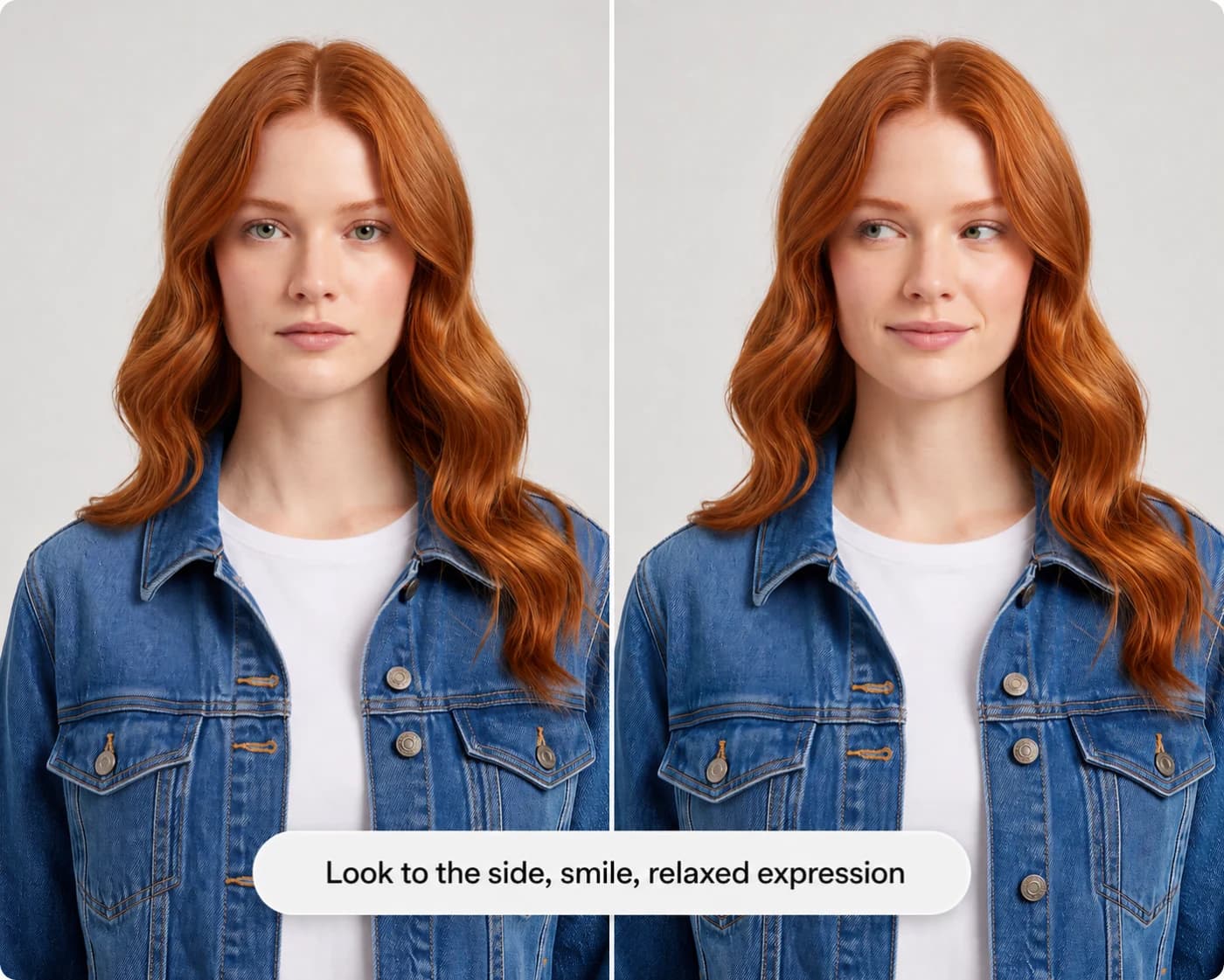
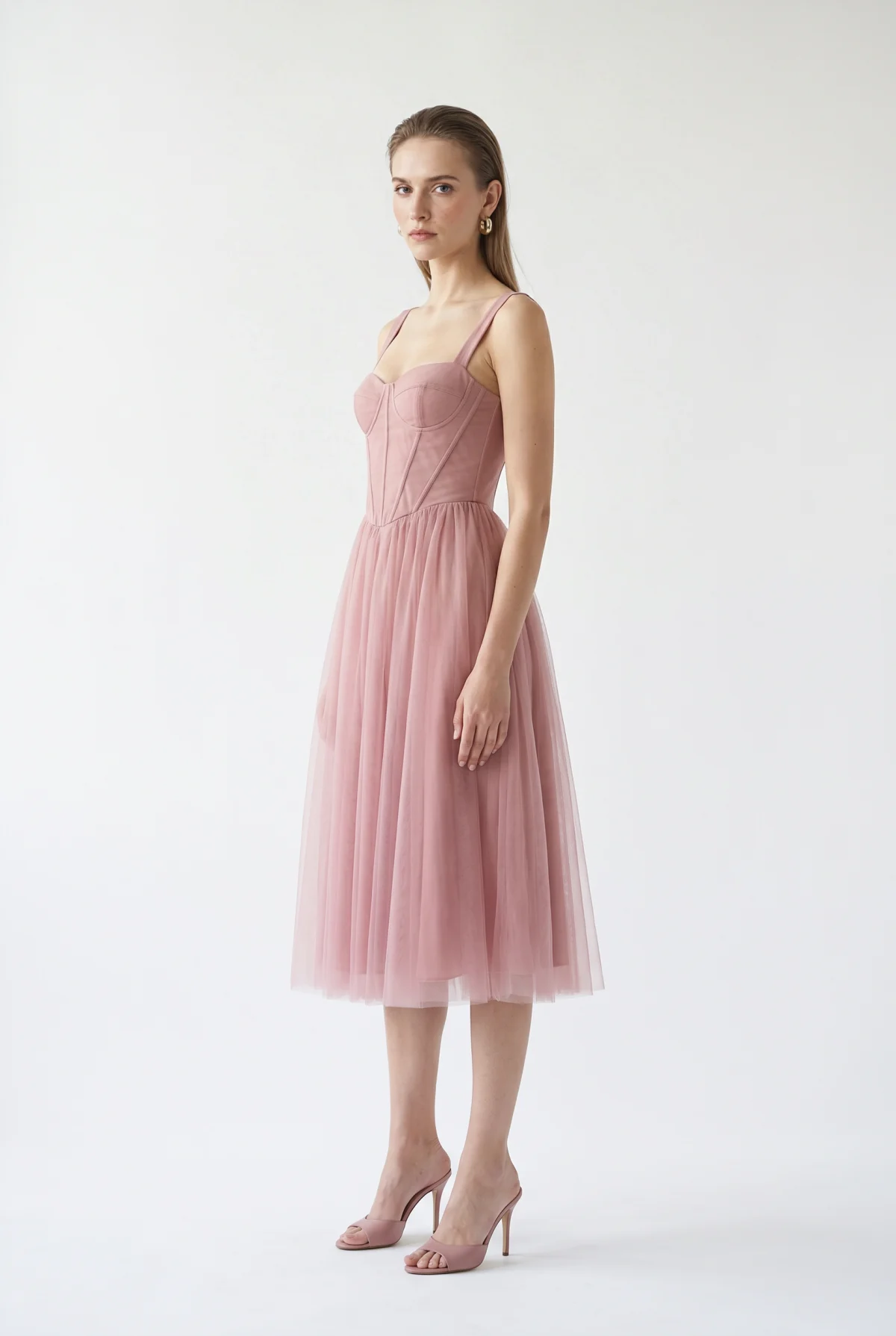
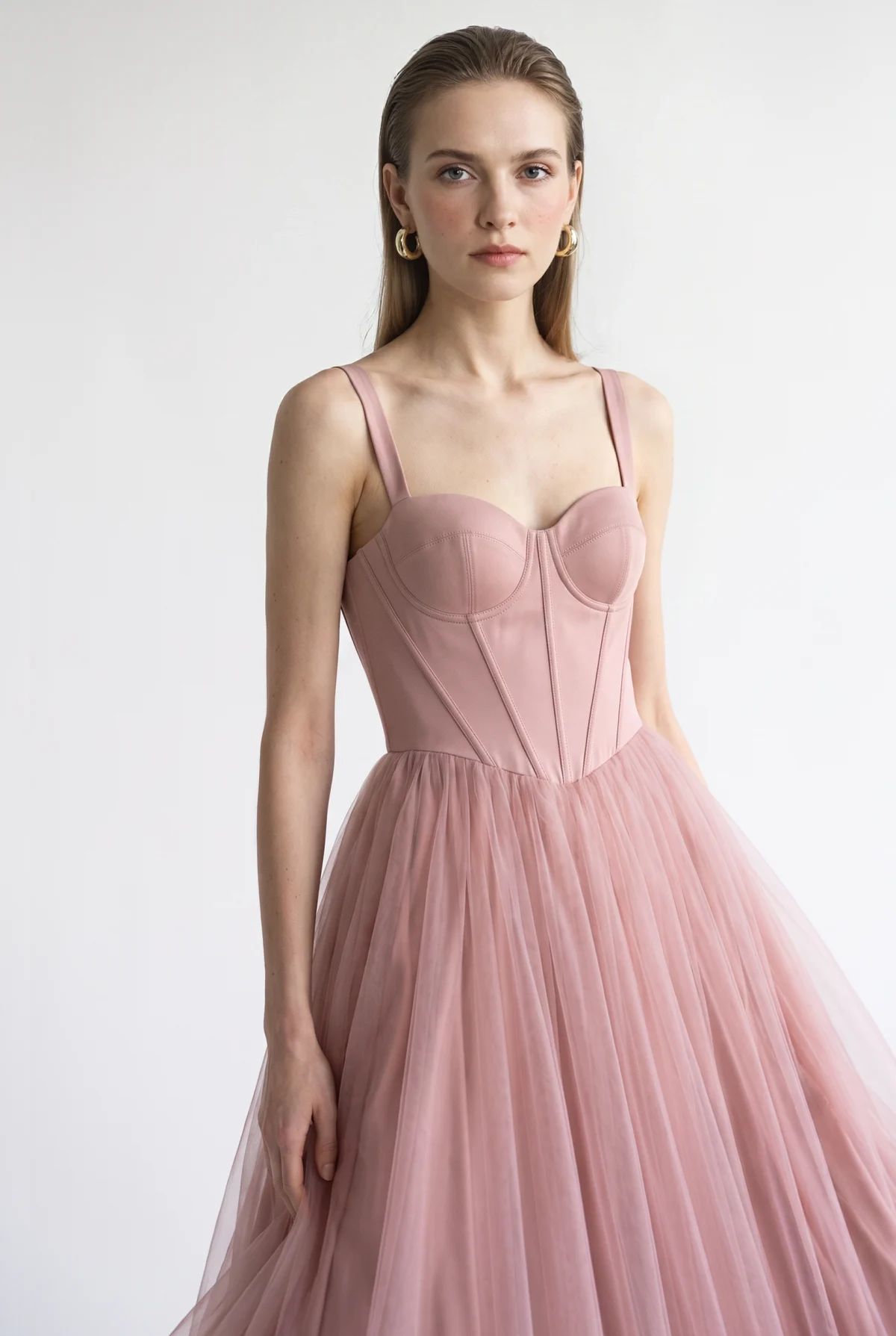
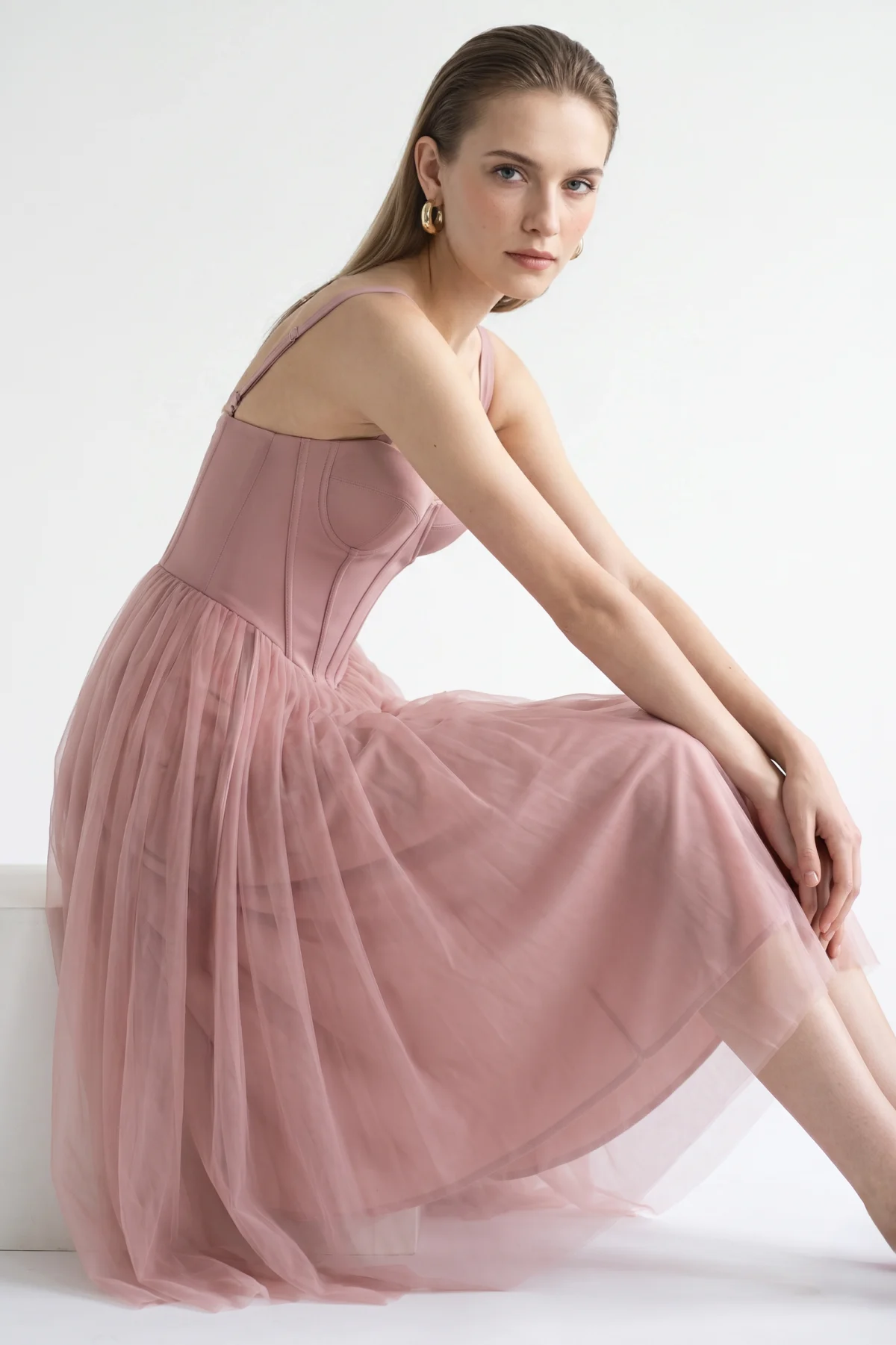
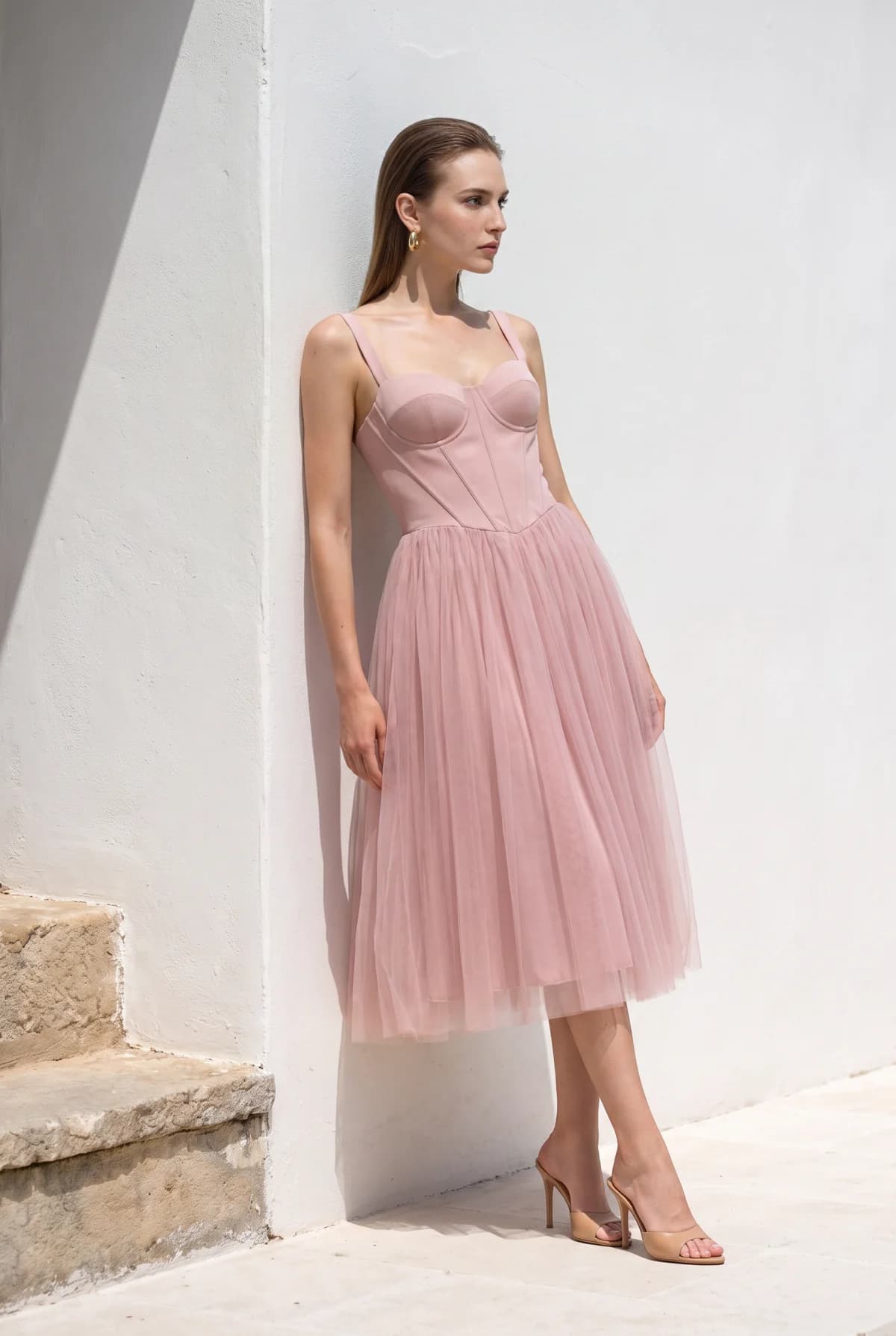
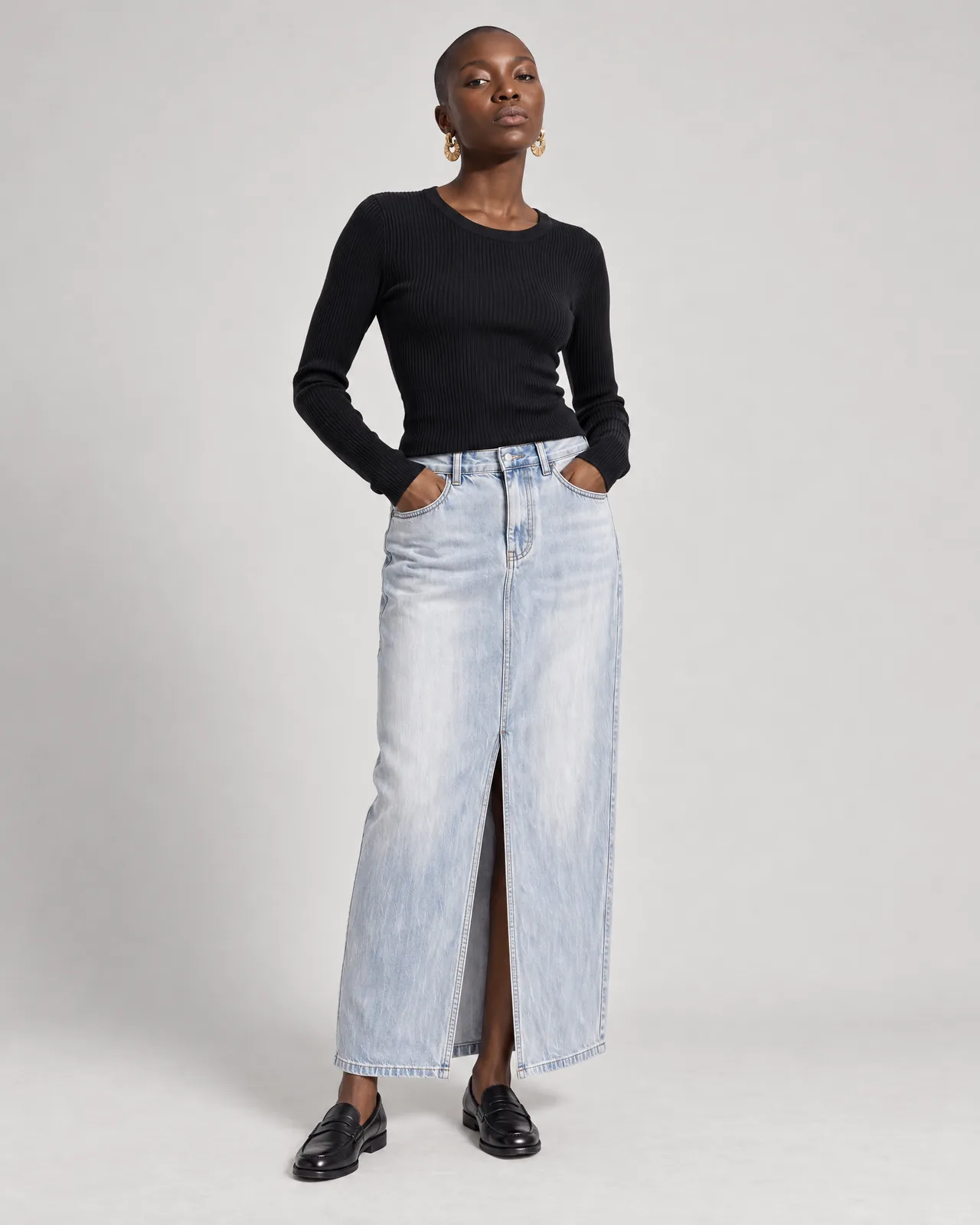
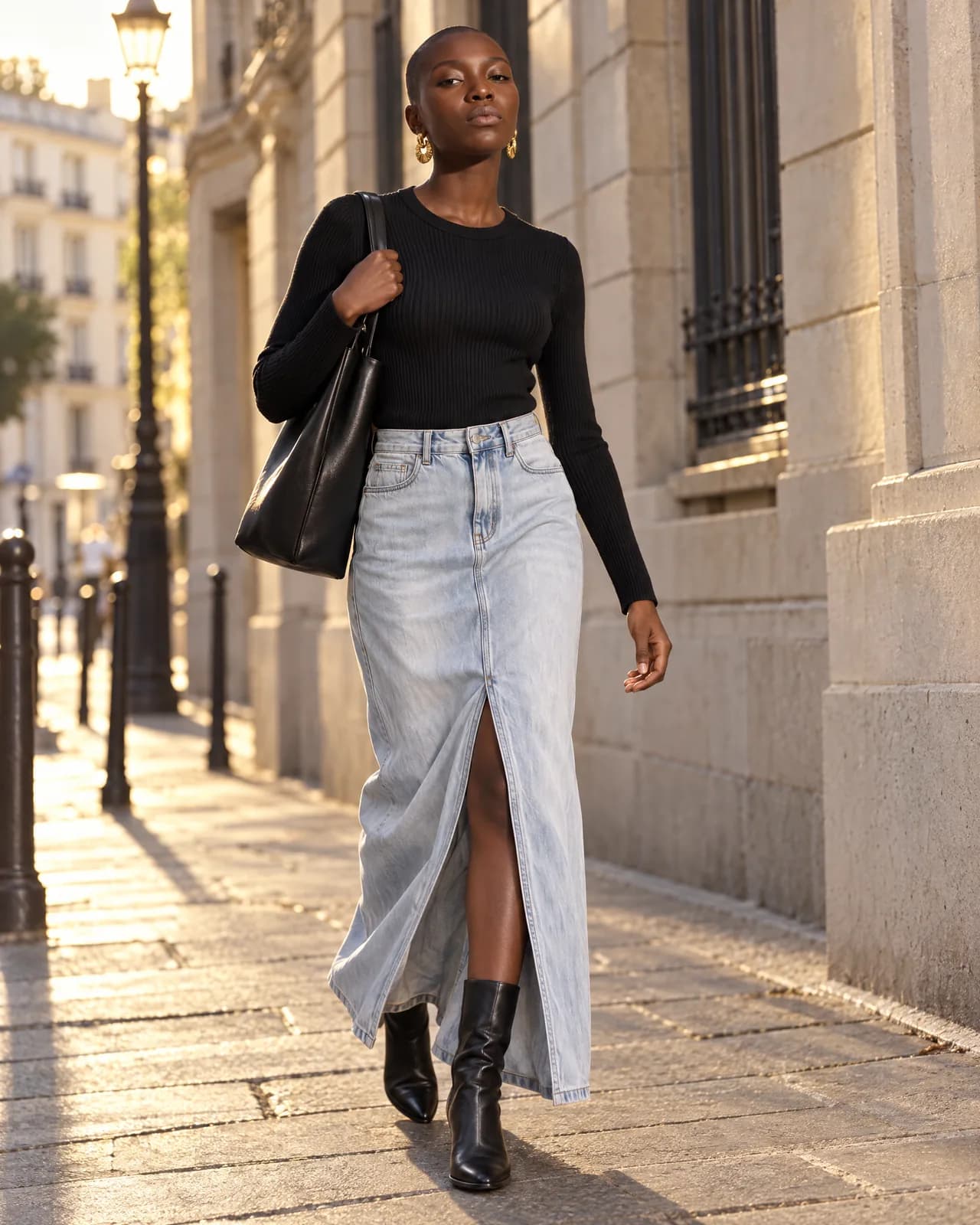
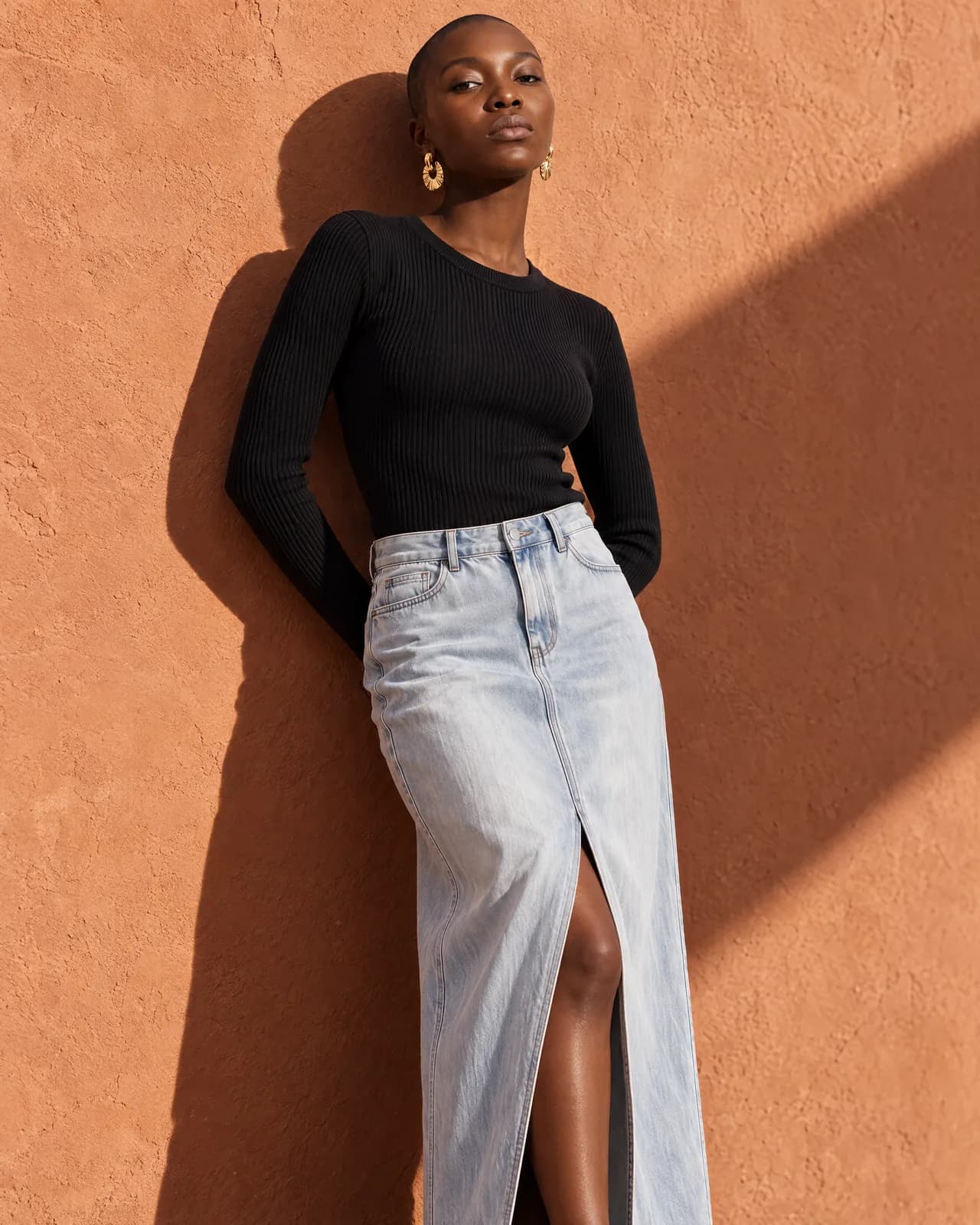
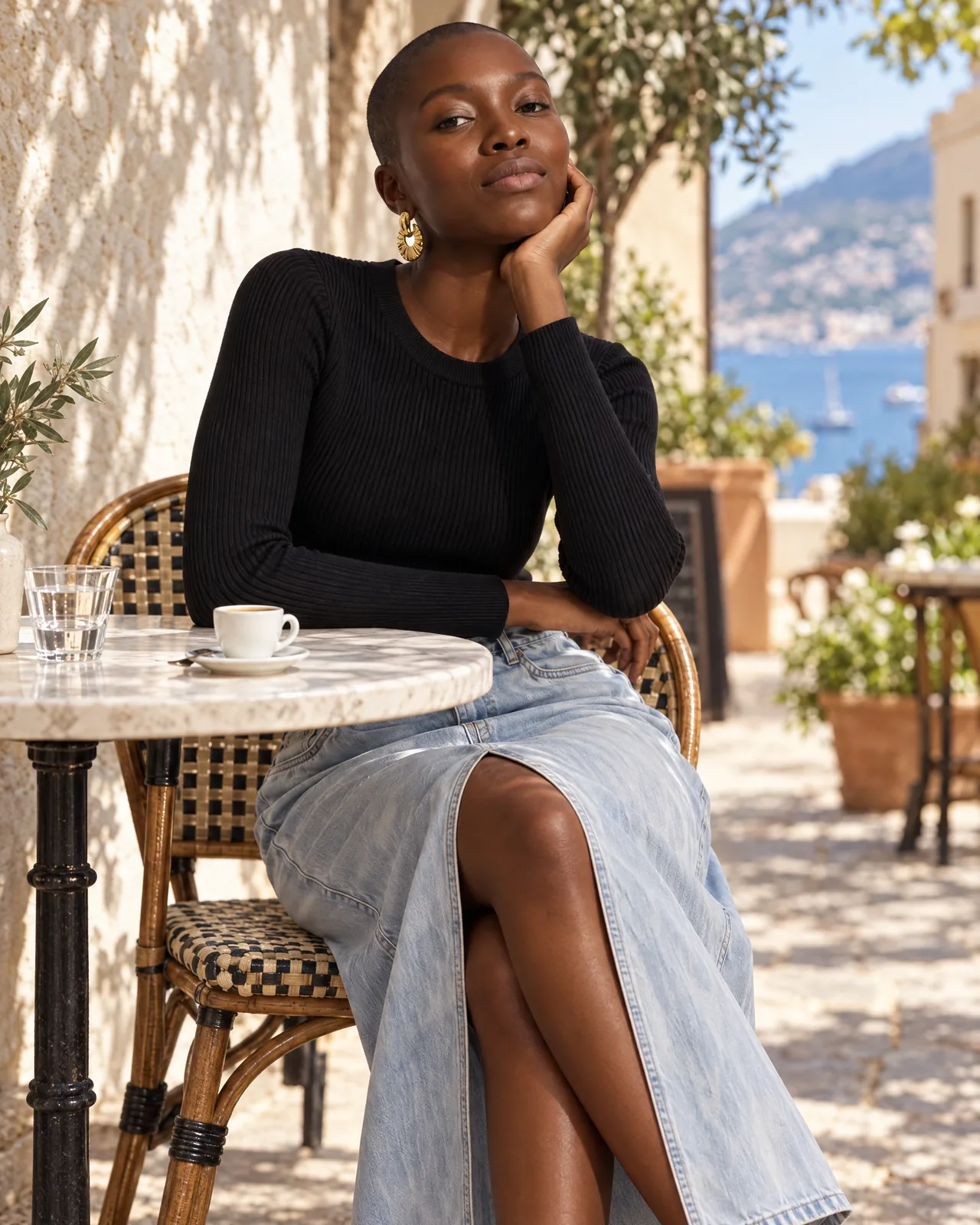
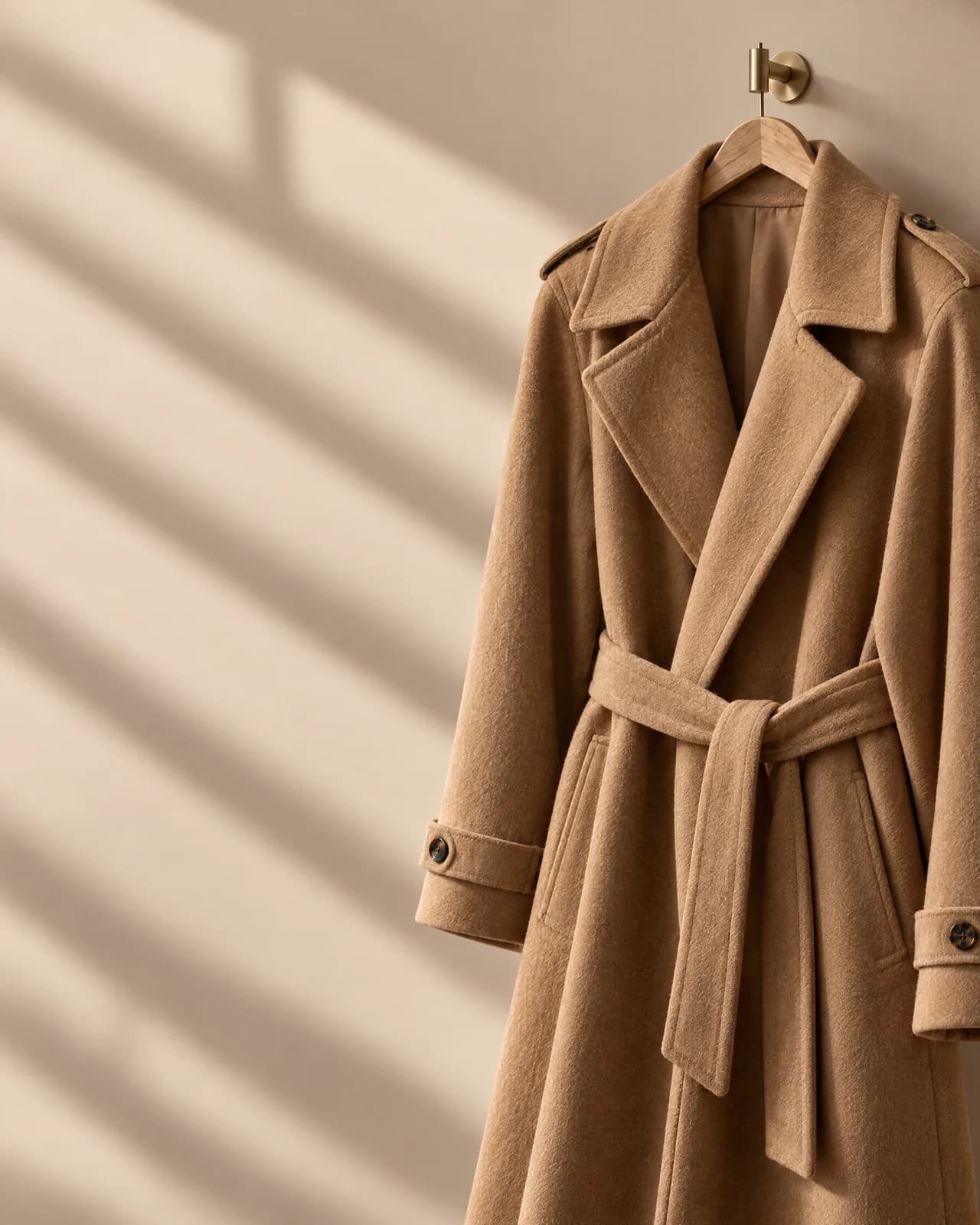
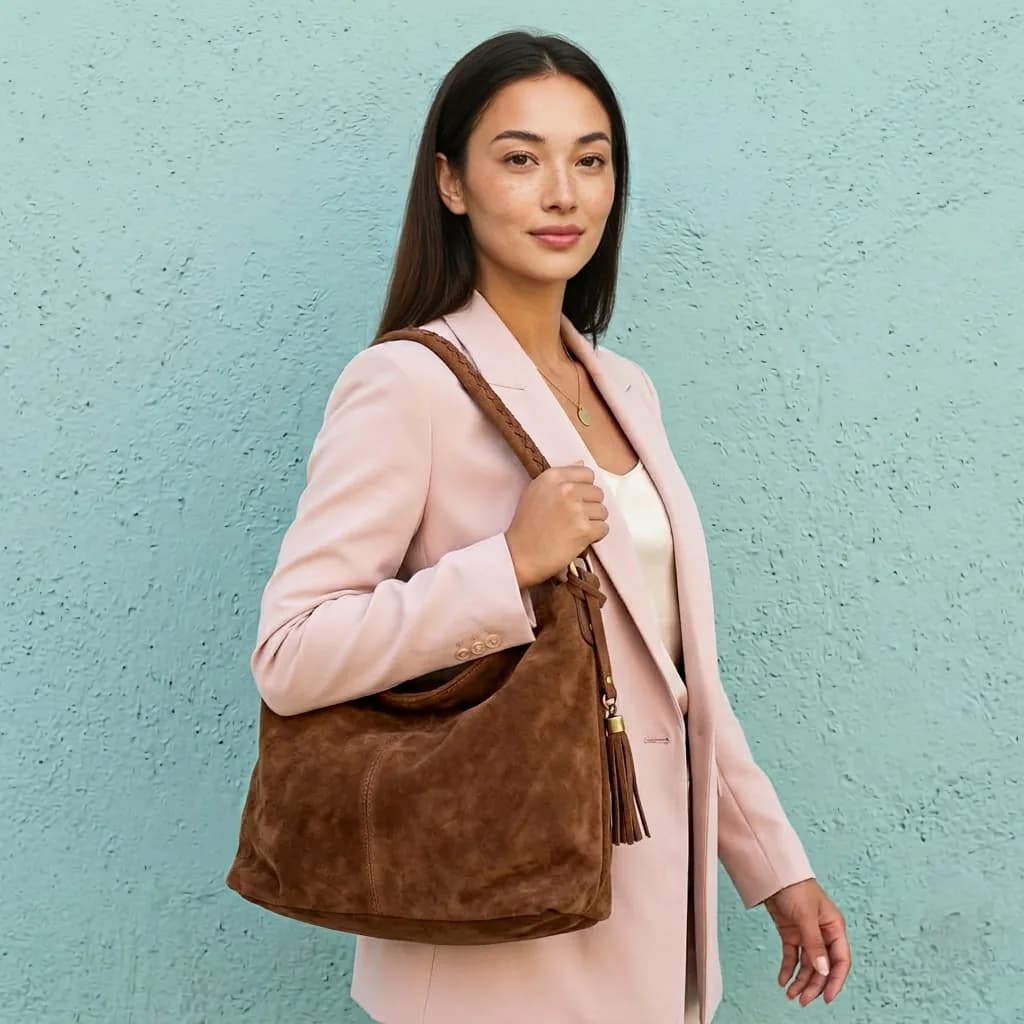
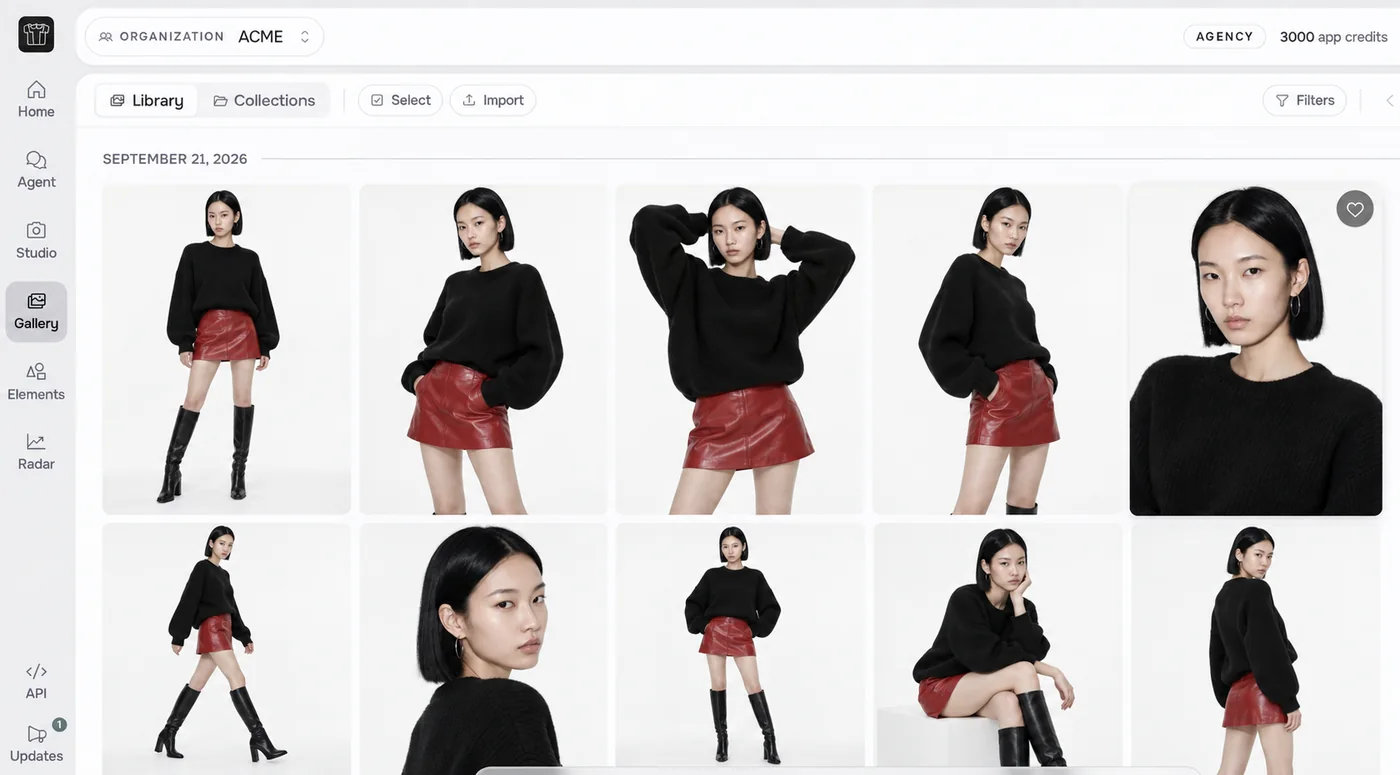
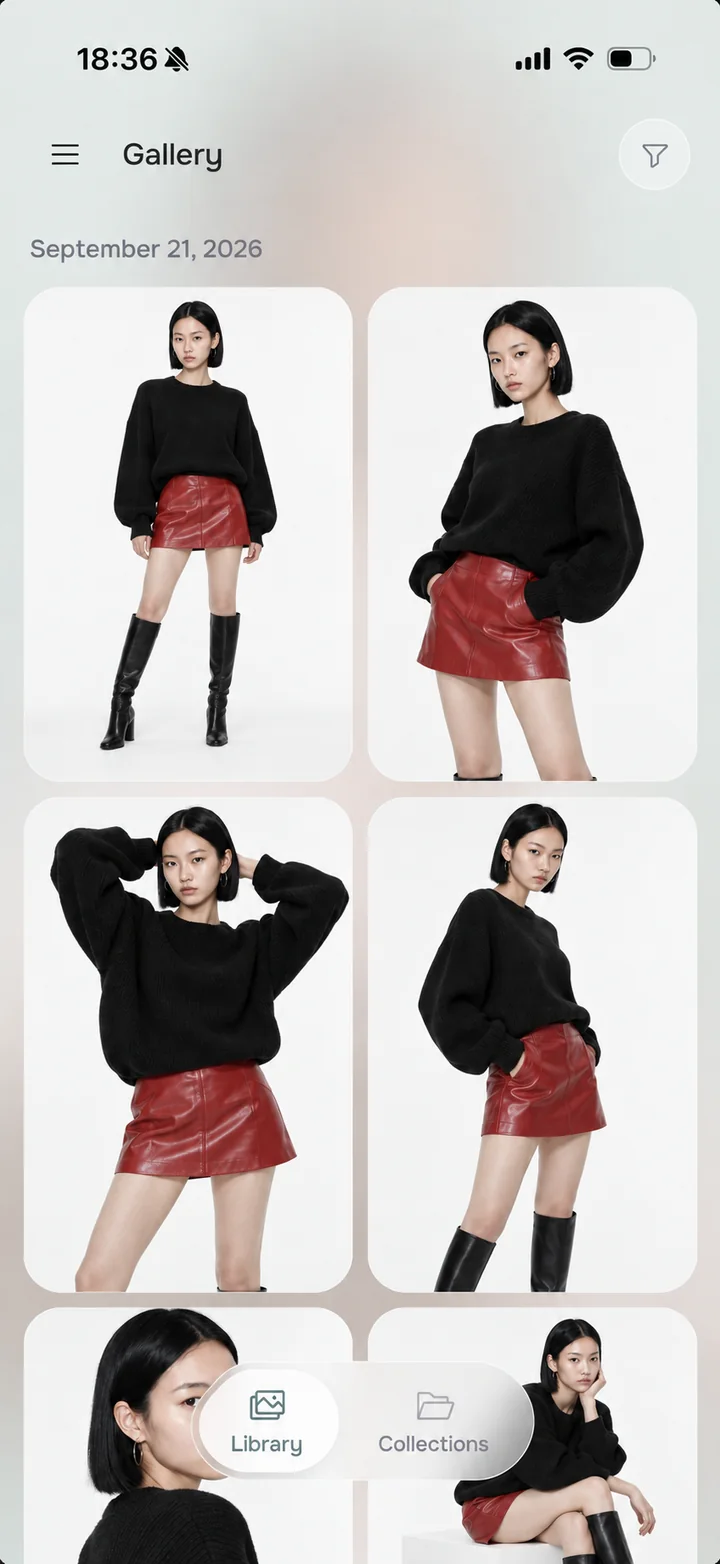
Create on-model photos, packshots, AI models, and fashion videos from the product photos you already have. Just tell the FASHN Agent what you need, and it creates and edits it for you.
Put this look on three models for our product pages.
Thought for 2 seconds
Here's the look on three models in a clean studio. Want a video next?
UpscaleEditMake a video
Ask the FASHN Agent...
Everything your catalog needs
From the first product photo to a finished campaign, create every visual without a photoshoot.
On-model product photos
Put flat-lay, mannequin, and hanger shots on realistic models.
Packshots and cutouts
Ghost mannequin, flat-lay, and transparent background images.
AI models and try-on
Create your own models and dress them in any garment.
Fashion videos
Turn any image into a 5 or 10-second video, with optional audio.
How the FASHN app works
From a product photo to finished visuals, in one conversation.
Ask the FASHN Agent...
UploadGalleryElements
01
Add your product
Upload a product photo, snap one with your phone, or start from your Gallery or the FASHN Elements library.
Make this a clean packshot on white.
Thought for 2 seconds
02
Describe what you want
Tell the FASHN Agent the model, scene, or video you have in mind, and it picks the right tools and creates it.
Acme
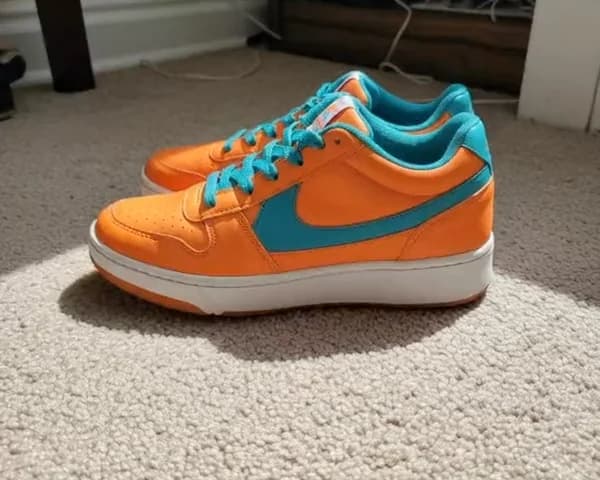
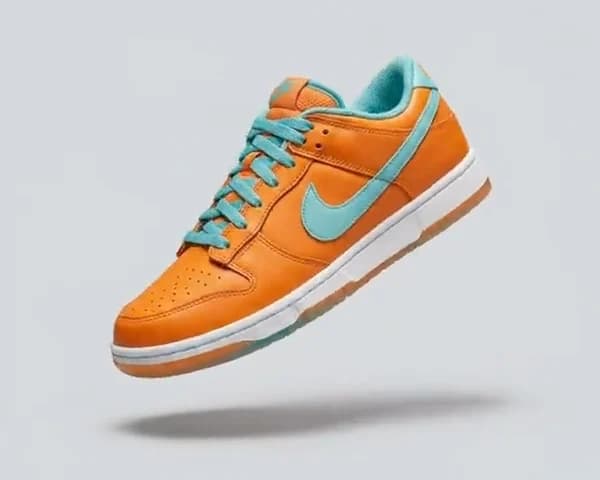
Retro court sneaker
$120
38394041
Add to cart
03
Refine and publish
Ask for changes until it looks right, then export at up to 4K for your product pages, marketplaces, and ads.
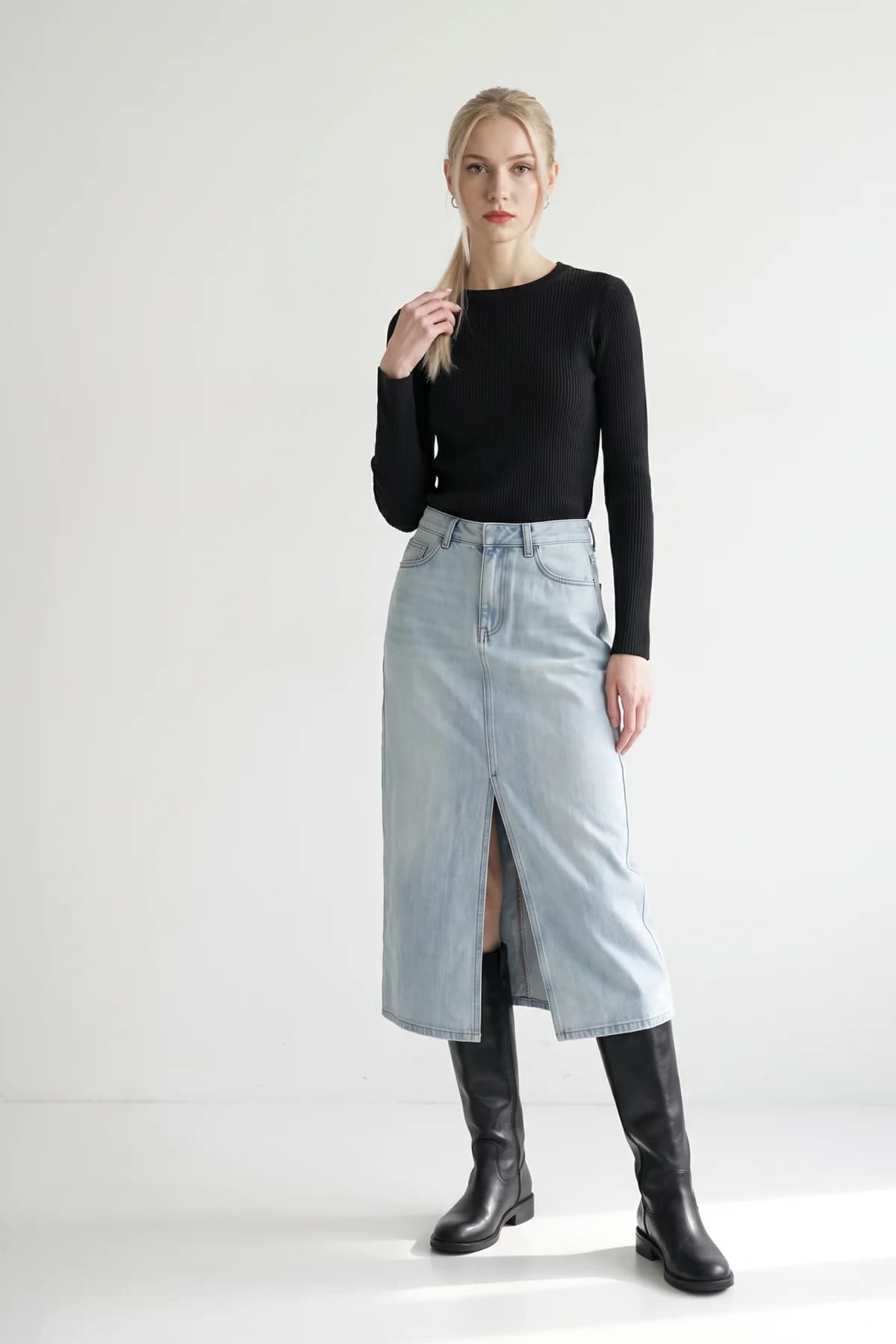
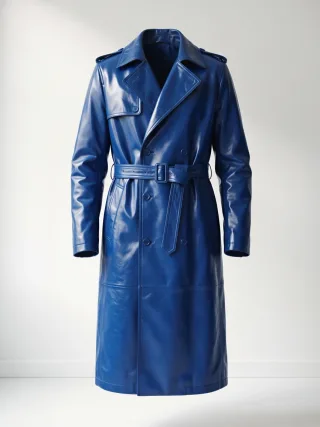
Put the coat from Input 2 on the model from Input 1. Full length, clean studio.
Thought for 2 seconds
FASHN Agent
Create and edit in a conversation
Ask for a model wearing your product, a new background, a different pose, or a video. The Agent understands fashion and keeps your model consistent across every image.
Reference earlier images with @, combine up to six references, and keep iterating until it looks right.
Edit and iterate
Change anything by asking
Swap the background, adjust the pose or styling, reframe for any channel, or replace the model, all in the same conversation.
Upscale to 4K, create transparent cutouts, and turn any result into a 5 or 10-second video with optional audio.
OrganizationAcme
LibraryCollectionsApproved
MRLKLKPSPSMRLKMR
Team members
3/5 seats used
MRMaya R.Owner
LKLeo K.Member
PSPriya S.Member
Shared app credits612
Invite member
Teams
One workspace for your whole team
Invite teammates to a shared organization with shared credits, and create from the same Gallery of products, models, and results.
Group work into Collections, add Labels, and filter your Gallery to find any asset in seconds.
Radar tracks the shopper questions you care about in ChatGPT and Google AI Overviews every day, and shows whether your brand is recommended or which competitors appear instead.
See the sources behind each answer and plan your next content around them. Radar is included in Agency plans.
Web and mobile
Create on the web, iOS, and Android
Snap a product on your phone, create in chat, and finish on your computer. Your account, credits, and Gallery stay in sync.
Start from FASHN Elements, a curated library of models, poses, backgrounds, and clothing ready to use.
Explore the FASHN app
Every part of the FASHN app has its own guide, examples, and tips.
FASHN is an AI fashion photography app for clothing brands and creators. It turns product photos into on-model images, packshots, AI models, edits, and videos, on the web and on iOS and Android. You create by chatting with the FASHN Agent, which understands fashion and does the work for you.
Yes. Upload a flat-lay, ghost mannequin, hanger, or on-model photo, and FASHN shows it worn by a realistic AI model. You choose the model, pose, and scene, or dress a model you already have with Try-On.
FASHN keeps the details that matter, like prints, logos, color, and texture, true to your product photo. Sharp, well-lit source photos give the most accurate results.
The FASHN Agent creates and edits fashion images and videos in a conversation. It can put your products on a model, dress an existing model, create packshots and transparent cutouts, change backgrounds, poses, and framing, keep the same model across images, and turn any image into a video.
Every new account starts with 10 free credits, so you can try the app before choosing a plan. Images use 1 to 3 credits depending on the mode and resolution, and videos use more.
Plans start at $19 per month for 200 credits, with Pro at $49 and Agency at $99. Higher plans add more credits, team members, Quality mode, and 1080p video, and Agency includes FASHN Radar. Annual billing gives you two months free.
Yes. The FASHN Agent keeps the same model across a conversation, and a face reference keeps that face across every product, pose, and campaign.
Yes. The FASHN Agent can create transparent PNG cutouts, and any image can become a 5 or 10-second video at up to 1080p, with optional audio.
Yes. Organizations let your team share credits and a Gallery. Basic includes 2 team members, Pro includes 5, and Agency includes 10.
No. FASHN doesn't use your content to train or improve AI models unless you opt in separately, and you can delete items from your Gallery at any time. A Data Processing Agreement is available.
Yes. You own the images and videos you create with FASHN and can use them on product pages, marketplaces, social media, and in ads, in line with your plan.


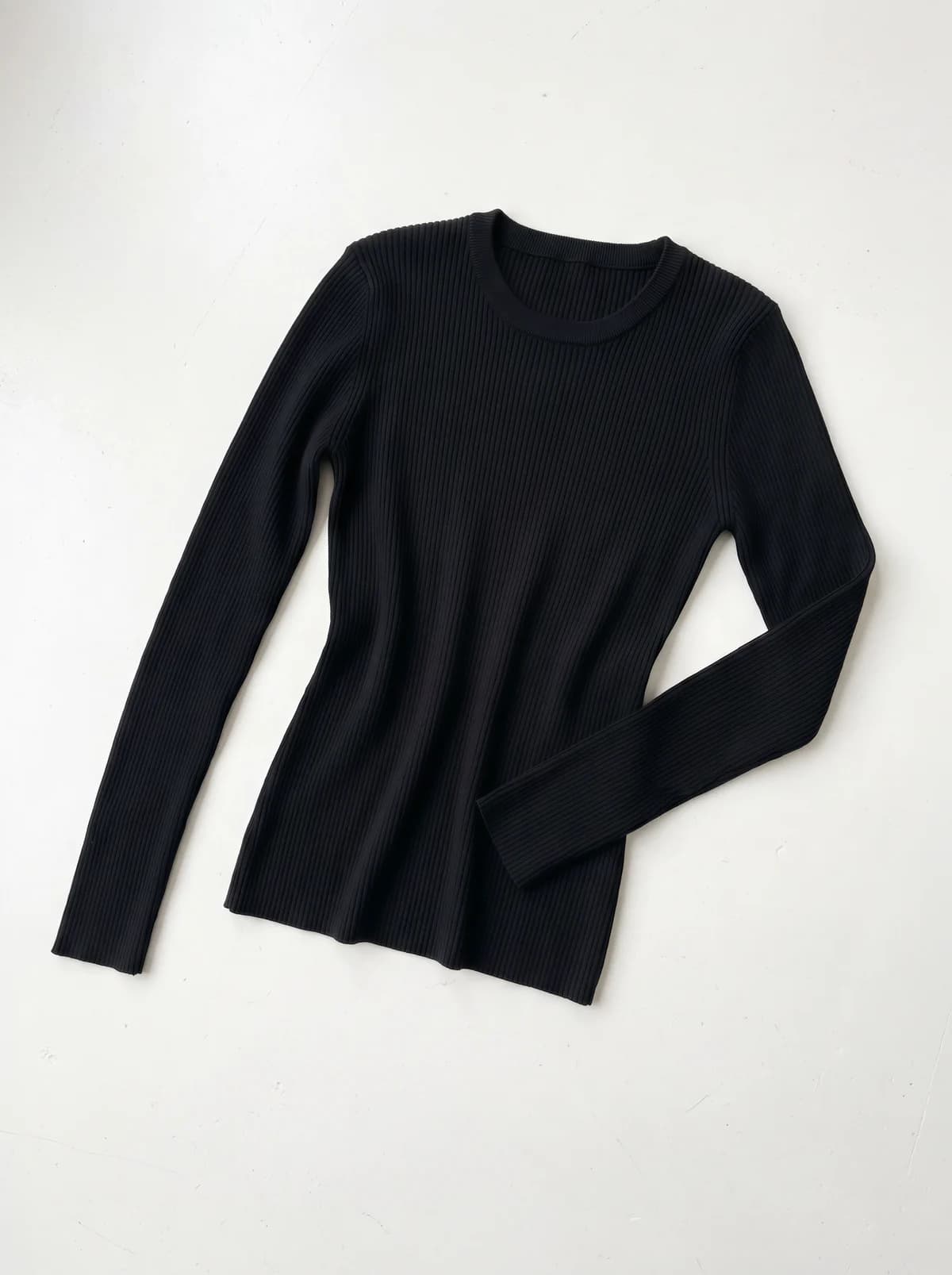
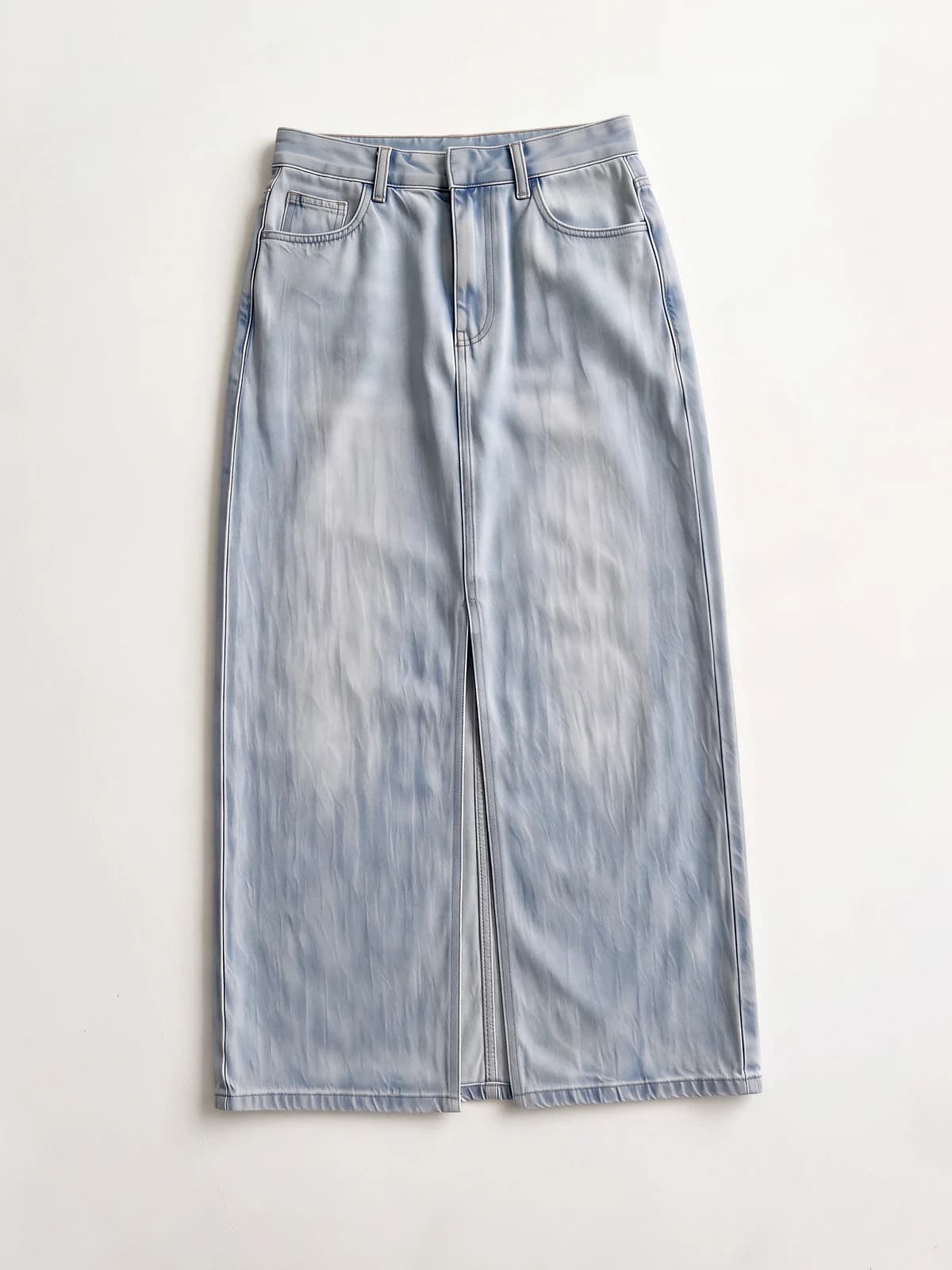
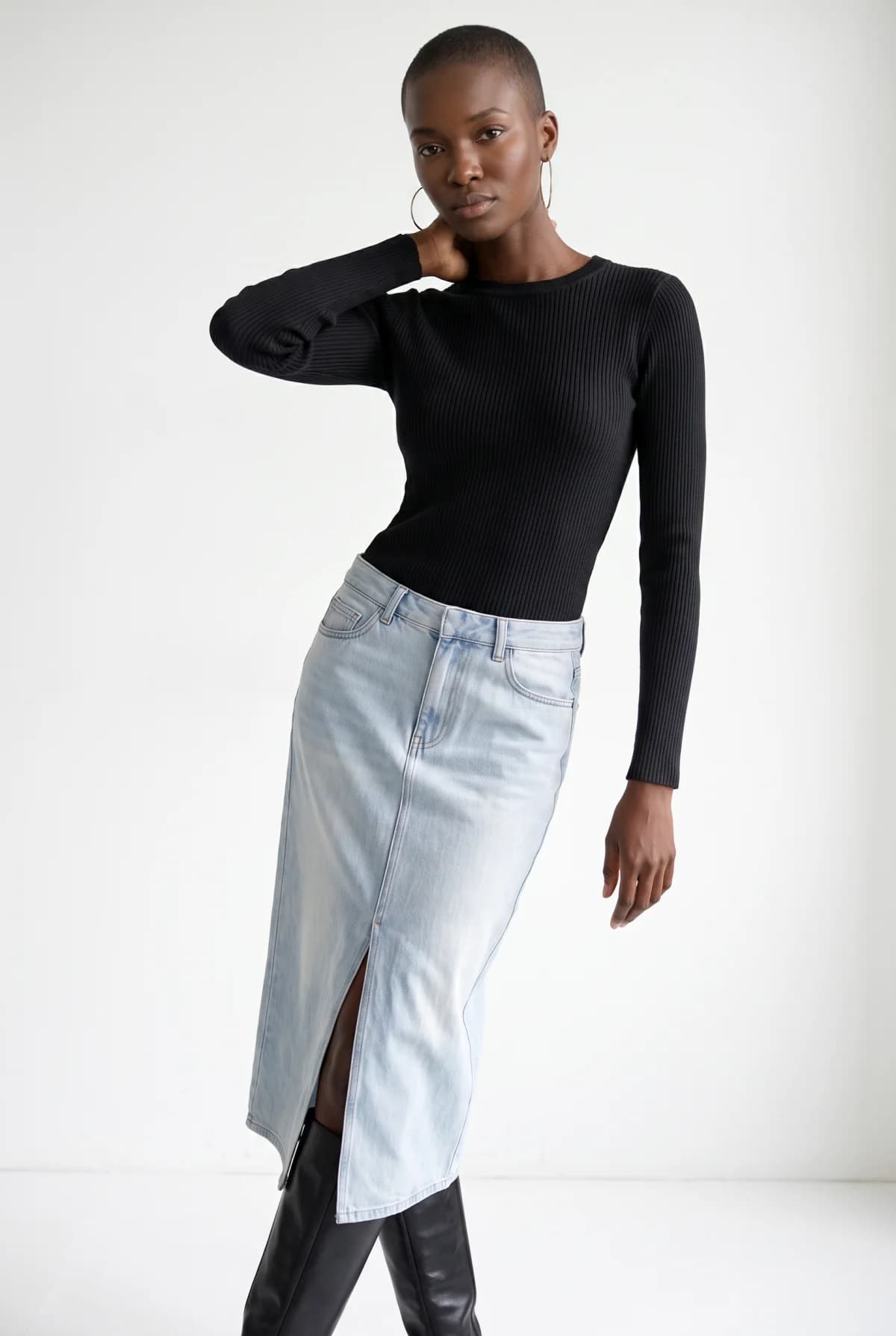
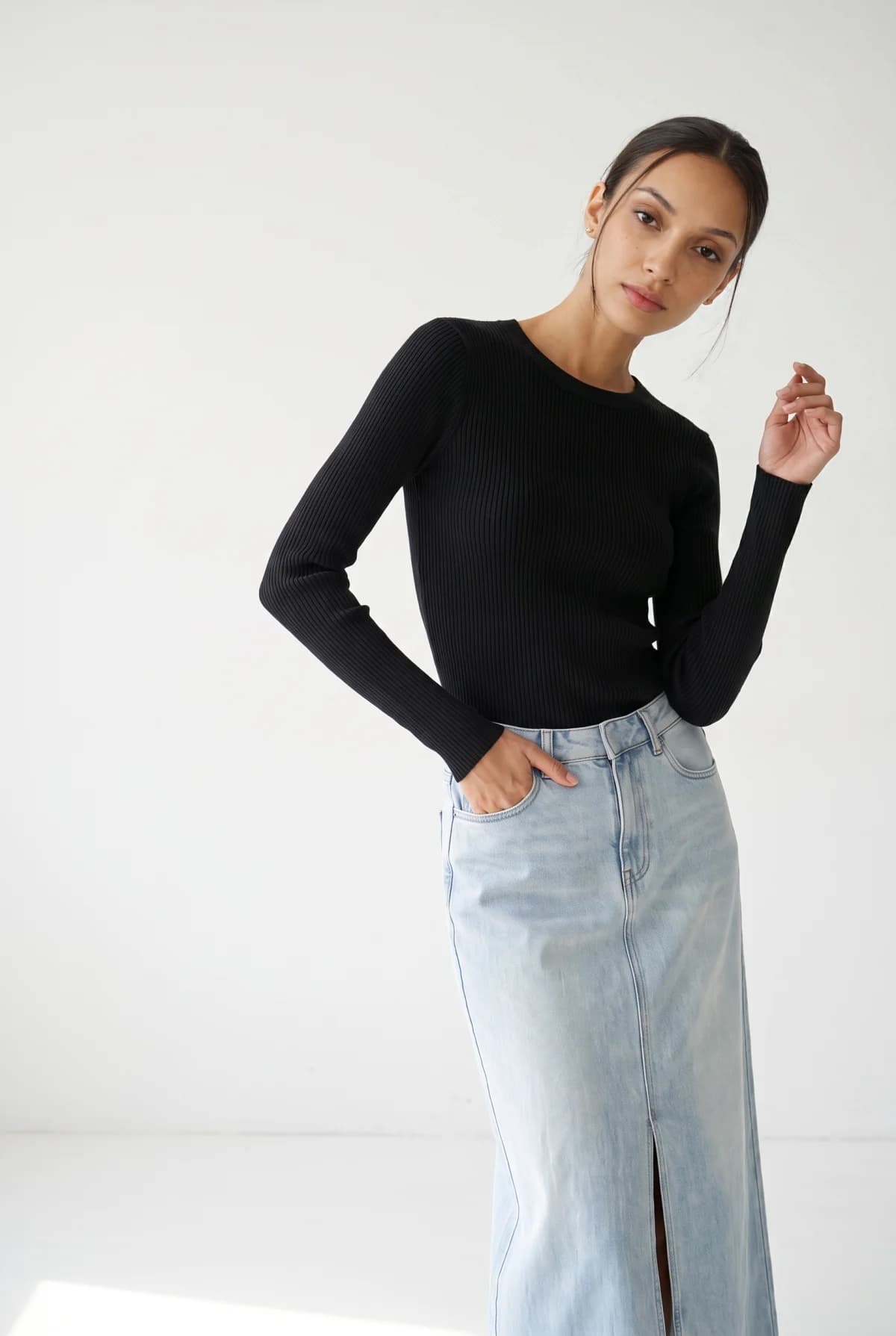
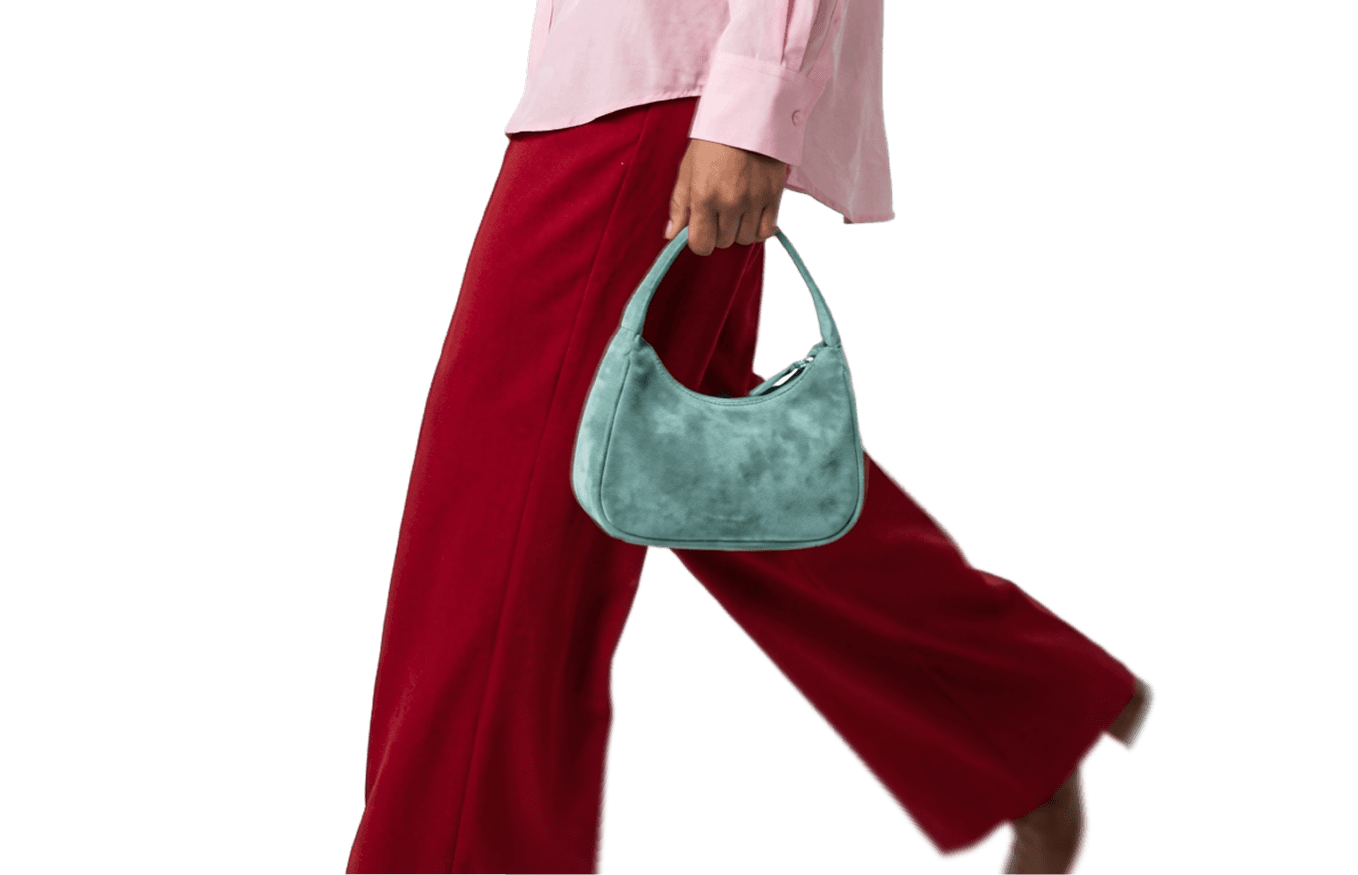
 Input 2 on the model from
 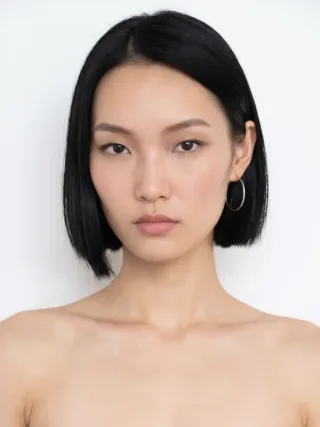 Input 1. Full length, clean studio.