How to Direct a Fashion Video with AI
I turned one dress into an editorial video with shots, a story and sound.
 Tony Assi6 min read
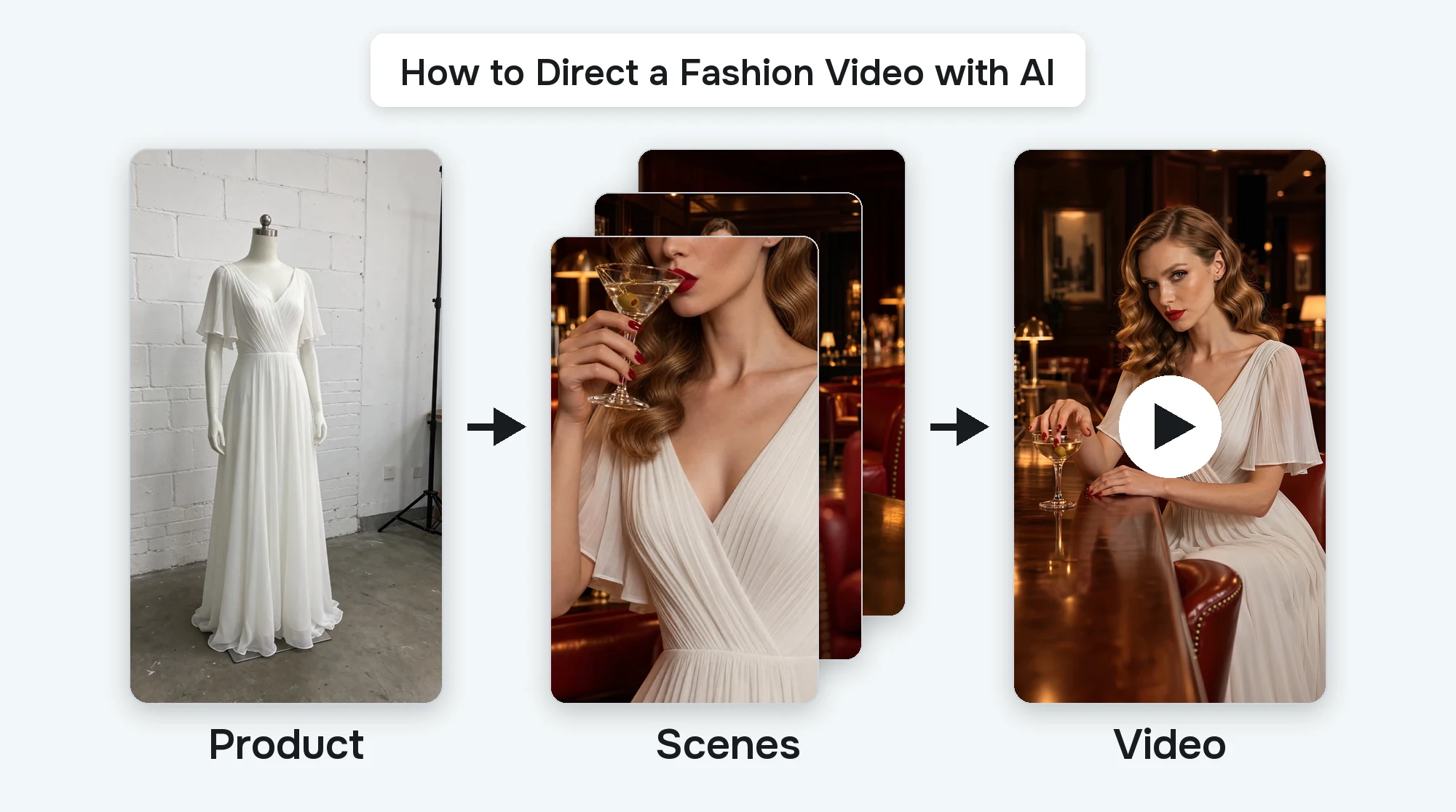
Hi, I'm Tony. I'm a photographer and the Creative Engineer at FASHN. My work has been in fashion magazines, the LA Fashion Film Festival and the International Design Awards.
I made a whole editorial video from one photo with the FASHN Agent. Then I made a second one where I directed every shot myself. Here's how to do both.
Why Editorial Video
For years most of my job was product photography. We shot products once a week, and it was mechanical. Same setup, same lights, same angles every week. Editorial came about once a month, and every shoot was different. It took a lot more planning and a whole crew. It cost the most, but it was the most fun to shoot.
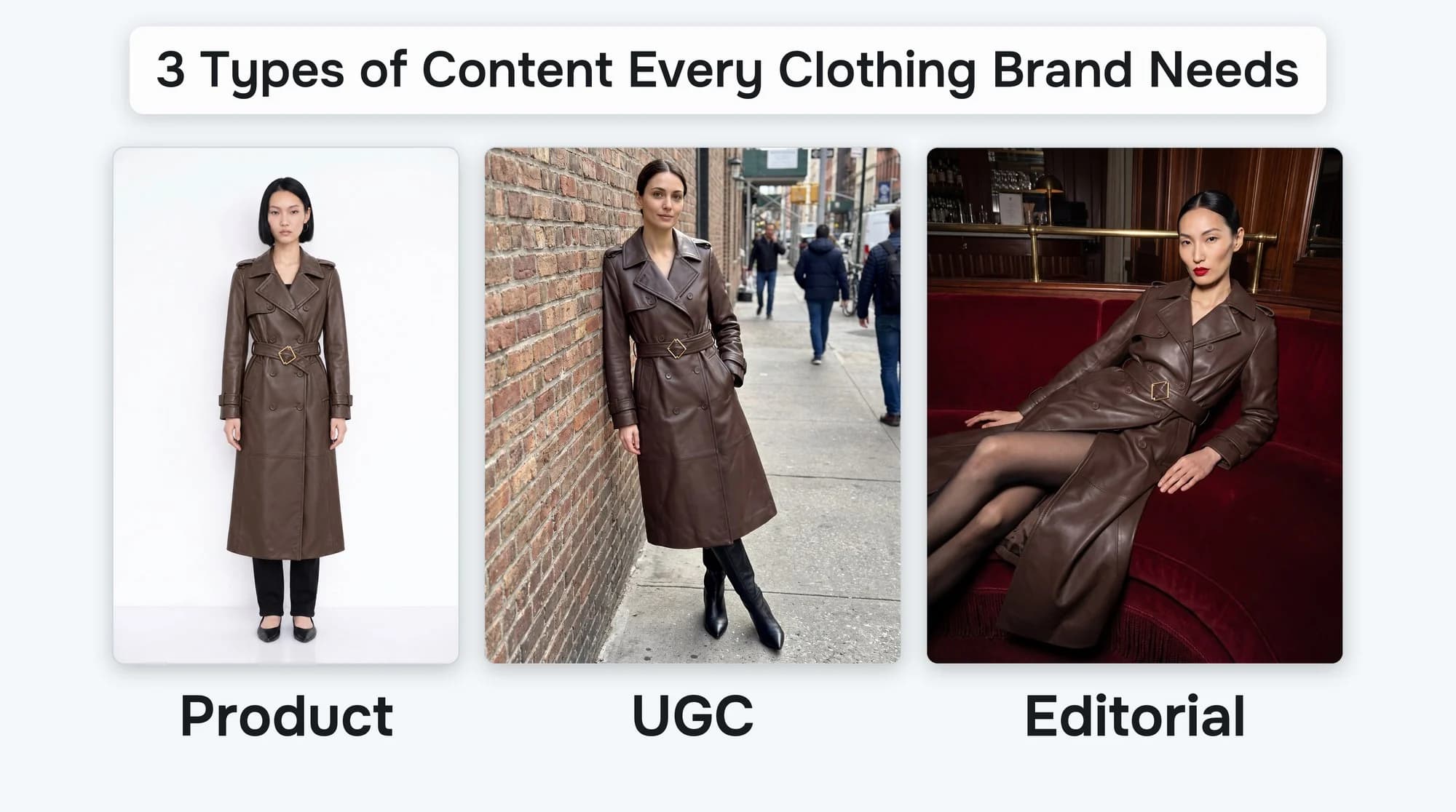
Editorial does a different job from product photos. A product photo shows exactly what someone is buying. Editorial sells the mood, and it's how people first fall for a brand. I learned that as a merchandiser. When we put an editorial photo on a product page, it didn't do well. Each type of content only works in its own place. I wrote more about that in 3 types of content every clothing brand needs.
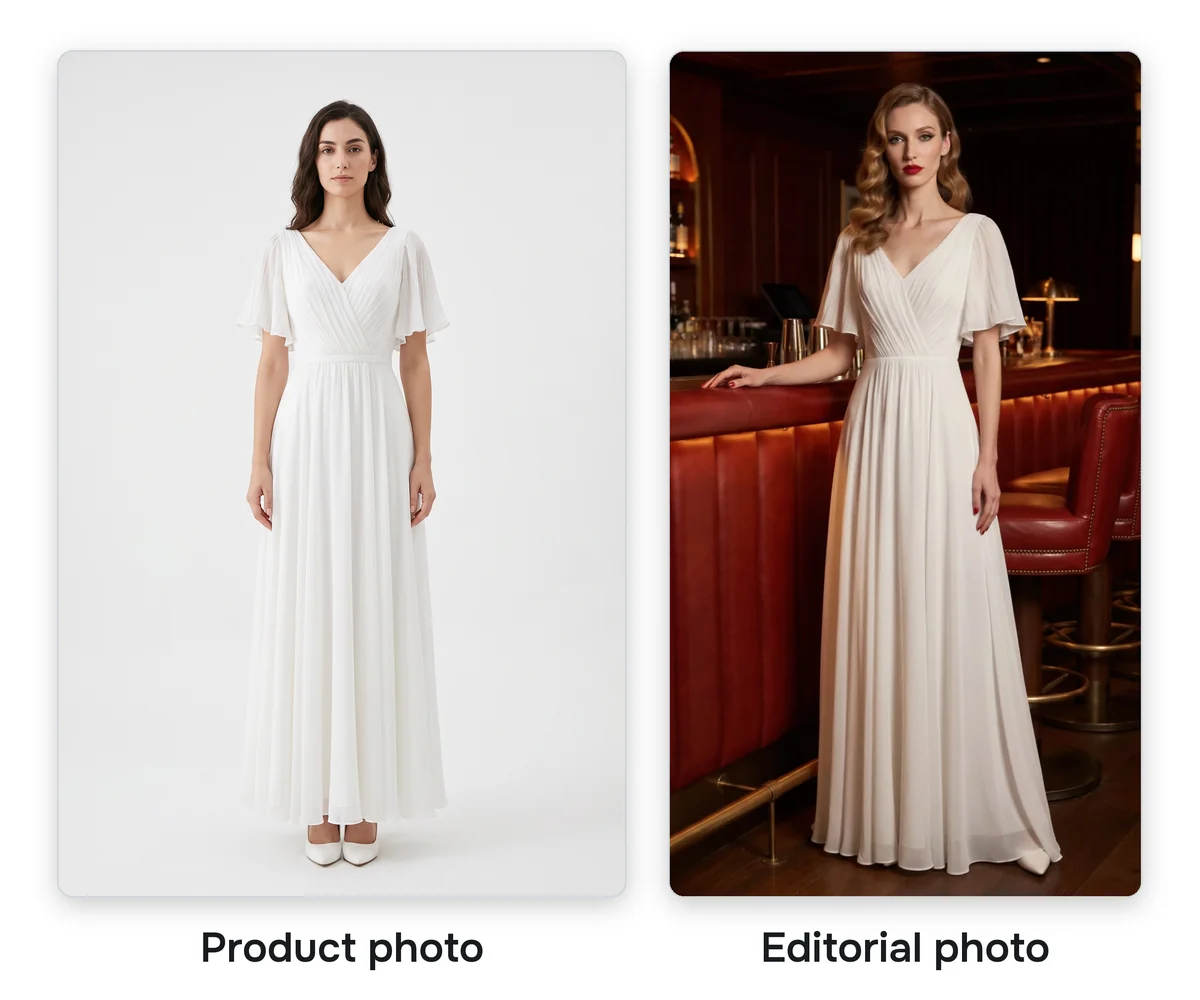
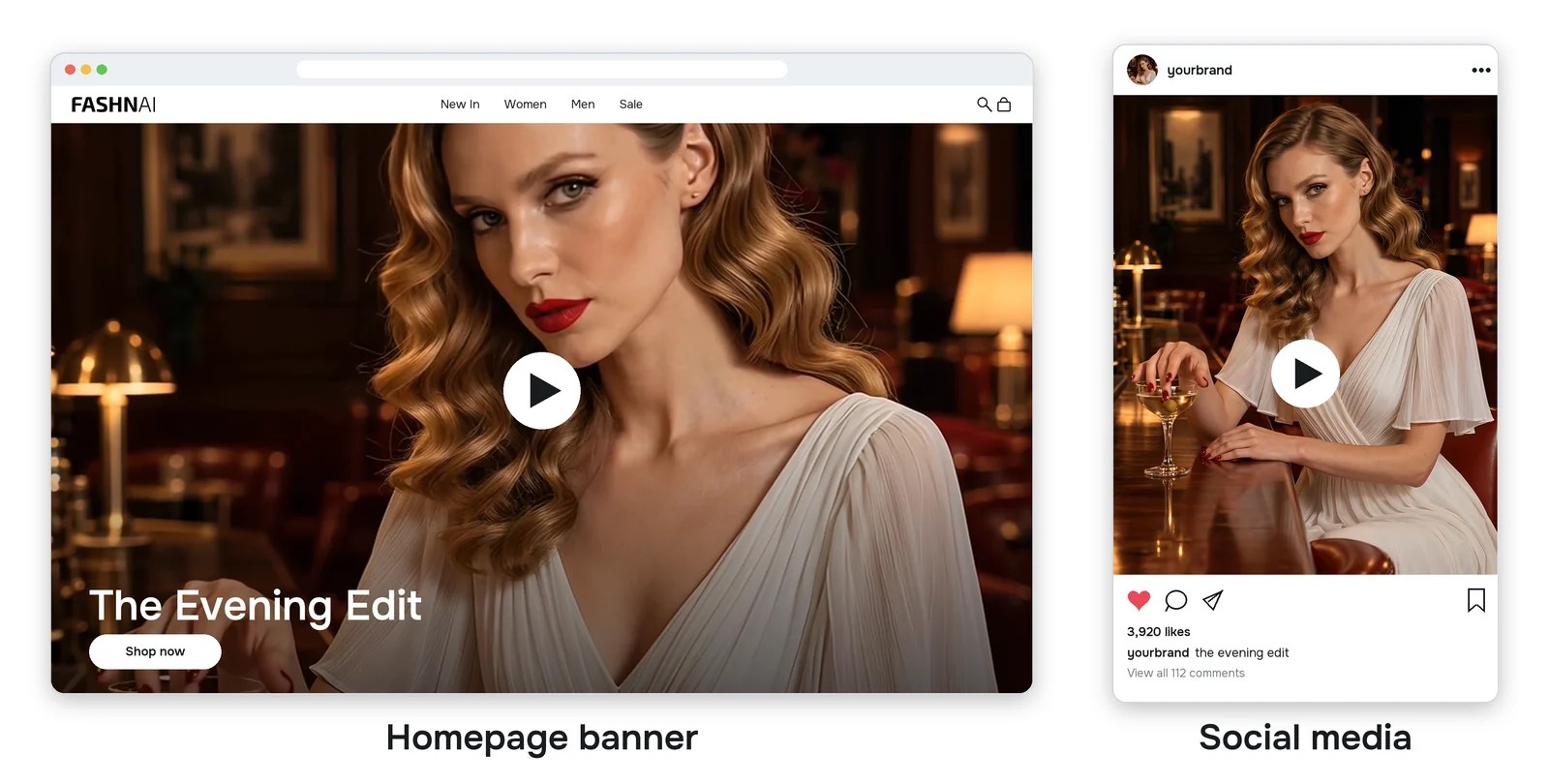
So an editorial video belongs where people first meet your brand, like your social media or the banner at the top of your homepage. That's where a video does what a photo can't, with motion, sound and a story.
The Quick Start
The fastest way to make an editorial video is with my recipe. Give the Agent one photo and it makes five scenes from it, then turns them into one video with music.
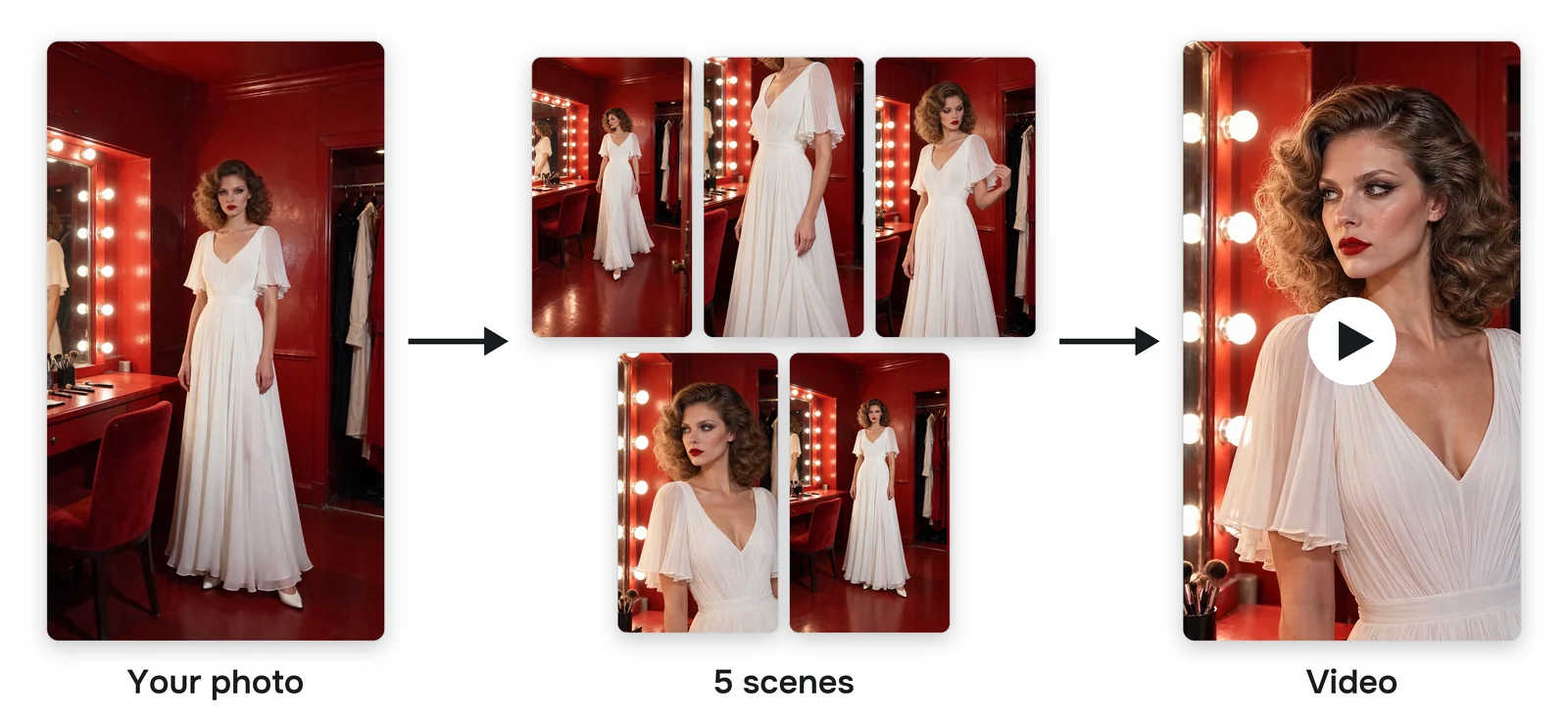
Open the recipe in the Agent. It opens with the recipe ready to go, so you just add your photo. Click the pencil on it to see the full message below.
Turn this photo into a 15 second vertical fashion film in 1080p. If the photo shows only the product, first make one starting photo of a model wearing it in a setting that suits it, and use that starting photo from here on. The model, outfit and setting stay the same as in the starting photo; only the camera angle and the model's action change. First make 5 scenes, each showing the model doing one natural thing in a different spot, not looking at the camera until the last shot:
A wide shot of the model walking (camera slowly pushes in)
A close-up of the product (camera slides sideways)
A medium shot (still camera)
A close-up of the face (camera pushes in)
A final full-length pose, looking straight into the camera (camera pulls back)
Then make one video from them in that order. Add music that fits the mood.
I wrote 11 versions of that message until I got it right. It makes the choices a director would. It changes the shot size every cut, moves the camera on some shots and not others, and saves eye contact for the very end. It works from a product photo too. If your photo shows only the product, the Agent first puts it on a model in a setting that suits it.
Direct It Yourself
The recipe is the shortcut. To direct every shot yourself, work like a real shoot by casting and styling the model, shooting the scenes and then editing them into one video.
1. The Starting Photo
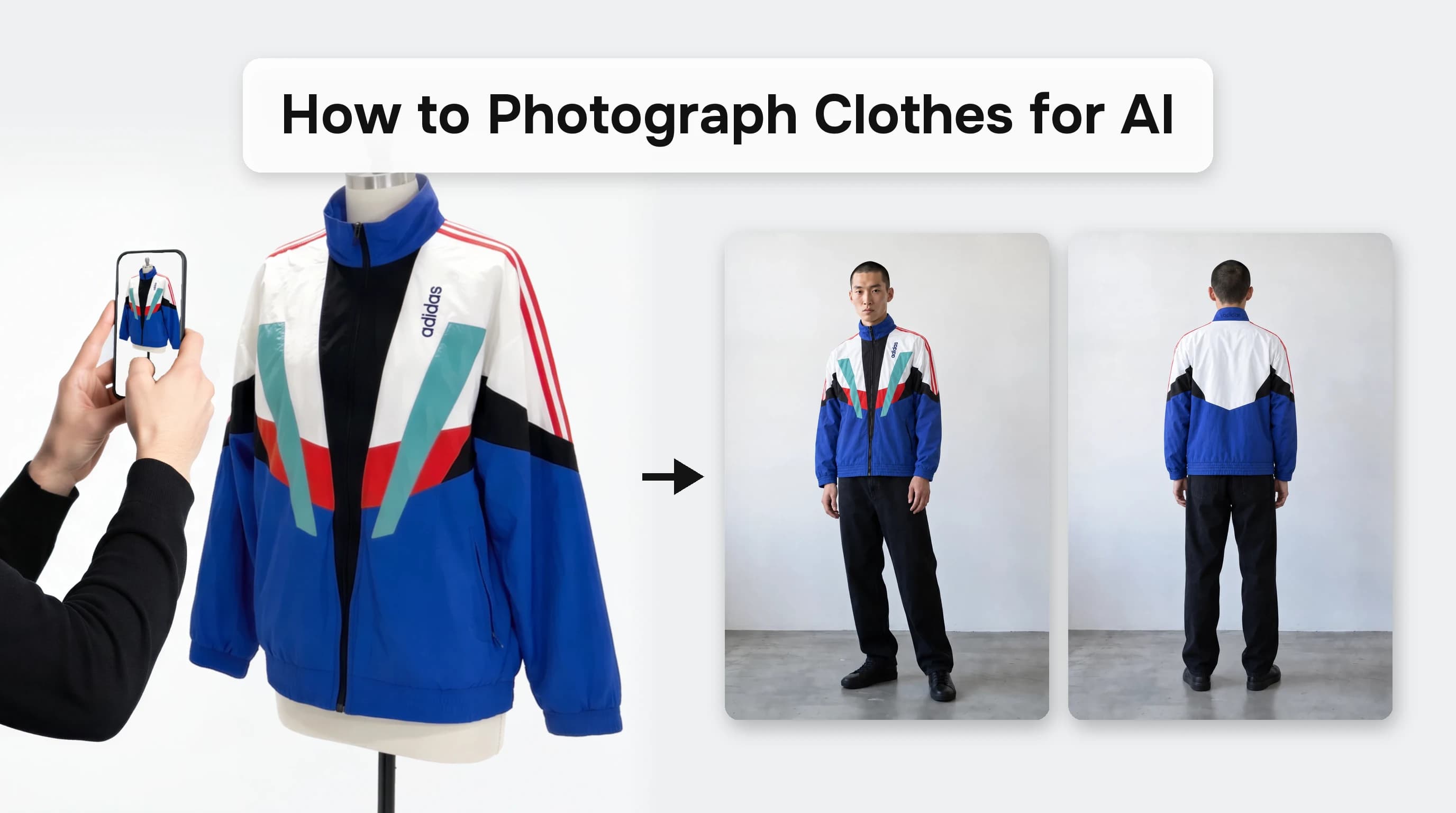
I started with my dress on a mannequin, photographed from the front and the back.
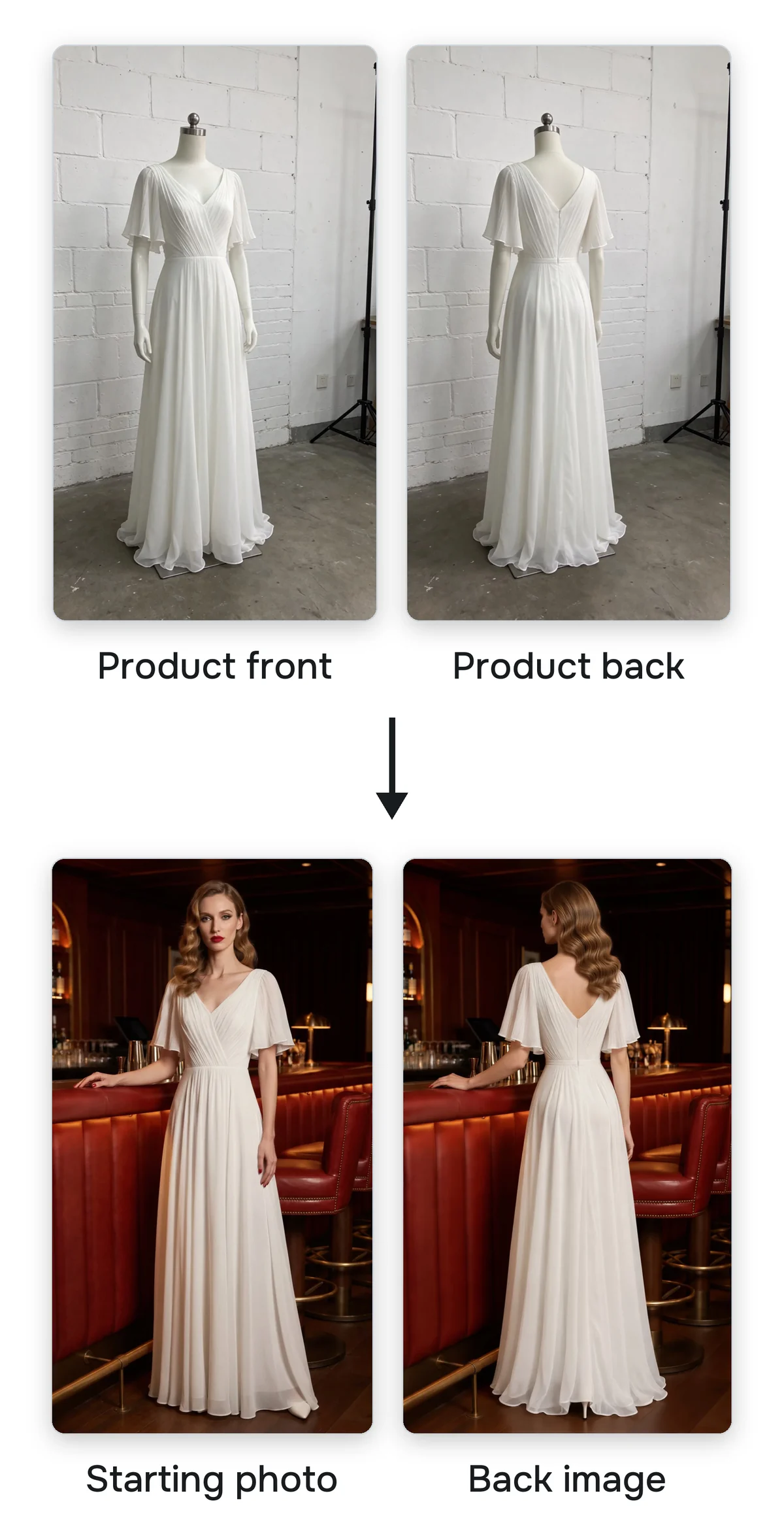
From those I made the starting photo. Every scene comes from it, so this is where you cast and style the model. You decide who she is, where she is and what the light is. I wanted an editorial model with red lips and big curls, at a bar in dim light.
Then I made a back image of her from the back of the dress. That way the shots from behind in the video match the real dress, and the AI never has to guess what the back looks like.
2. The Scenes
Next time you watch a movie, pay attention to the cuts. Almost every cut jumps to a new shot size or a new angle. That's what keeps your eye moving.
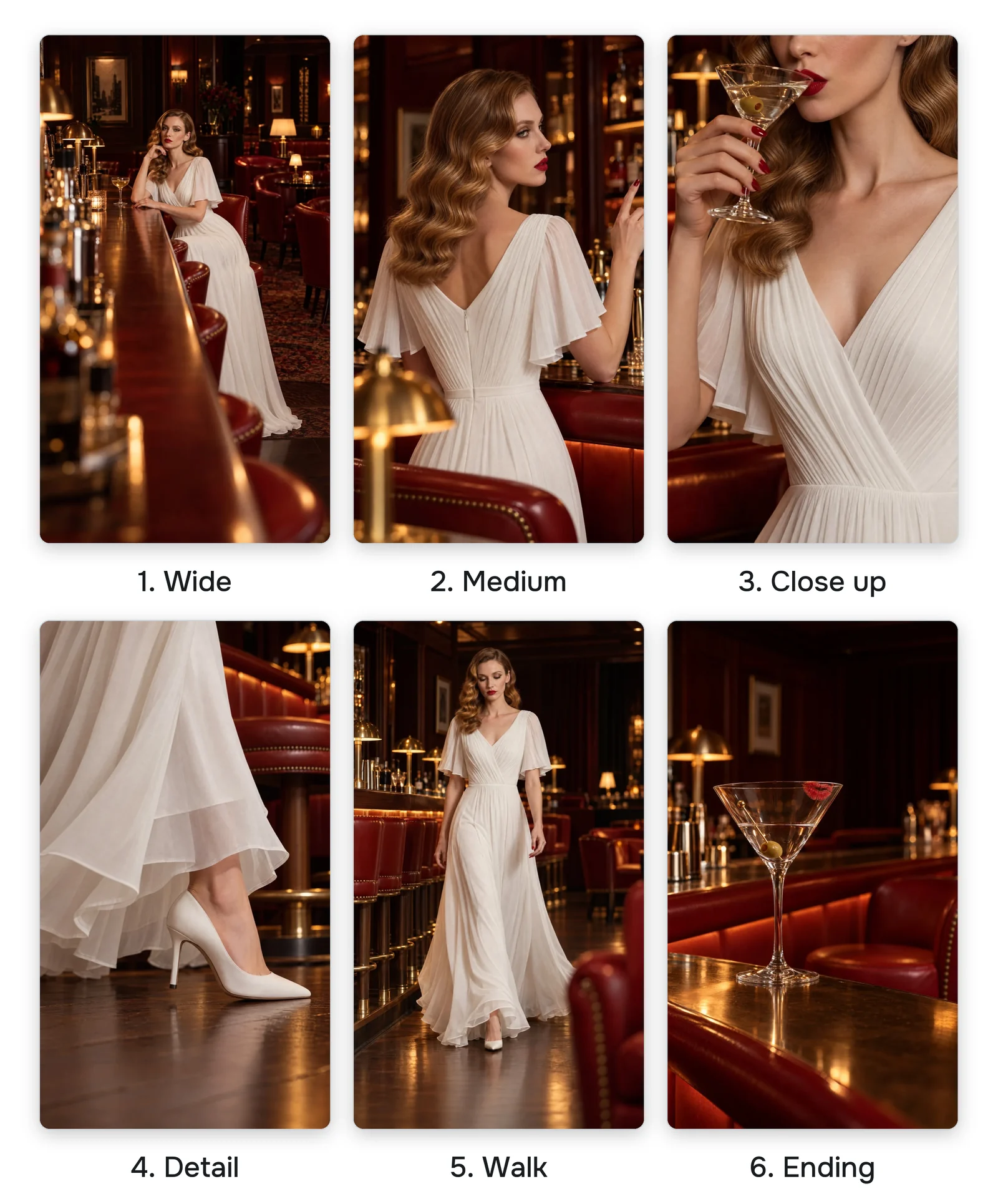
For every scene I attached the front and back starting photos so the model and the bar look the same in every shot. Then I said where the camera is and what she's doing. In the first one, the camera is at the end of the bar and she's sitting at the bar.
For the rest, mix wide, medium and close up shots from different angles. Never put two similar shots in a row. Two wide shots back to back feel like the same shot twice.
Last, give it an ending. In mine, a woman in a white dress sits alone in a bar, orders one martini and is gone before the second. All that's left is her glass. It leaves people wondering where she went and who she is.
3. The Video
Now the edit. I attached the six scenes in the order I wanted them. Then I wrote the whole video in one message, the way you'd brief an editor.
Shot 1: she sits at the bar, slowly turns her head away from the camera and runs one red nail along the rim of her glass (camera slowly pushes in)
Shot 2: she silently signals the bartender with one raised finger (still camera)
Shot 3: an extreme close-up of her red lips sipping the martini, the top edge of the frame across her nose; then the camera tilts slowly down to the pleated bodice and flutter sleeves
Shot 4: from the knees down, she walks across the wood floor with long, confident strides at natural real time speed, her white heels clicking (camera tracks sideways with her)
Shot 5: she walks toward the camera with long, confident strides at natural real time speed, her eyes on something past the camera (camera moves backward at her pace)
Shot 6: her martini glass left on the bar (still camera)
Voiceover: her low, unhurried voice with a refined upper-class English accent, like a London aristocrat. On shot 1: "In a room full of red, wear white." On shot 3: "Let the dress do the talking." On shot 5: "Say nothing," On shot 6: "and never stay for the second drink."
Music: mysterious noir jazz with brushed drums and a slow upright bass.
Here's how that message is built.
One line per shot. Each line says what she does and what the camera does. Keep it to one action per shot. 15 seconds split between six scenes is only two or three seconds each.
Some shots move and some stay still. When she walks, the camera moves with her. When the glass sits on the bar, the camera stays still. A still shot between two moving ones gives the eye a rest.
Her lines are a voiceover. She never has to speak to the camera, so the shots stay natural. I tied each line to a shot and kept the lines short. Four short lines fill 15 seconds.
The music is a mood, not a song. I described the feel and the instruments. I wanted noir jazz to make it feel mysterious.
The Agent puts the cuts, the voice and the music together into one video.
Where to Start
Start with the quick start. One photo is enough to see your product in motion. When you want a video that's only yours, direct it yourself. Mix your shots and give it an ending. That's the part people remember.
Every message from the video is in the help center guide.
Try FASHN free. If you have questions, leave a comment on the video. I read every one.
About the Author
Tony Assi is the Creative Engineer at FASHN. Before FASHN he spent years in content and marketing for fashion brands. He holds an MFA in Digital Art and New Media, where his thesis was on fashion and AI.

Written by
Tony Assi