FASHN Virtual Try-On API now available in ComfyUI
A step-by-step guide on how to integrate FASHN’s virtual try-on API into your ComfyUI workflows using our newly released node on GitHub.
 Aya Bochman1 min read
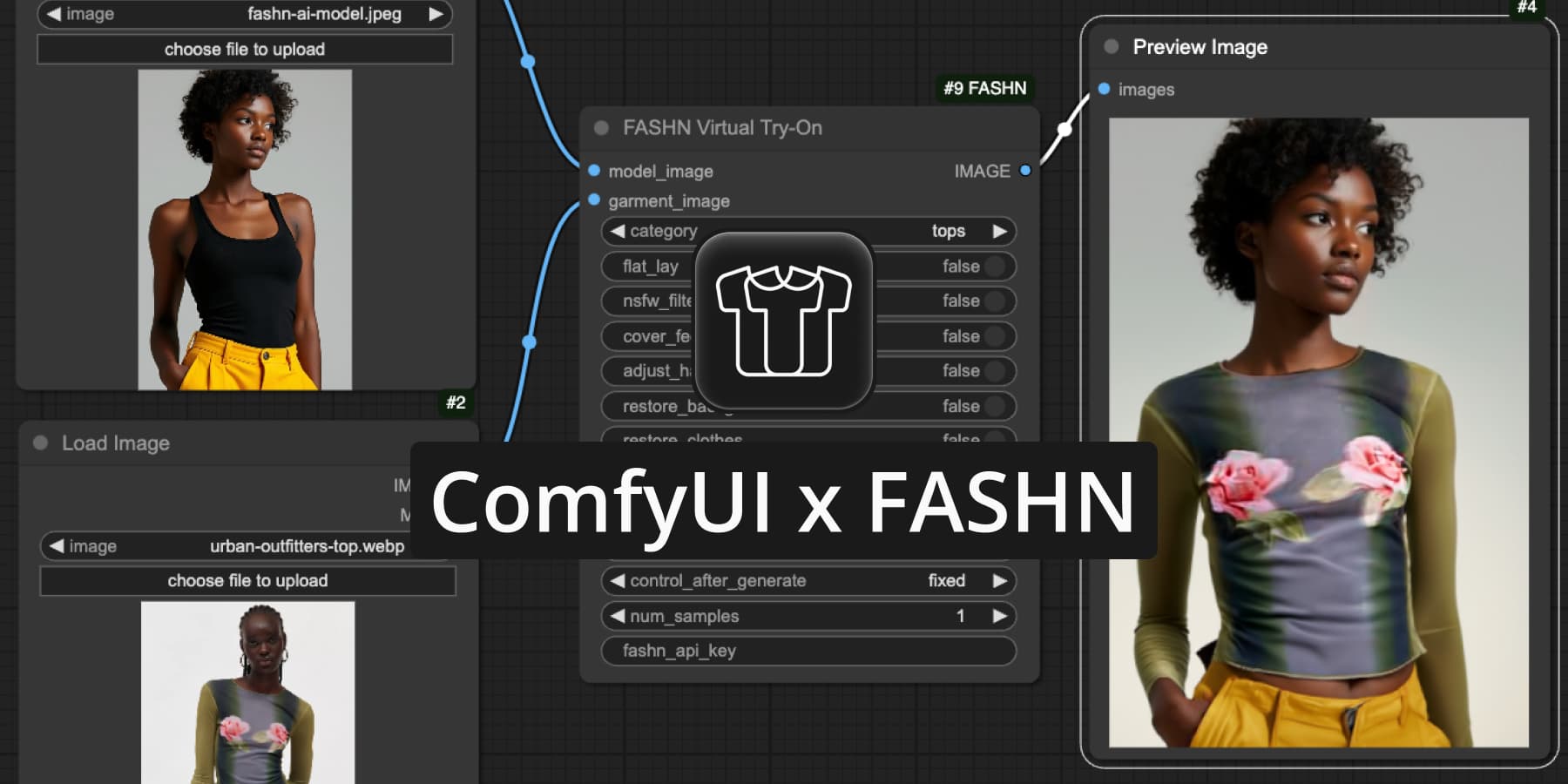
We're excited to announce that you can now access all our API features through a new, user-friendly ComfyUI node 🎉
We recognize that many of our creative users, who have developed intricate workflows in ComfyUI, prefer integrating FASHN’s virtual try-on solution directly into their existing setups. Designed for seamless integration with the ComfyUI ecosystem, we’ve listened to your feedback and created this solution to fit effortlessly into your processes.
Follow this simple guide to get started:
Sign Up to FASHN
The node requires an API key from a FASHN account. Don't have an account yet? Create an account.
If you already have an account, click on API in your navbar → + Create new API key
Setup
You can install the node in two ways:
- Via the ComfyUI Manager — Search for FASHN Virtual Try-On and click install.
- Clone the repository into your custom_nodes folder in ComfyUI:
cd custom_nodes git clone https://github.com/fashn-AI/ComfyUI-FASHN.git
Using the API Key
You can provide your API key to the node in two ways:
- [Recommended] Set the environment variable FASHN_API_KEY to the API key you created on the FASHN platform.
- Directly paste the API key into the node's fashn_api_key field.
*This is less recommended because you might accidentally expose your API key when sharing your workflow.
Quick Start
An example workflow, is provided in a workflow.json file in this repository. Alternatively, you can drag-and-drop the following image into ComfyUI:
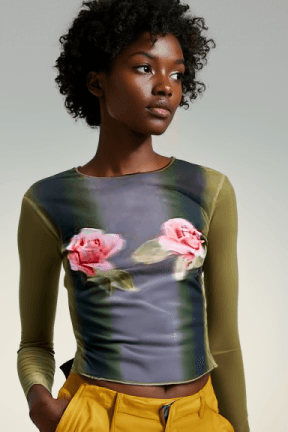
Model image - Generated in the FASHN AI platform.
Garment image - https://www.urbanoutfitters.com/shop/kimchi-blue-katie-mesh-floral-graphic-long-sleeve-tee
Helpful Guides and Documentation
To get the most out of the FASHN API, we recommend you read the following guides to better understand all node features and parameters:
- FASHN Features Guide: Part I (Model & Garment Controls)
- FASHN Features Guide: Part II (Sampling Controls)
You can also review the official API Docs for a concise summary of each of the parameters function and usage.

Written by
Aya Bochman